3-17
Instruments and controls
– CONTINUED –
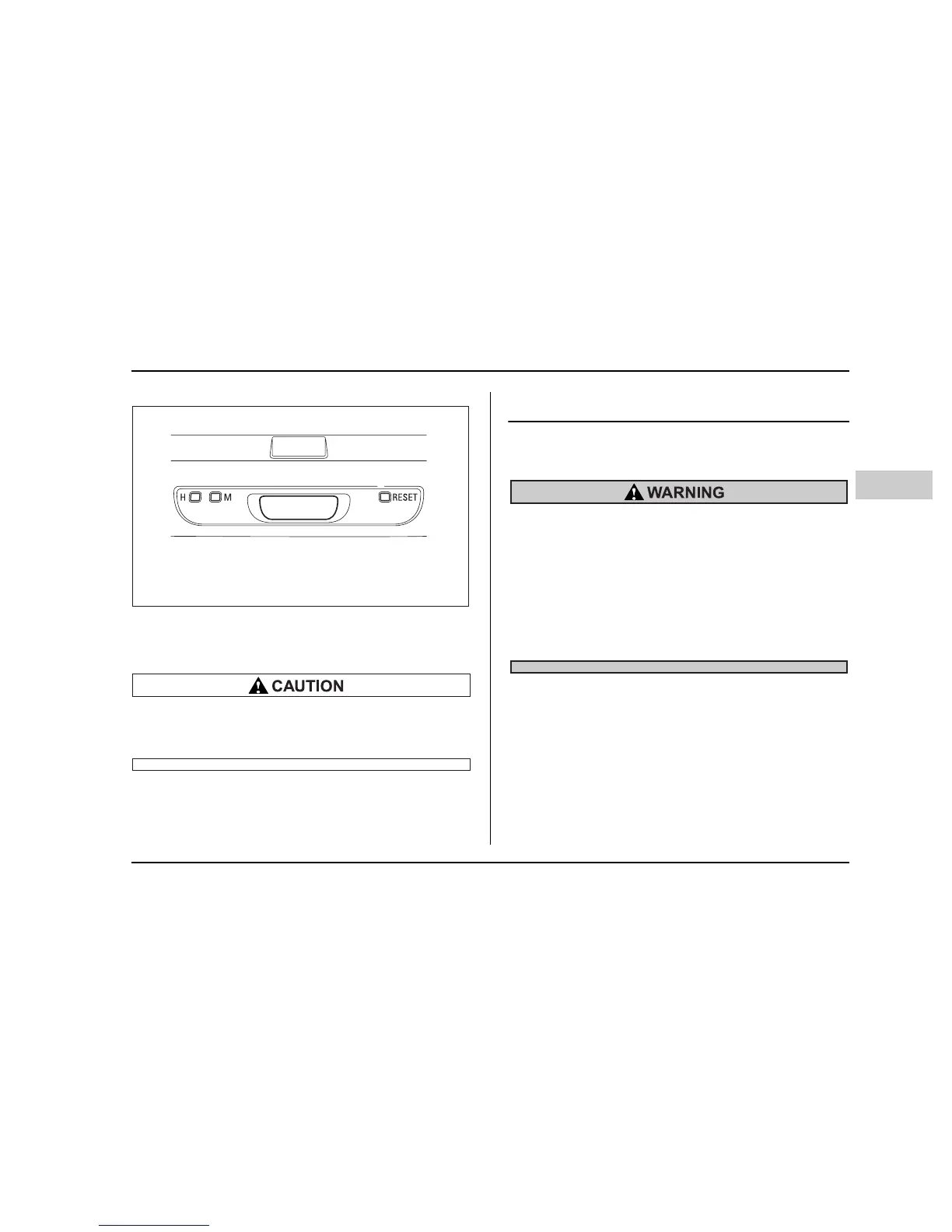
To set the hour, press the “H” button. To set the min-
utes, press the “M” button. To reset the minutes to “00”
with a radio time signal, push the “Reset” button.
To ensure safety, do not attempt to set the time
while driving, as an accident from inadequate
attention to the road could result.
Light control switch
The light switch operates only when the ignition switch
is in the “ON” position.
To prevent battery discharge resulting from ac-
cidentally leaving your lights on when your ve-
hicle is parked, the light switch operates only
when the ignition switch is in the “ON” posi-
tion. In any other position, the vehicle’s lights
will be out.
If you park your vehicle on a roadside at night,
use the hazard warning flasher to alert the other
drivers.
HS3018BA










 To Next Page