* Refer to STIS (Subaru Technical Infromation System) *** New Feature
2007 Legacy Page 54
July 2006
2007 New Model Update (916)
NOTE: SELECTION AND CONFIRMATION OF PARAMETER ONLY APPLIES TO VEHICLES
EQUIPPED WITH VEHICLE DYNAMIC CONTROL (VDC).
3. Use the USB cable to connect the SDI to the PC.
4. Turn on the vehicle’s ignition switch.
5. Double-click the SSMIII icon on the PC screen to start up the application.
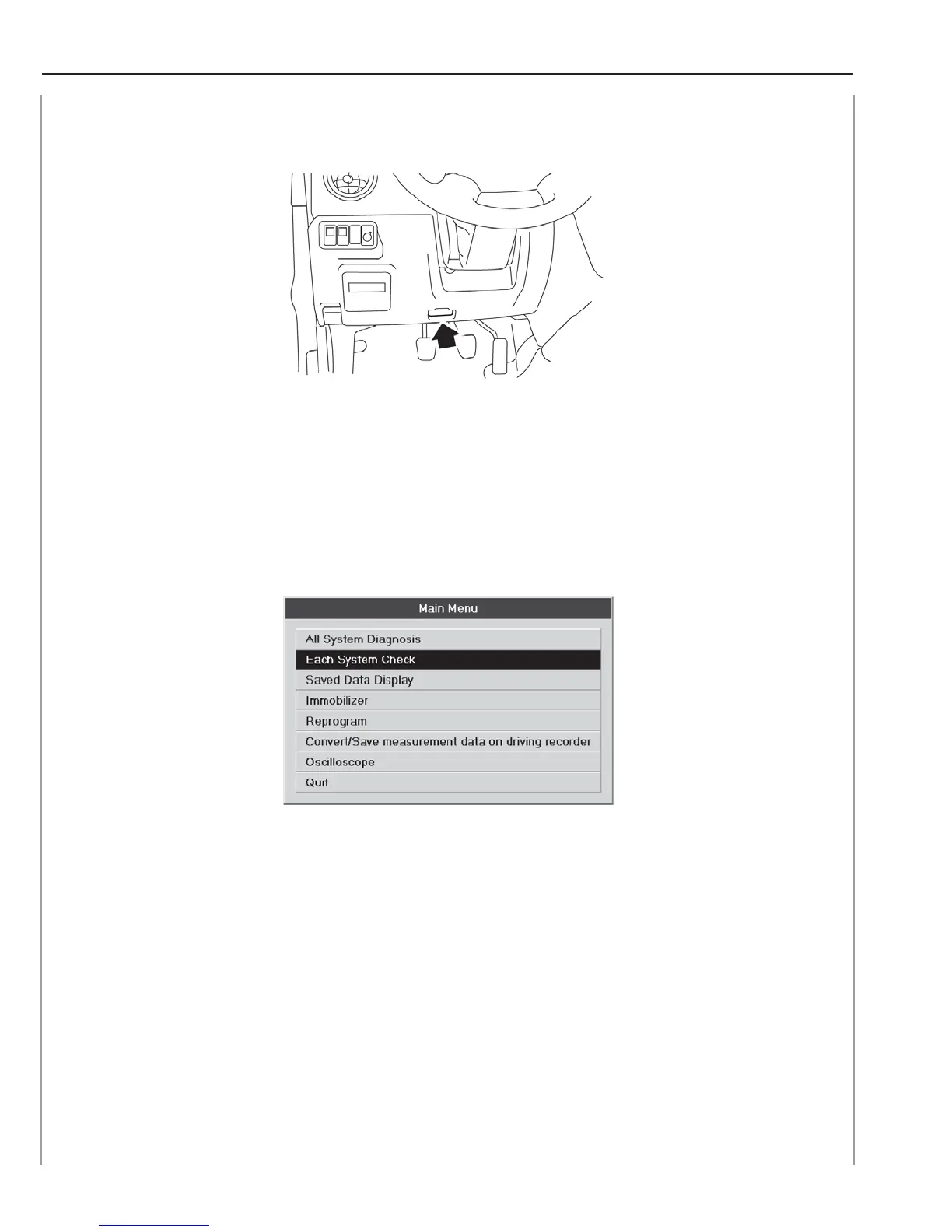
6. On the Main Menu that appears on the display, select [Each System Check] and
then press the Enter key or left-click with the mouse.
7. On the System Selection Menu, select [Brake Control System] and then press the
Enter key or left-click with the mouse.














 To Next Page