2007 New Model Update (916)
2007 Legacy Page 57
July 2006
* Refer to STIS (Subaru Technical Infromation System) *** New Feature
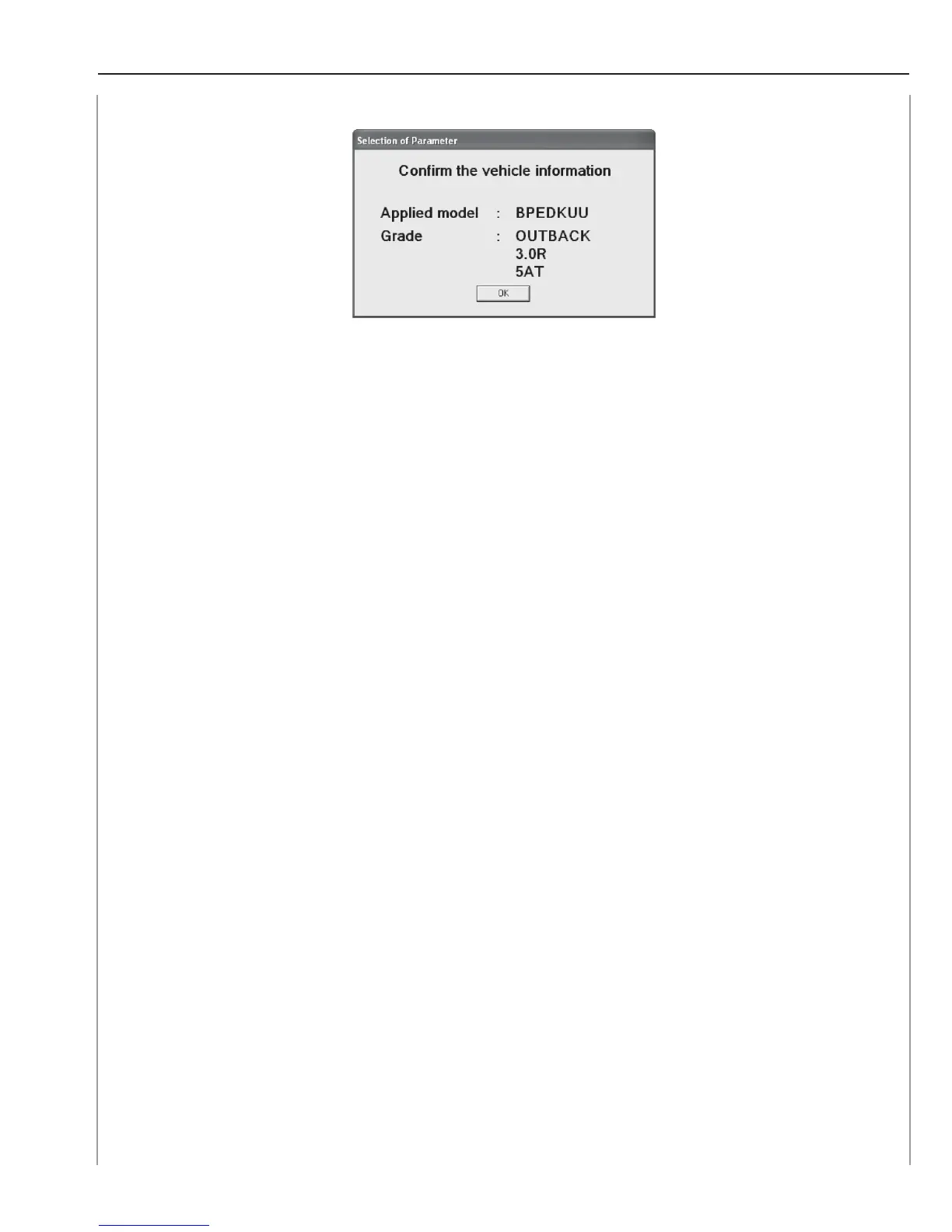
NOTE: IF THE APPLIED MODEL AND GRADE ARE DIFFERENT THAN THOSE OF THE
VEHICLE, EXECUTE THE REGISTRATION PROCEDURE AGAIN AFTER CLICKING THE
[OK] BUTTON.
Confirm on Parameter
This function allows you to confirm the parameters registered in the VDC control module.
NOTE: THIS FUNCTION CAN BE USED EVEN IF THE VDC CONTROL MODULE IS NOT A
NORMAL SPARE PART.
Confirm Procedure
1. Prepare the SDI, diagnosis cable, USB cable, and a PC with the PC application
installed.
2. Use the diagnosis cable to connect the SDI to the data link connector of the
vehicle.














 To Next Page