Black plate (212,1)
北米Model "A2470BE-A" EDITED: 2010/ 3/ 24
5-16 Audio
& Channel and category selec-
tion
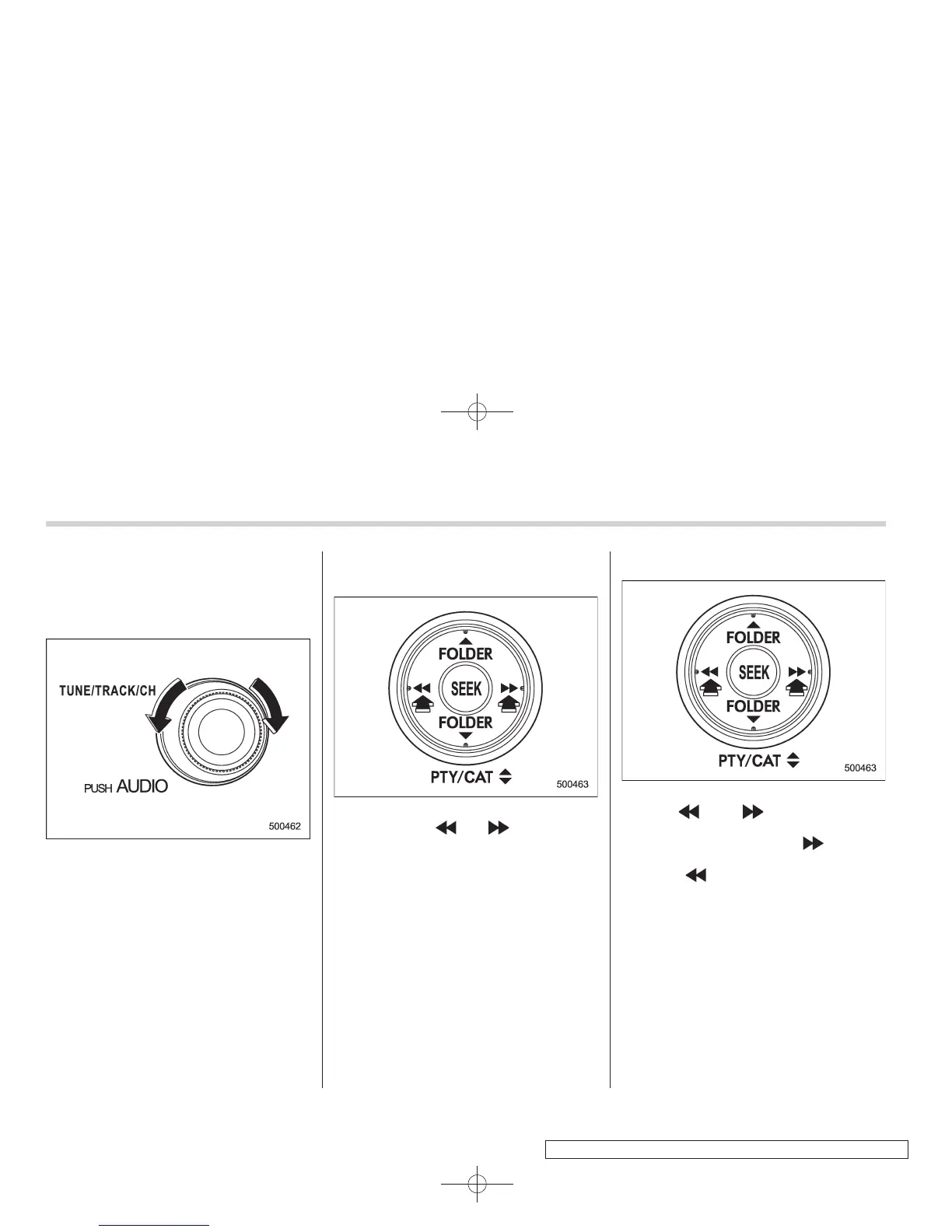
! Channel selection by operating the
dial
Turn the “TUNE/TRACK/CH” dial clock-
wise to select the next channel and turn
the “TUNE/TRACK/CH” dial counterclock-
wise to select the previous channel.
! Channel selection by pressing the
button
When in the SAT mode, briefly press the
“SEEK” button “
” or “ ” to select the
channel.
! Skip channel selection
When in the SAT mode, press the “SEEK”
button “
” or “ ” continuously to
change to the channel selection mode.
Pressing the “SEEK” button “
” changes
the channel up by 10 steps each time.
Pressing “
” changes the channel down
by 10 steps each time.















 To Next Page