Black plate (222,1)
北米Model "A2470BE-A" EDITED: 2010/ 3/ 24
5-26 Audio
NOTE
The display is designed to show titles
for up to 30 characters.
& Folder selection
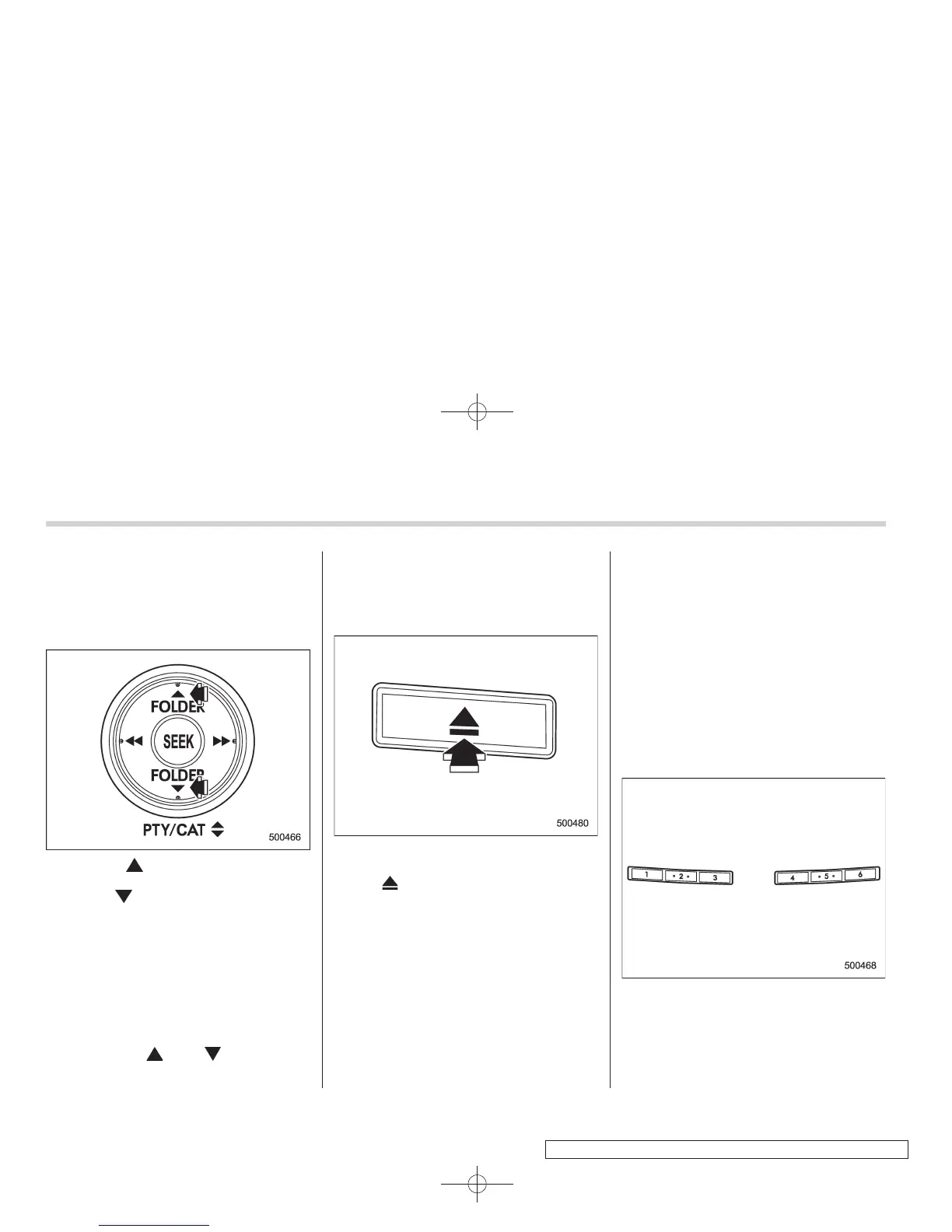
Press the “ ” side of the “FOLDER”
button briefly to select the next folder.
Press the “
” side of the button briefly to
go back to the previous folder.
NOTE
. Sel ecting folders in this way is
possible only within a single disc.
. Only MP3/WMA/AAC folders are re-
cognized when an attempt to select the
next or previous folder is made. If no
appropriate folder exists on the disc,
pressing the “
” or “ ” side of the
“FOLDER” button starts playback be-
ginning with the first track/file (track).
& How to eject a CD from the
player (type A)
When a disc is being played back or when
a disc is in the player, press the eject
button “
”. The disc will be ejected.
NOTE
. Avoid driving the vehicle with a CD
sticking out, because vibration might
make it fall out.
. If you do not remove the ejected
disc within approximately 15 seconds,
a disc protection function will operate,
automatically reloading the disc. In this
case, the disc is not played.
& How to eject CDs from the
player (type B)
NOTE
. Avoid driving the vehicle with a CD
sticking out, because vibration might
make it fall out.
. If you do not remove the ejected
disc within approximately 15 seconds,
a disc protection function will operate,
automatically reloading the disc. In this
case, the disc is not played.
! Ejecting a CD from the player
Disc select buttons
1. Use the disc select button to select the
disc to be ejected.





 To Next Page