Audio 5-23
– CONTINUED –
track/file (track); pressing it the second
time makes it go back to the previous
track/file (track).
The track/file (track) number will be shown
on the audio display.
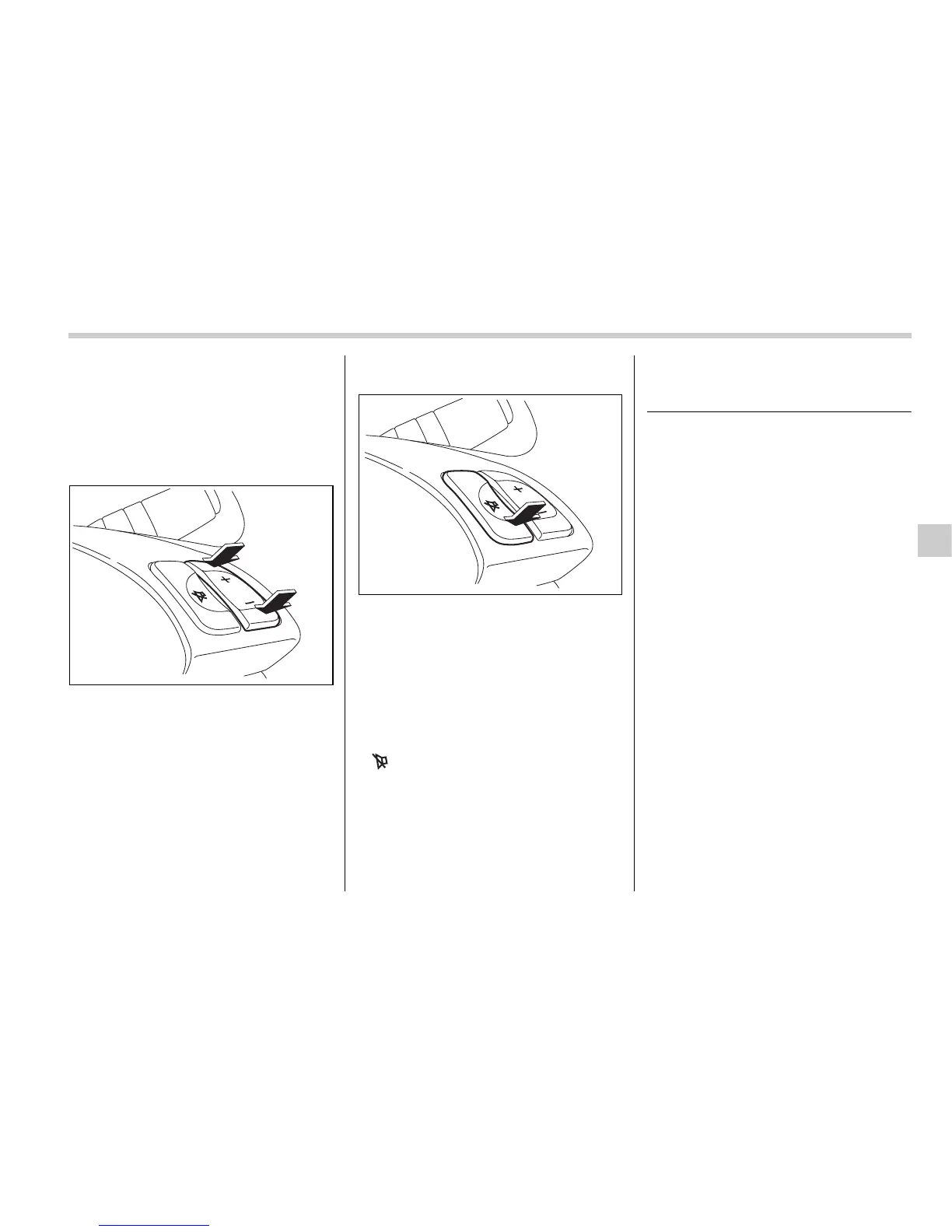
T Volume control buttons
Press the “+” button to increase the vol-
ume. Press the “–” button to reduce the
volume.
A number indicating the volume will be
shown on the audio display.
T MUTE button
Press this button if you wish to immediate-
ly cut the volume to zero.
The audio display will show “MUTE”.
If you press the button again, the original
sound volume will return and “MUTE”
goes off.
NOTE
If your vehicle is equipped with a navi-
gation system, the display will show
“”.
Precautions to observe when
handling a compact disc
Use only compact discs (CDs, CD-Rs and
CD-RWs) that have the mark shown in the
following illustration. Also, some compact
discs cannot be played.
500211
500212










 To Next Page