9.15 MOTA cannot be performed
(1) Probable Cause
ͻ CCU abnormality
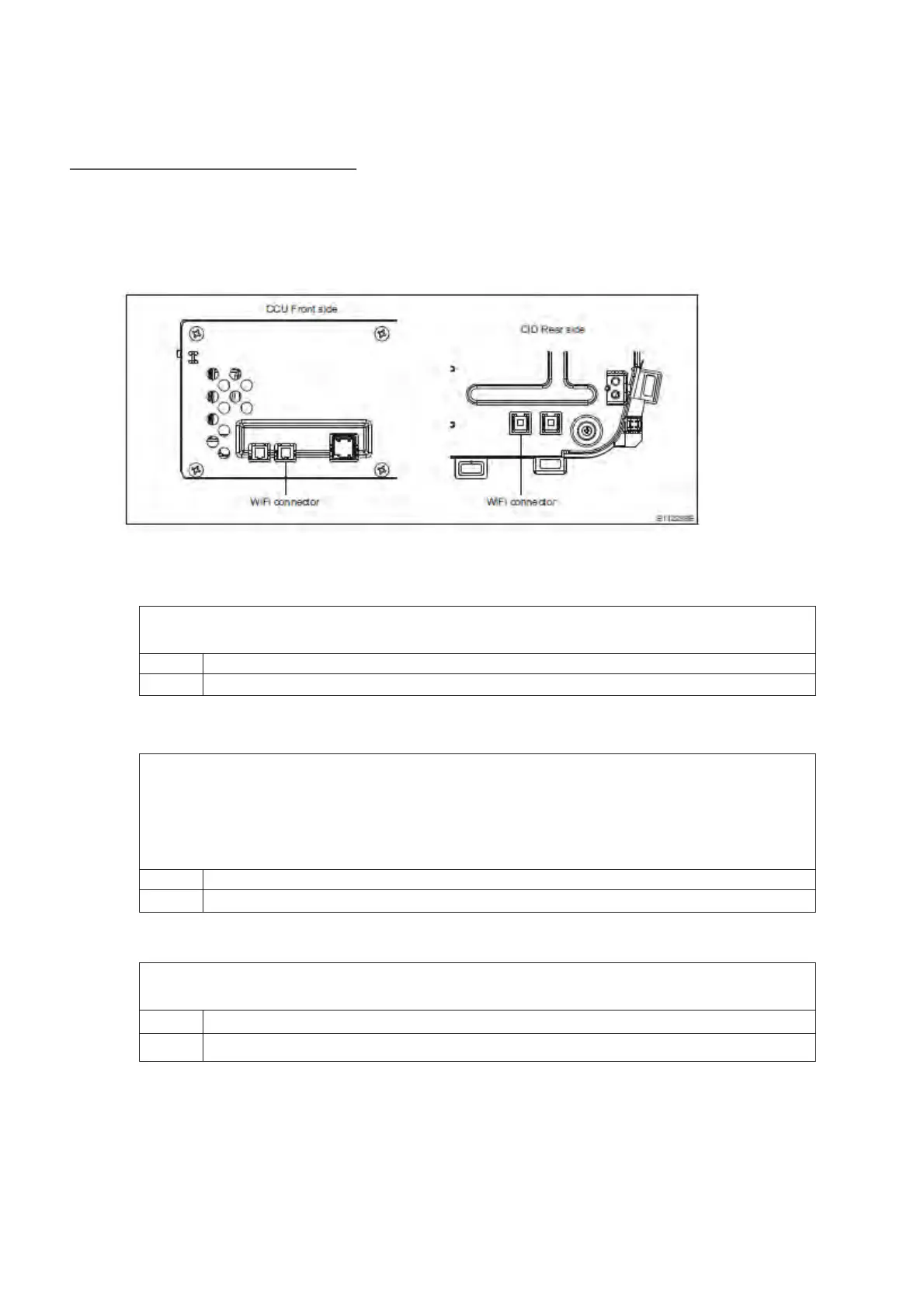
(2) Wiring Diagram/Connector Diagram
(3)Diagnostic Procedure
1. Check the DTC
ͻ Confirm whether the following DTC have been detected
B2249: Bluetooth Module
No Proceed to step 2
Yes If these DTC are detected, proceed to the countermeasure for each DTC
2. Check of power supply and wiring harness
ͻ Turn the A/C off, open the door, and then close the door. Then, wait 3 minutes or
more, and turn the ACC and ignition.
* : After installation, it is necessary to put the CCU into CAN sleep mode until the
new software is reflected.
ͻ Confirm that the software is updated.
No Proceed to step 3.
Yes Nothing abnormal
3. Confirmation of Details of Malfunction Occurrence
ͻ Check that the Wi-Fi is connected. Is the Wi-Fi icon displayed on the upper right of
the CID screen?
No Proceed to "Wi-Fi cannot be connected"
Yes Proceed to the next step


 To Next Page
 Loading...