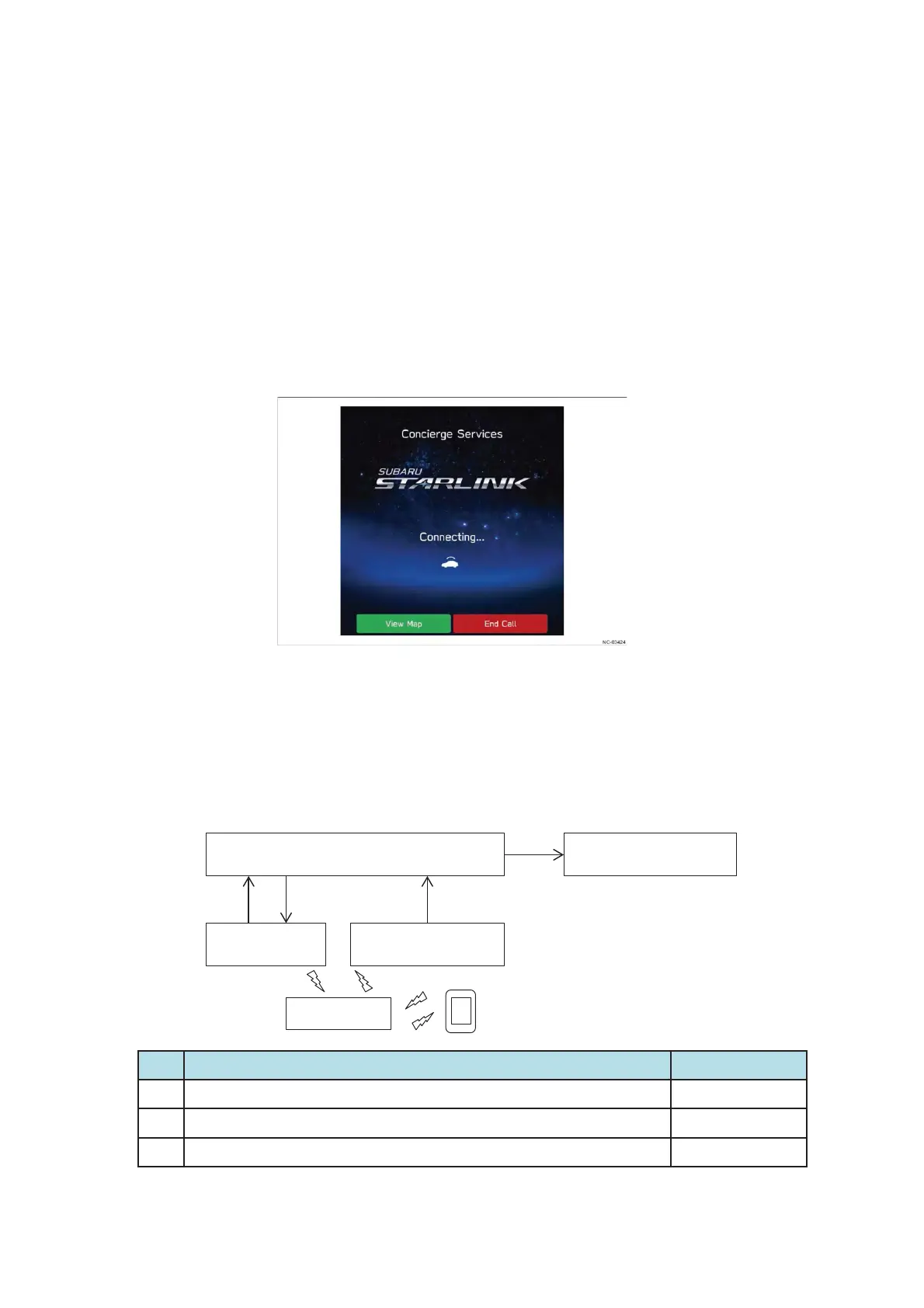
1) SUBARU Concierge
This function enables the user to telephone the call center and select the location where they
want to go (the destination) through the communication with the operator, and then have the
destination set in the navigation system.
Once the destination is decided, the operator sends the destination information to the vehicle,
and the destination is automatically set up in the onboard navigation system. This allows the
user to safely set a destination while driving.
With the concierge service, the user briefly presses the iCall switch and then selects the
concierge service option on the navigation system or audio H/U screen.
In addition, the service can be started from the audio H/U screen, without any need to press
the iCall switch.
2) Destination to Vehicle(to Navi or Text depends on the vehicle type)
With this function, destination information can be sent from a dedicated mobile app on a
smartphone to the vehicle, where it is set as the destination on the onboard navigation system.
The user can set the destination via the app before getting into the vehicle, then immediately
head for the destination as soon as they get into the vehicle.
No.
ไᚚෆᐜ ᑐᛂ䝴䝙䝑䝖
1 Destination setting information is output from the server to DCM (antenna) Server
2 Destination setting information is output from the server to DCM (antenna) DCM
3 The result is sent to the server DCM
DCM Navigation CM
Main antenna
(roof)
Sub antenna
(Instrument Panel)
Server
Smartphone
2
1 3 1


 To Next Page
 Loading...