EasyManua.ls Logo

Subaru XV Crosstrek 2015 - User Manual

Subaru XV Crosstrek 2015
604 pages
Print Icon
To Next Page IconTo Next Page
Loading...
A1210BE-A
Issued August 2014
Printed in USA 09/14
2015A
MSA5M1517A
2015 XV Crosstrek Owner’s Manual
2015
XV Crosstrek
Owner’s Manual
FUJI HEAVY INDUSTRIES LTD.
TOKYO, JAPAN
Subaru of America, Inc., Subaru Plaza,
P.O. Box 6000, Cherry Hill, NJ 08034-6000
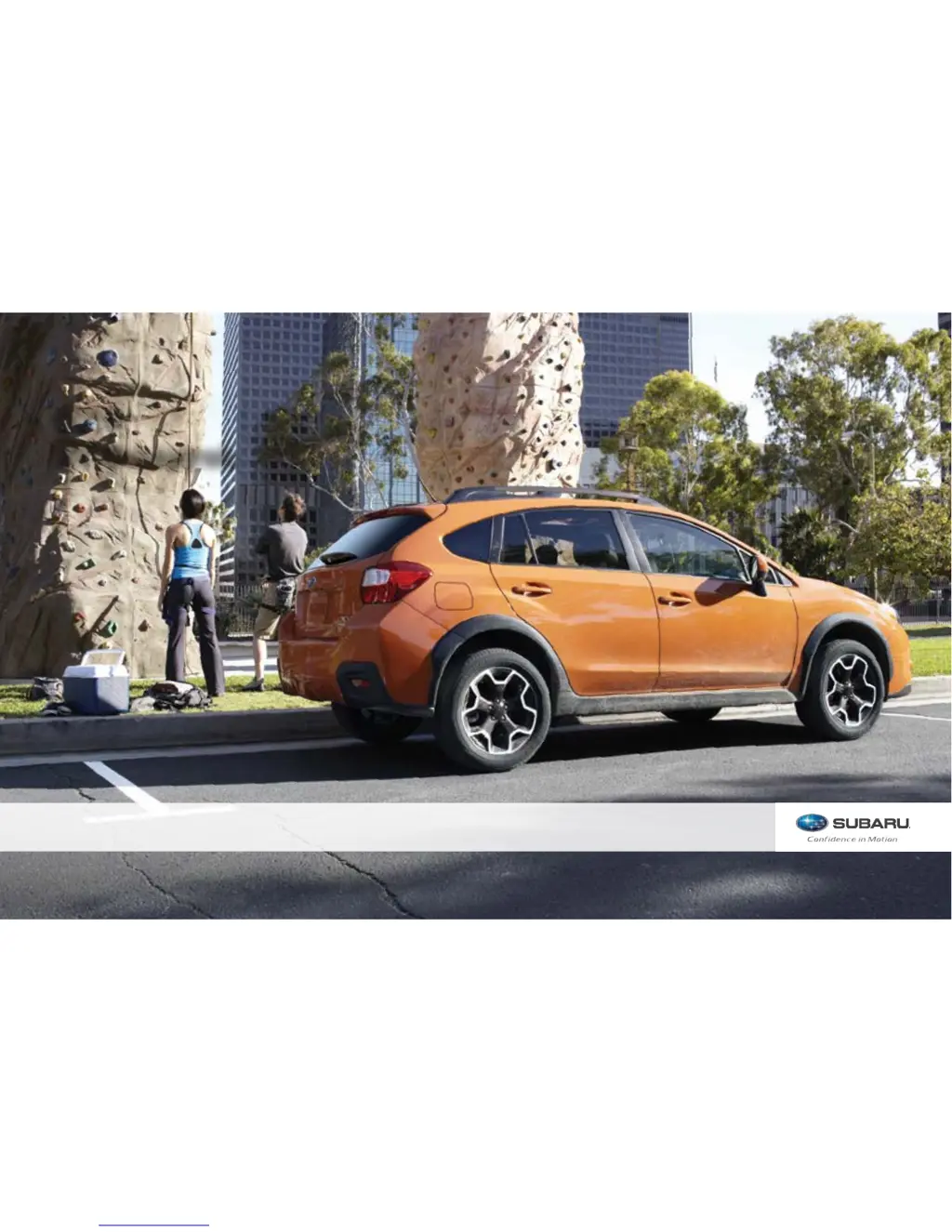
Vehicles shown on the cover of this booklet
may not be available in all markets. Please
see your Subaru dealer for a Product Brochure
detailing all currently available models.

Table of Contents

Questions and Answers

  • E
    Ethan ThompsonJul 26, 2025
    What to do if the symptom status does not change in my Subaru XV Crosstrek 2015 Automobile?
    • T
      Terry RobertsonJul 27, 2025
      If the symptom status in your Subaru Automobile isn't changing, here are a few things to try: * Ensure your cellular phone is close enough to the system. * Turn your cellular phone off, remove and reinstall the battery, and restart it. * Enable the Bluetooth connection on your cellular phone. * Stop the cellular phone’s security software and close all applications. * Before using an application installed on the cellular phone, carefully check its source and how its operation might affect this system.
  • A
    Angela CarterAug 5, 2025
    Why does the symptom status not change in my Subaru XV Crosstrek 2015 Automobile?
    • C
      Chase MartinAug 6, 2025
      The symptom status in your Subaru Automobile might not change because: 1. The cellular phone is not close enough to this system. Bring the cellular phone closer to this system. 2. The cellular phone is the most likely cause of the symptom. Turn the cellular phone off, remove and reinstall the battery pack, and then restart the cellular phone.
  • C
    Christopher PrestonAug 16, 2025
    How to fix a Subaru XV Crosstrek 2015 Automobile when the symptom status does not change?
    • V
      Vanessa CastilloAug 16, 2025
      If the symptom status in your Subaru Automobile is not changing, try these steps: * Bring the cellular phone closer to this system. * Turn the cellular phone off, remove and reinstall the battery pack, and then restart the cellular phone. * Enable the cellular phone’s Bluetooth connection. * Stop the cellular phone’s security software and close all applications. * Before using an application installed on the cellular phone, carefully check its source and how its operation might affect this system.

Subaru XV Crosstrek 2015 Specifications

General IconGeneral
BrandSubaru
ModelXV Crosstrek 2015
CategoryAutomobile
LanguageEnglish

Related product manuals