8
Setting the Temperature Control
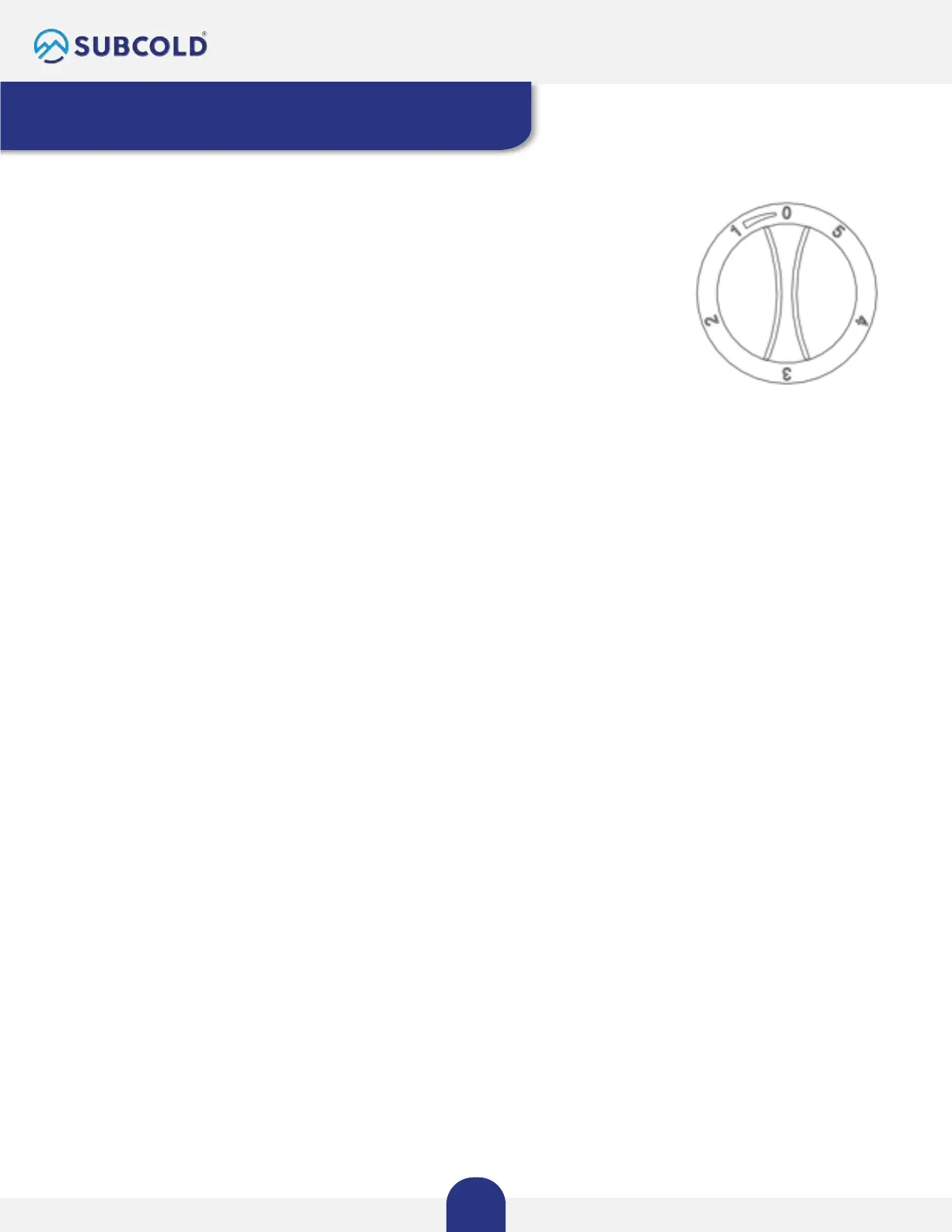
The refrigerator's temperature can be manually adjusted using the control
dial. A higher number on the thermostat corresponds to a colder inside
temperature.
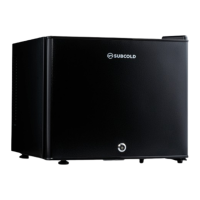
Your unit features a single control dial for regulating the temperature in the
compartment. You'll find the temperature control dial at the lower right side
of the compartment.
For the initial use, set the temperature dial to 5, and after 24 hours, you can
adjust it to suit your needs. "3" and "4" are recommended settings for home
or office use.
To switch off the appliance, turn the dial to "0."
Temperature range for your reference: 3~18°C.
Note
Turning the dial to "0" stops the cooling cycle but does not disconnect the unit's power.
If the unit is unplugged or turned off, wait for 3 to 5 minutes before restarting to avoid the unit
malfunctioning.



 To Next Page