Variable Vehicle Output:
Be aware that the voltage output can vary from vehicle to vehicle. If the display shows an 'E1' error,
it indicates a mismatch or issue with the voltage.
Adjusng Voltage Levels: Should this occur, you can reduce the voltage seng by one level— for
example, from High (H) to Medium (M), or from Low/Medium (L/M) to Low (L).
Charging Capabilies:
The fridge is equipped with USB and Type-C ports (5V2.1A), suitable for charging mobile phones and
other electronic devices. Ensure these ports are covered with the provided rubber cover when not in
use to protect against dust and moisture.
Bluetooth Connecvity
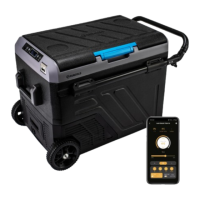
The Trek 50 comes with Bluetooth smart technology for easy control.
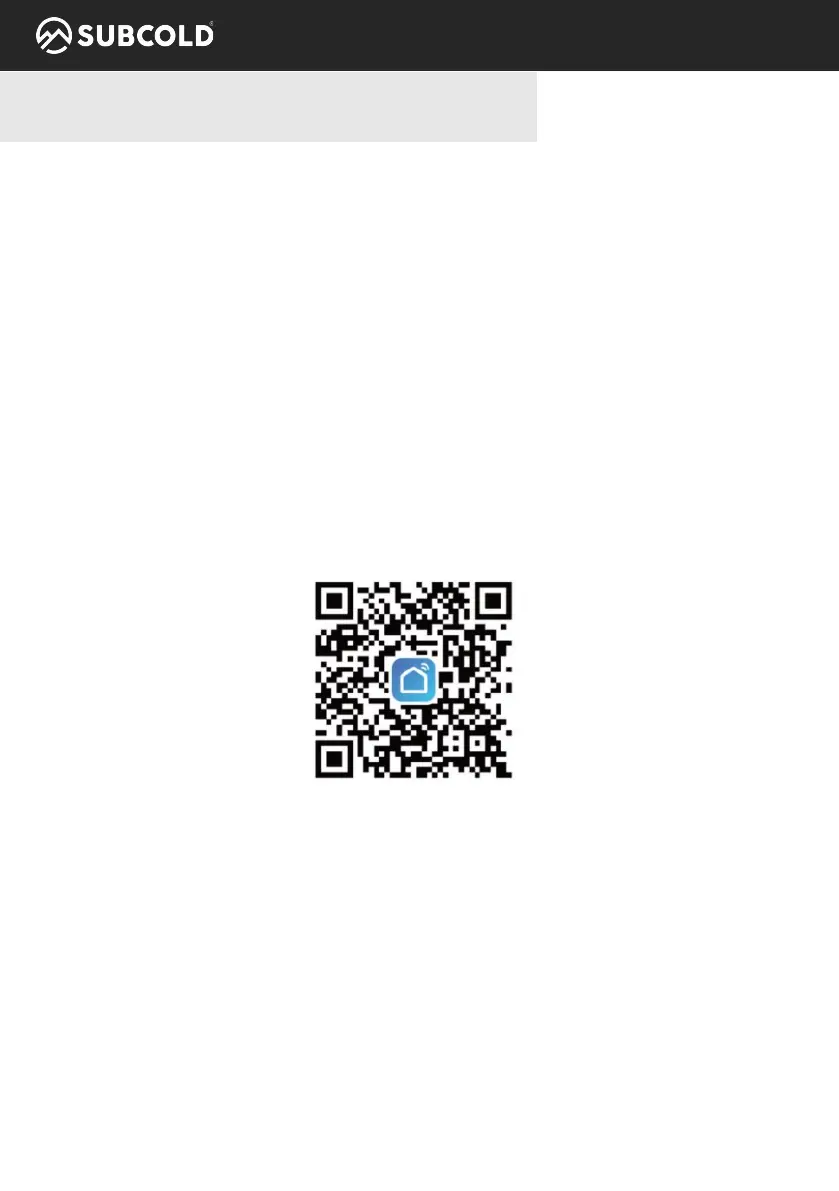
To control the fridge via Bluetooth, download the Smart Life app from the App Store or Google Play
Store, or scan the QR code with your smartphone.
• Reseng Bluetooth Connecon: Simultaneously press the ON/OFF and SET buons for 1-3 sec-
onds.
Steps to Connect:
• Download and Install the App: Get the Smart Life app from the app store and install it on your
device.
• Power Connecon: Plug in the fridge using the DC or AC power cord and switch it on.
• Enable Bluetooth: Acvate Bluetooth on your phone. App Setup:
• Open the app and accept the user agreement/privacy statement.
• Follow the instrucons to create an account. Aer signing up, the screen will display
'Discovering devices'.
• Click ‘Add’ to connect the fridge. The device icon will then appear on the next interface.
Operang Instrucons & Control Panel
V1 8


 To Next Page