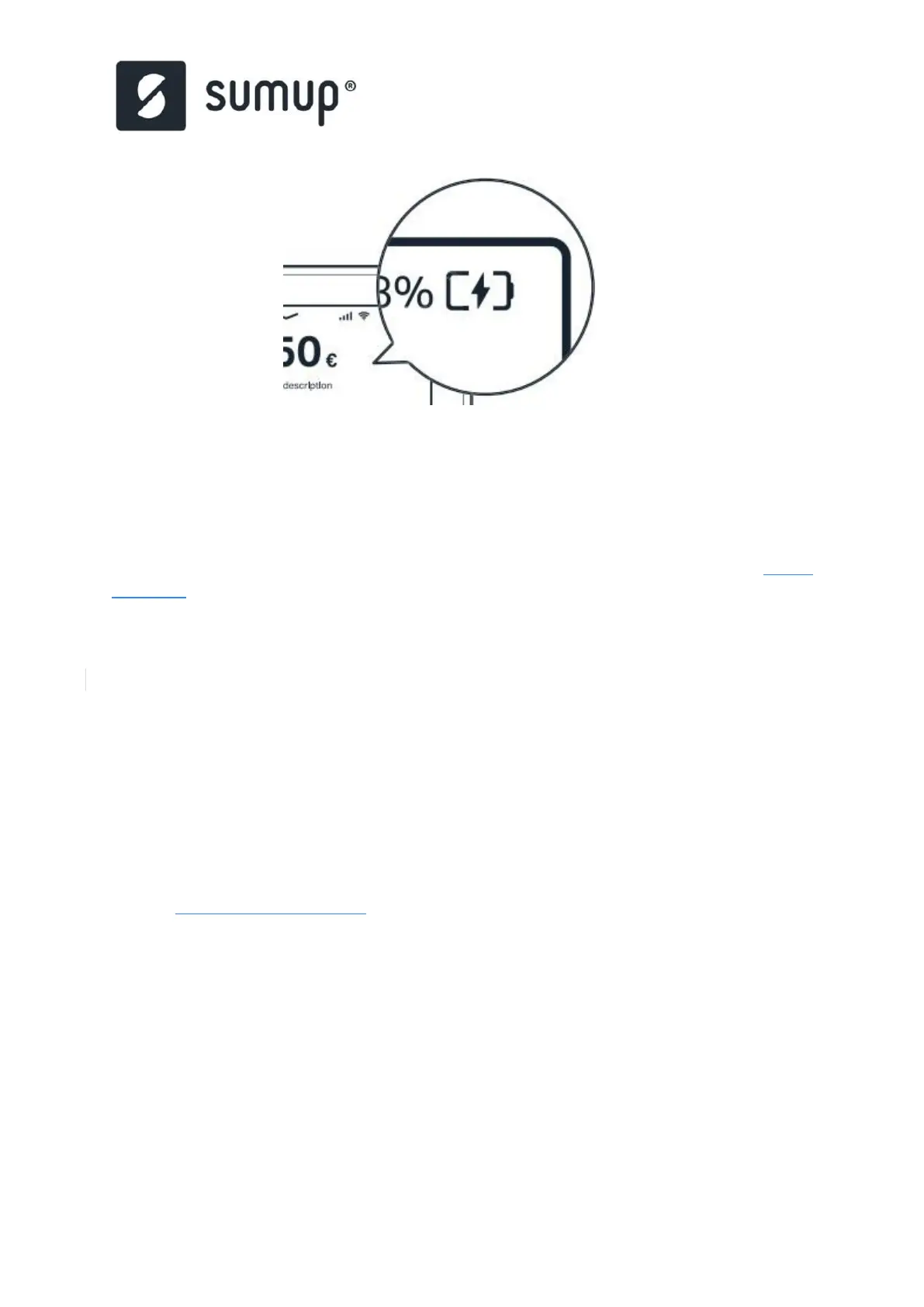
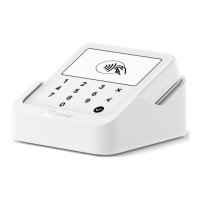
In both cases the symbol charging should be on
4.2 SumUp Solo: How to connect
Your SumUp Solo Card Reader needs either Wi-Fi or a mobile network connection to accept
payments. Check out this guide to get connected and learn how to solve a few common
connectivity issues.
4.2.1 How to connect to WiFi
1. Tap
or
drag
down
the
arrow
at
the
top
of
your
Solo’s
screen
and
choose
“Connections”.
2. Ensure the Wi-Fi On/Off toggle is set to “On” and your Solo will scan for Wifi networks.
3. Select the network you’d like to connect to and enter the Wi-Fi password.
4. Tap “Done” to confirm and your Solo will connect to your chosen Wi-Fi network.
4.2.2 Connect by mobile network
Your Solo's integrated SIM comes with unlimited data and never needs to be topped up, so
you can start accepting payments with your Solo even without a Wi-Fi connection.
4.2.3 SIM card issues
If you can’t connect to a mobile network or your connection is weak, try the following:
•
Reset your Wi-Fi. Access the "Connections" screen then turn your Solo's Wi-Fi off and
on again.
•
Restart the device. Hold the power button for a couple of seconds until the option to
shut down appears, then tap “Shut down”. Wait a few seconds and then power your
device back on.


 To Next Page