Chapter 2 Disk Drive, Air Management Sled, and Tabletop Cover FRUs 2-11
2.2 Installing an Air Management Sled
An air management sled looks identical to the disk drive module; however, it is an
empty box and is used to maintain optimum airflow in a chassis.
If you remove a disk drive and do not replace it, you can insert an air management
sled to maintain the optimum airflow inside the chassis. You can install the air
management sled by using the same procedure as “Installing a New Disk Drive” on
page 2-5.
2.3 Adding or Removing the Tabletop Cover
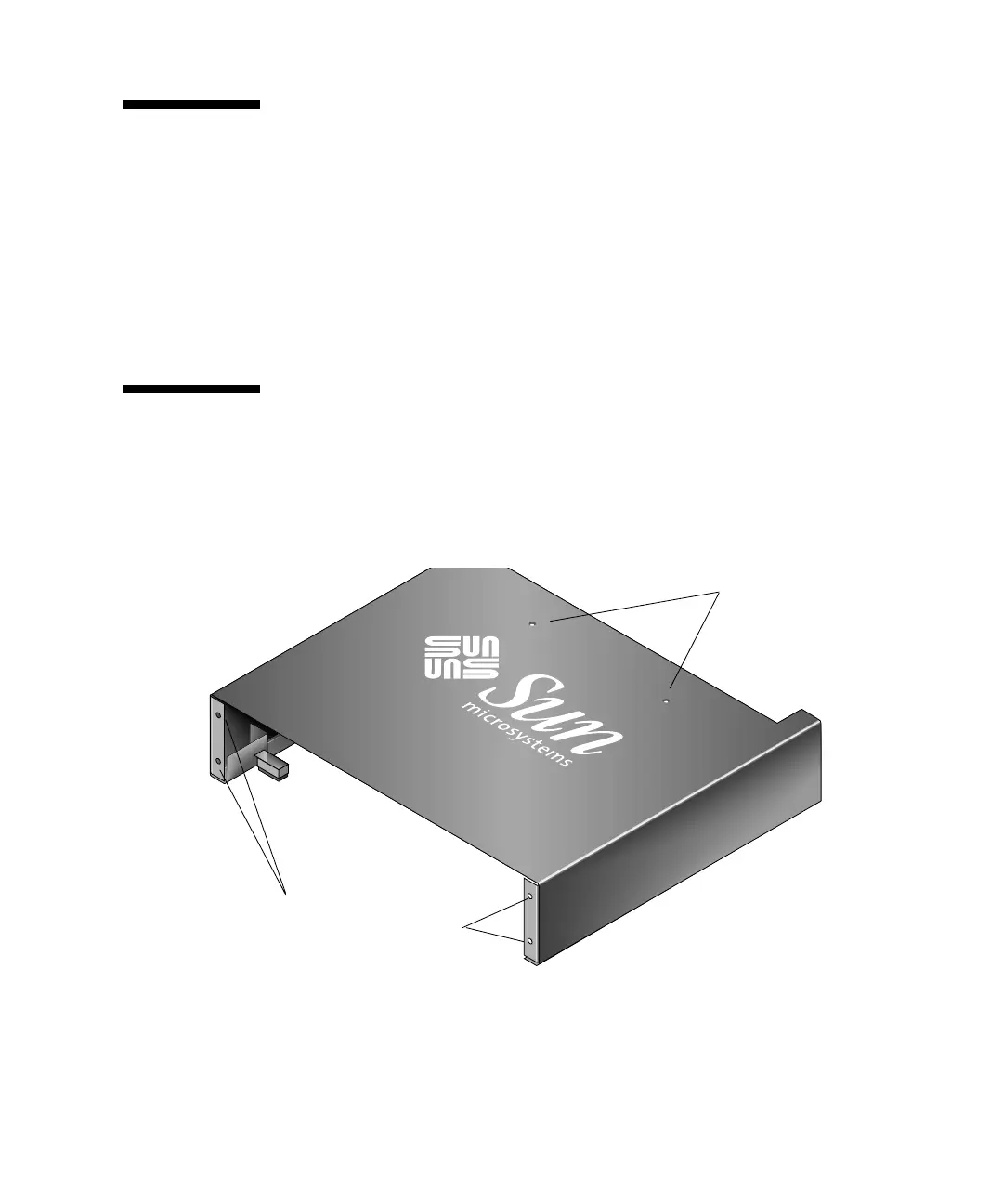
You can make a rack-ready array into a tabletop array or make a tabletop array into
a rack-ready array. These procedures require attaching or removing a tabletop cover,
also known as a tabletop skin. See
FIGURE 2-3.
FIGURE 2-3 Tabletop Cover
Screw holes in the top center position
Holes to attach to chassis ears
(Front view of tabletop cover)



 To Next Page
 Loading...




