Document No. 8128000560
Software Revision – N1B (07 Oct 04)
7-44
RT-9000 B
If you wish to continue clearing ALL RT-9000 B Pre-set Channels, proceed as follows. Using the appropriate
keys in the Numeric and Function Keypads, key in the following three (3) keystroke sequence:
As each character of the sequence is keyed in, it will appear in the Operational Display. After the last
character has been entered, a ‘WRITING CHAN XXX’ message will appear. While this message is displaying,
there will be a rapid counting from 000 to 127 in the XXX portion of the message. The message will clear
automatically. After it clears, all Pre-set Channels will now be cleared.
NOTE: The User is strongly advised to become fully familiar with this “Clearing“
function and its effect before using. Once activated, its action is
permanent and cannot be reversed. If used mistakenly, substantial time
may be required to re-enter deleted settings.
7.3.3.7.2 ALE Identity Clearing
To clear ALL
RT-9000 B ALE Identity information, depress the main menu ‘MORE’ key at 1 until Feature
Menu Display shown in Figure 7.3.3.10 appears.
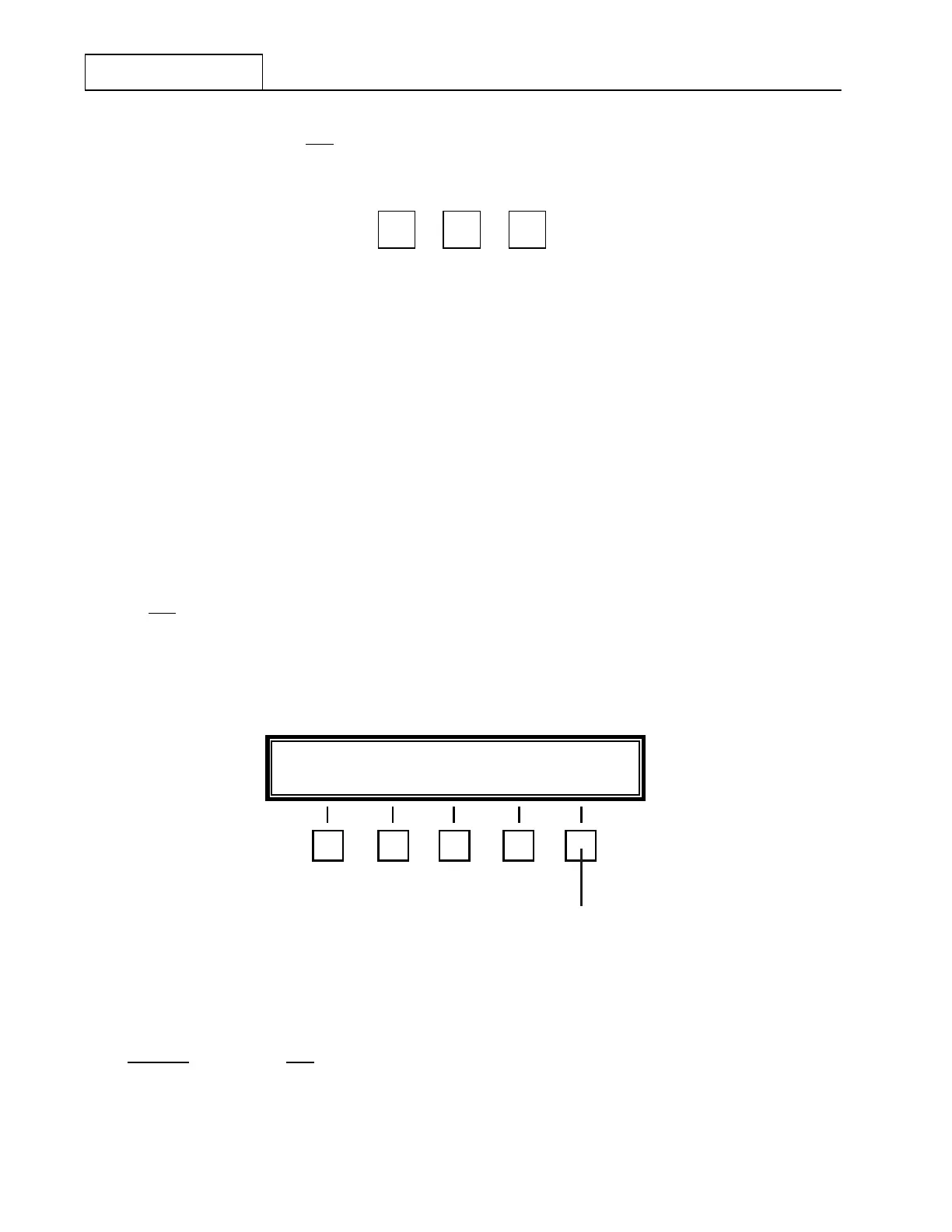
Depress the Clear ALE (‘CLR ALE’) key at 7 . The Operational Display at 3 will blank and the Feature
Menu Display will change to that shown in Figure 7.3.3.12.
Figure 7.3.3.12 ALE Identity Clearing Feature Menu
If you DO NOT
wish to clear ALL RT-9000 B ALE Identity information, depress the ‘END’ key at 9 NOW. All
front panel displays will revert to their normal state.
ALE
Ä
0
ALE
Ä
PRESS Ä 0 Ä TO CLEAR ALE DATA END
9


 To Next Page
 Loading...
