Document No. 8128000560
Software Revision – N1B (07 Oct 04)
7-47
RT-9000 B
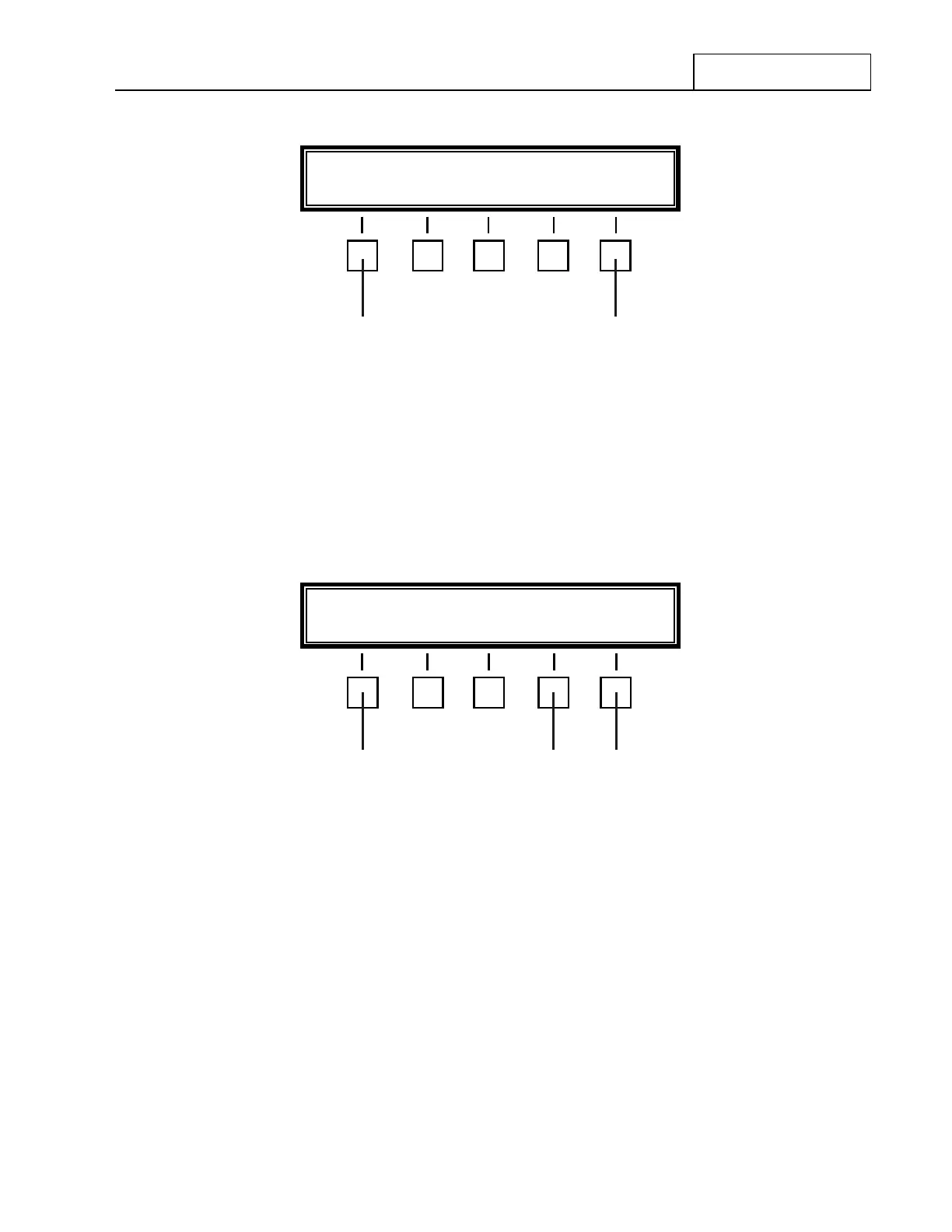
Figure 7.3.3.15 Port 'A' Set Up Menu
Select the desired communications format by depressing the key beneath the indicated format. After a
selection is made, the Feature Menu display will change to that shown in Figure 7.3.3.16.
If the User is only changing the Baud Rate setting (as opposed to selecting a different communication
format), the currently selected communication format must be first deselected and then immediately
reselected. These steps must be done before the Feature Menu display shown in Figure 7.3.3.16 will appear.
Figure 7.3.3.16 Baud Rate Feature Menu
The Feature Menu shown in Figure 7.3.3.16 displays the current RT-9000 B I/O Port Baud-Rate setting and
the RT-9000 B Control Address setting (covered next in section 7.3.3.9).
If the Baud Rate shown is NOT the desired selection, depress the feature key at 4 beneath the ‘BAUD-X---X’
indication. The current Baud Rate setting indicated in Figure 7.3.3.16 will be shown as selected in one of the
following Baud Rate Selection menus shown in either Figures 7.3.3.17 or 7.3.3.18.
The first Baud Rate Selection Menu as shown in Figure 7.3.3.17 will appear and present the operator with
four (4) Baud Rate choices. If the desired choice is not present, depress the feature key beneath ‘MORE’
indication.
RS-232- RS-422- MODEM- END
53
BAUD- X---X ADDRESS XX END
4 6
NOTES: X---X = Currently selected I/O Port Baud Rate Setting
XX = Current RT-9000 B Control Address Setting
2


 To Next Page
 Loading...
