Document No. 8128000560
Software Revision – N1B (07 Oct 04)
7-48
RT-9000 B
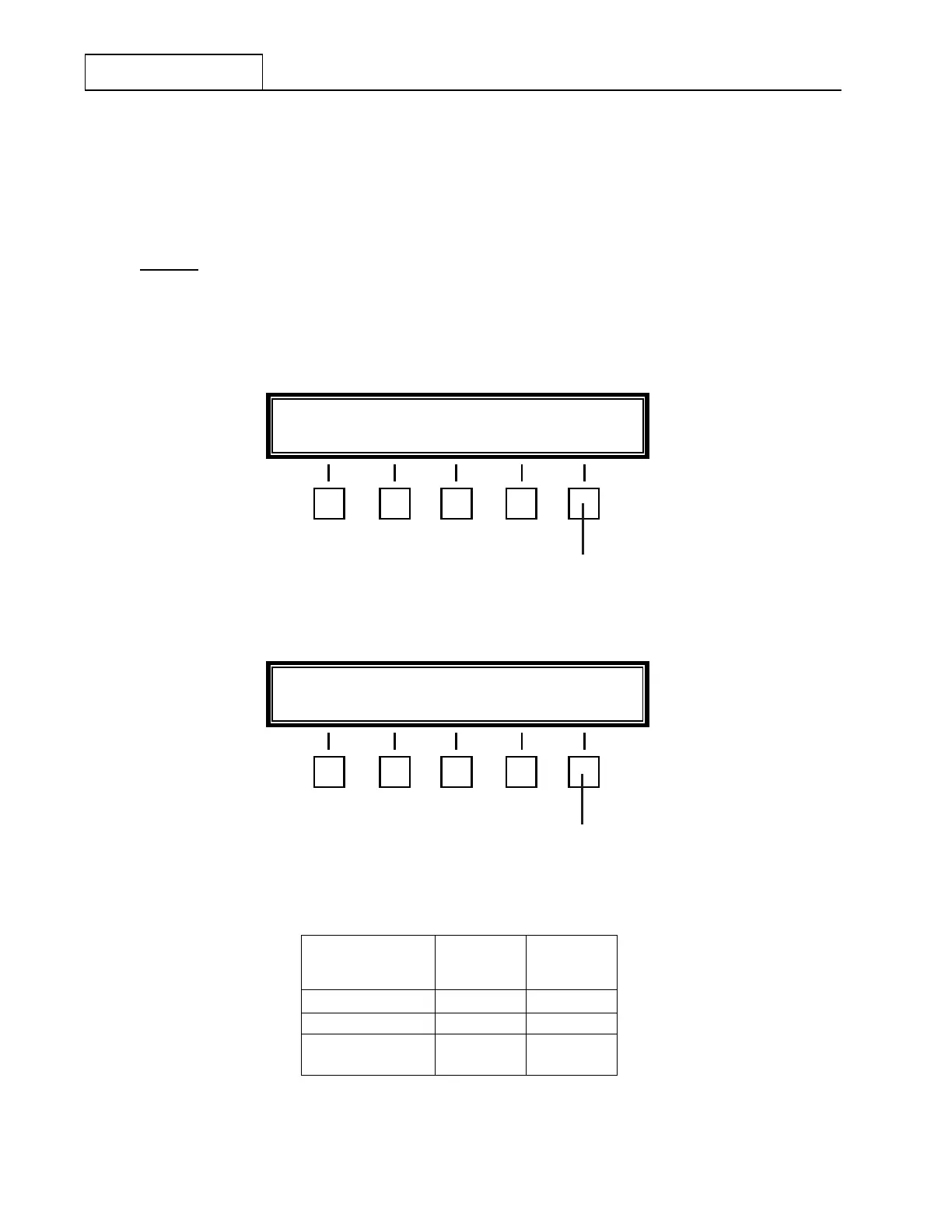
A second Baud Rate Selection Menu as shown in Figure 7.3.3.18 will appear and present the User with three
(3) additional Baud Rate choices. Depressing the ‘MORE’ key again causes Baud Rate Selection Menu 1 to
reappear.
As an example, in Figure 7.3.3.17 ‘2400’ Baud is shown as currently selected. This
selection would have been indicated as ‘BAUD-2400’ in the Feature Menu shown in
Figure 7.3.3.16. Depressing any other Baud Rate key will select that Baud Rate and
deselect
the 2400 Baud selection.
As these Baud Rate Selection Menus appear, depressing the desired Baud Rate setting feature key will
select that Baud Rate. The Feature Menu shown in Figure 7.3.3.16 will reappear. The newly selected Baud
Rate will be reflected in this Feature Menu display. Press ‘END’ to exit this menu and return to the main
menu.
Figure 7.3.3.17 Baud Rate Selection Menu 1
Figure 7.3.3.18 Baud Rate Selection Menu 2
Communications
Format
Maximum
Baud Rate
Maximum
Distance
(Feet)
RS-232 19200 50
RS-422 19200 4000
‘MODEM’
(FSK Tones)
300
(fixed)
N/A
Figure 7.3.3.19 Communication Format Parameters
300 600 1200 2400 * MORE
8
4800 9600 19200 MORE
8


 To Next Page
 Loading...
