Document No. 8128000560
Software Revision – N1B (07 Oct 04)
7-49
RT-9000 B
7.3.3.9 CONTROL ADDRESS
The RT-9000 B can be controlled from an RCU-9310 B Remote Control Unit. The RCU-9310 B can control
multiple RT-9000 B Transceivers, but only one at any one time. This system capability requires each RT-
9000 B I/O Port be setup with a unique address. This Control Address is then used by the RCU-9310 B is
controlling that particular RT-9000 B Transceiver.
Remote control is implemented using RS-422 communications and a switchable audio matrix. RS-422
communications systems are specified to operate with up to ten (10) units total. The RT-9000 B Control
Address can be set to any address between ‘00’ and ‘99’. An RS-422 communications network with more
than ten units, however, requires additional external line amplification.
The RT-9000 B Control Address setup will normally be part of the initial I/O Port setup process. The Control
Address Feature Menu is accessed from the Baud Rate Feature Menu. Both, initial Control Address setup or
changing the Control Address afterward use the same procedure.
To setup or change a Control Address, perform the following procedure. Complete the steps outlined in
section 7.3.3.8 to setup I/O “Port A” until the Baud Rate Feature menu shown in Figure 7.3.3.16 appears. For
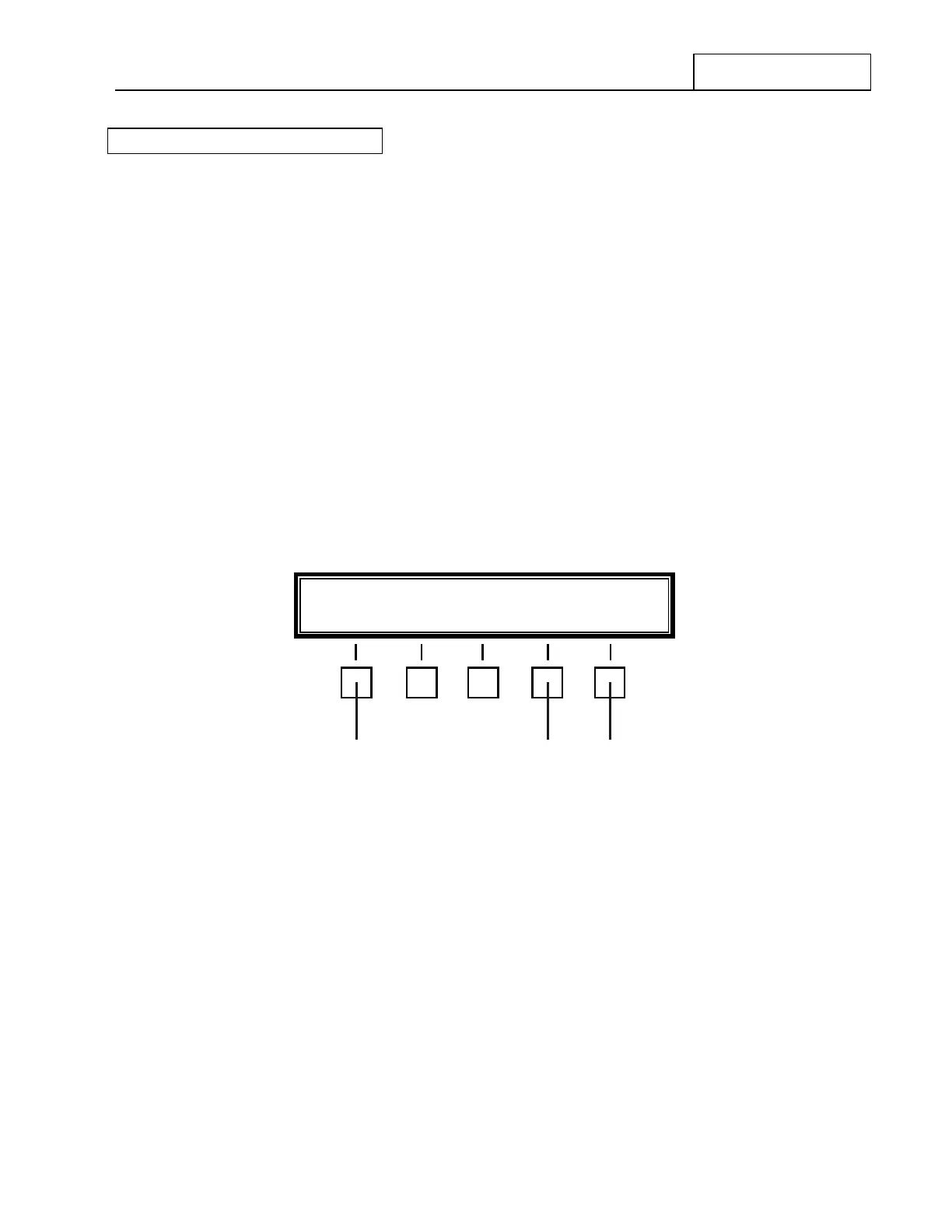
the reader’s convenience, Figure 7.3.3.16 has been reproduced below in Figure 7.3.3.20.
Figure 7.3.3.20 Baud Rate Feature Menu
When the Baud Rate Feature Menu first appears, a two-digit number appearing immediately to the right of
‘ADDRESS’ is the current Control Address of the RT-9000 B . This is the Control Address an RCU-9310 B
Remote Control Unit must use to communicate with and control this specific RT-9000 B Transceiver.
If this is the desired Control Address of your RT-9000 B Transceiver, no further action is required and normal
operations may continue. If the User wishes to change the Control Address of the RT-9000 B , depress the
key at 2 directly beneath the ‘ADDRESS-XX’ selection on the Feature Menu display. The Control Address
Feature Menu Display shown in Figure 7.3.3.21 will appear.
BAUD- X---X ADDRESS XX END
4 6
NOTES: X---X = Currently selected I/O Port Baud Rate Setting
XX = Current RT-9000 B Control Address Setting
2


 To Next Page
 Loading...
