Document No. 8128000560
Software Revision – N1B (07 Oct 04)
7-84
RT-9000 B
4. During the first 60 minutes of operation while the Frequency Standard Oven is stabilizing, using the
Built-In-Test-Equipment (BITE) function may produce erroneous failures. After this time, all BITE test
failures should be considered genuine and appropriately addressed.
5. Any Power interruption will cause of the normal start-up I/O lockout period previously described to
occur. An AC Power Mains failure or using the Front Panel switch will have the same effect.
7.3.4.9.2 DATA Filter
Depress ‘MODE’ key and mode selected will be displayed on Operational Display. Choices are ‘USB’, ‘LSB’,
‘CW’, ‘AM’, and ‘DATA’ (see section 7.3.2.1).
If the software selection switch S1-section V on CPU PC Assembly 1A2A1 is improperly set, an erroneous
indication may result and indicate that data filters are present. Consult Section V for the correct switch
settings.
7.3.4.9.3 Radio Security
The RT-9000 B Remote Control Unit may be equipped with a selectable security feature that prevents
unauthorized personnel from 1.) viewing the remote RT-9000 B Transceiver’s frequency settings from the RT-
9000 B ’s Operational Display or 2.) changing the remote RT-9000 B Transceiver’s frequency settings. This
feature is particularity useful if the RT-9000 B Remote Control Unit is to be left unattended but operational.
To enable the security feature and set access Code Number, navigate to the main menu Feature Menu
Display shown in Figure 7.3.4.35. If the optional Radio Security feature has been installed, ‘SECURE’ will
appear on the Main Menu Feature Menu Display between the ‘REV’ and ‘SELCAL’ selections.
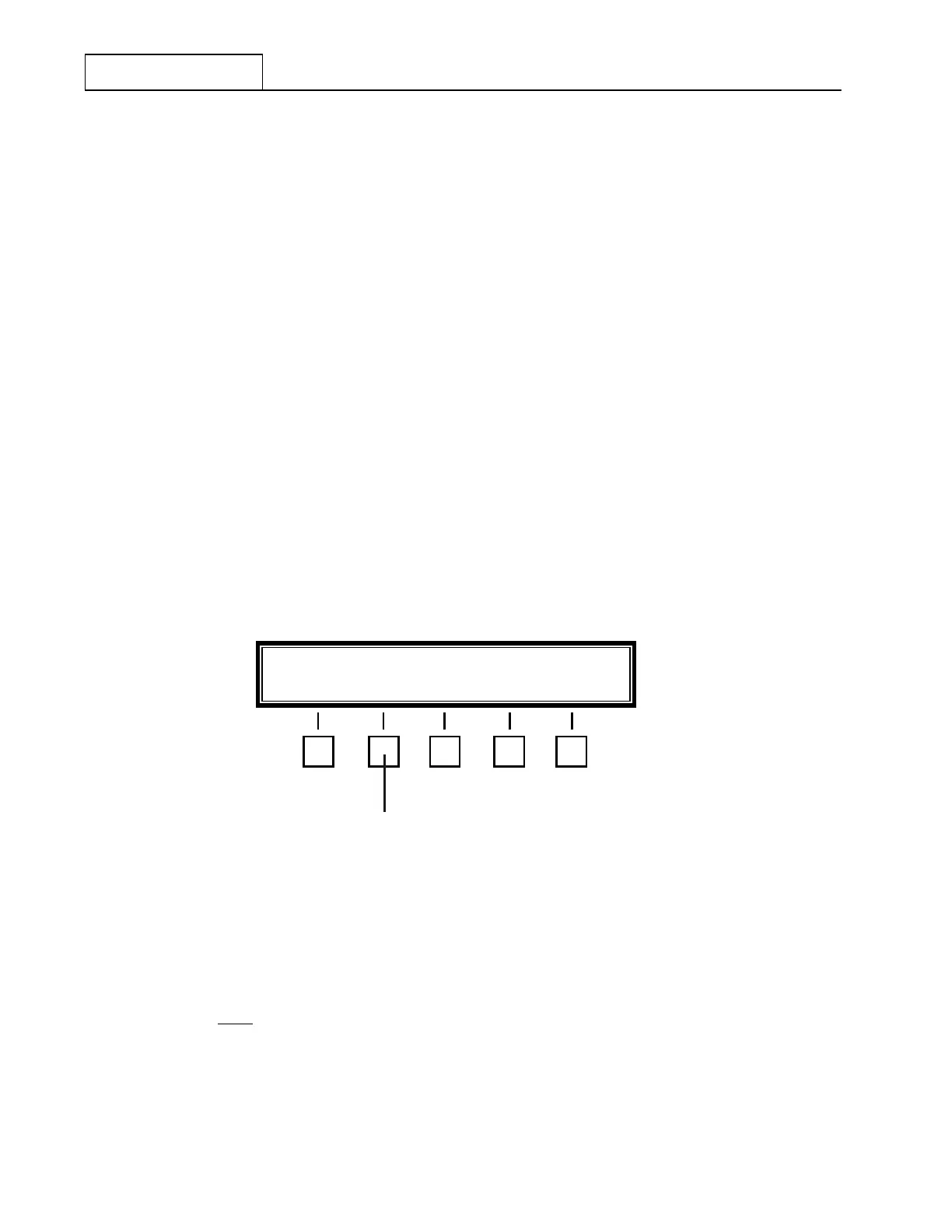
Figure 7.3.4.35 Main Menu containing Radio Security Selection
Depress the ‘SECURE’ key at 5 . The following message will appear in the Operational Display:
‘ENTER CODE NUMBER’
A four-digit Code Number is then entered using the Numeric Keypad. The starting Code Number, as shipped
from the factory, is 0000
. As each Code Number digit is entered, a black square will appear on the right hand
side of the Function/Status screen for each digit entered. After the last digit of the Code Number is entered,
the Feature Menu will change to that indicated in Figure 7.3.4.36. If the Code Number entry is not completed
within sixteen (16) seconds or an incorrect Code Number is entered, the following message will appear in the
operational display:
‘INVALID CODE NUMBER’
REV SECURE SELCAL ADDR- XX MORE
5


 To Next Page
 Loading...
