Document No. 8128000560
Software Revision – N1B (07 Oct 04)
7-85
RT-9000 B
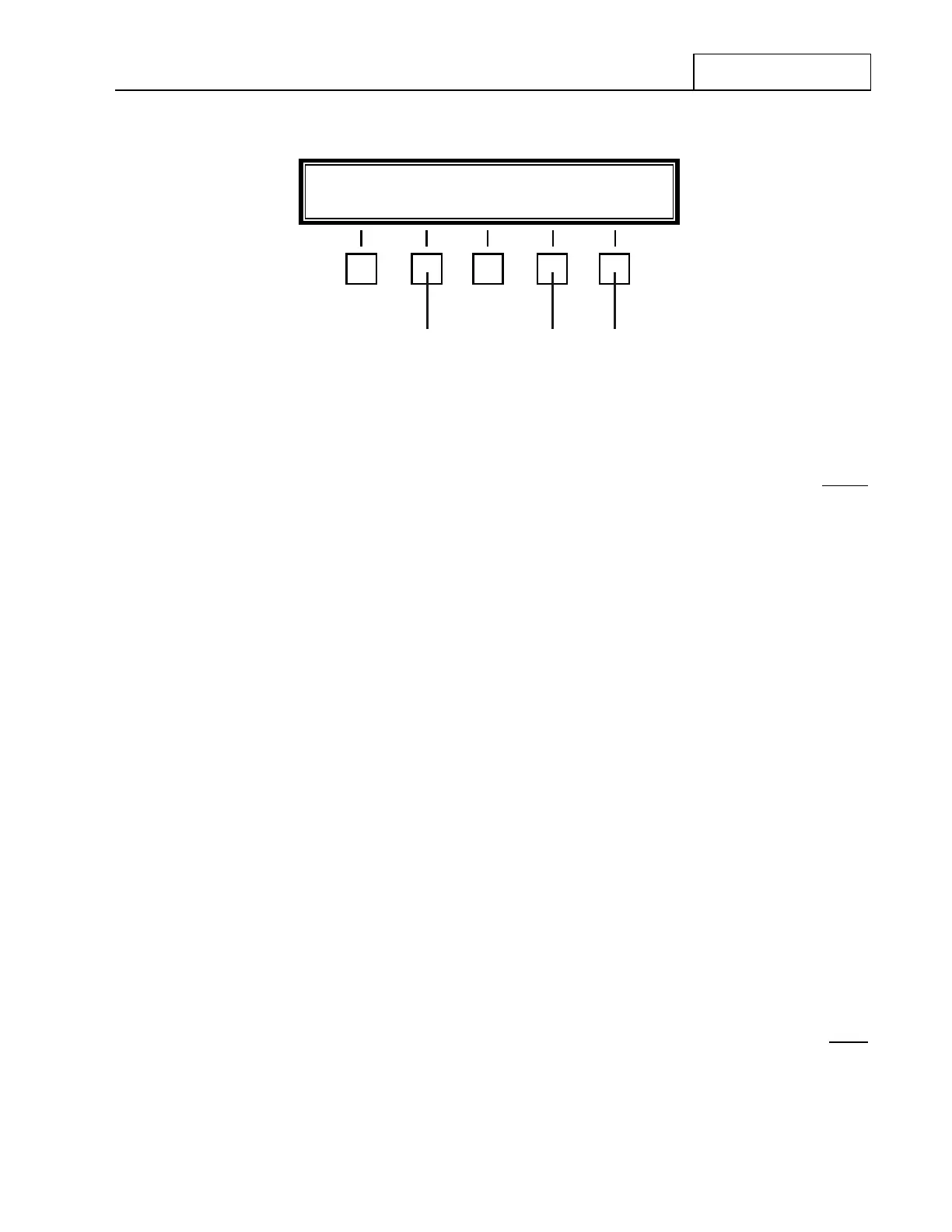
Figure 7.3.4.36 Radio Security Feature Menu
Depressing the ‘DISPLAY’ key at 2 will cause the front panel to return to that shown in Figure 7.3.2.7 except
now the frequency portion of the Operational Display will be blank. Additionally, the three (3) Frequency-
related keypad keys will be become inoperative. These keys are as follows:
‘LOAD SPLX’
‘LOAD XMT’
‘READ XMT’
To restore the keypad keys back to operation and the Operational Display back to its normal state, depress
the 'SECURE' key at 1 . The message following message will again appear in the Operational Display:
‘ENTER CODE NUMBER’
Entering the four-digit Code Number will cause the Feature Menu display to change to that shown in Figure
7.3.4.36. Depressing the ‘DISPLAY’ key at 2 will return the Operational Display and the three (3) disabled
keypad keys back to normal operation.
NOTE: If the wrong Code Number is entered or entry is not completed within
twelve (12) seconds, the Operational Display will briefly display the
following message:
‘INVALID CODE NUMBER’
To change the Code Number to another four-digit number, perform the following procedure. This procedure
also applies to initial operation and setting up a new Code Number from the initial factory setting of 0000.
Depress the ‘SECURE’ key at 1 . The following message will appear:
‘ENTER CODE NUMBER’
NEW CODE DISPLAY END
43 2


 To Next Page
 Loading...
