Document No. 8128000560
Software Revision – N1B (07 Oct 04)
7-86
RT-9000 B
Enter the current four-digit Code Number, the Feature Menu will change to that shown in Figure 7.3.4.36.
Depressing the ‘NEW CODE’ key 3 will cause the following message to appear:
‘ENTER CODE NUMBER’
Enter the NEW
four-digit Code Number using the Numeric Keypad. The display will then revert back to that
shown in Figure 7.3.4.35 and only the NEW Code Number will permit access.
Before changing the Code Number, make sure that the NEW Code Number is written down in a safe place.
Once entered, it becomes the ONLY
means of accessing this function to either engage or disengage radio
controls.
7.3.4.9.4 Pre/Postselector
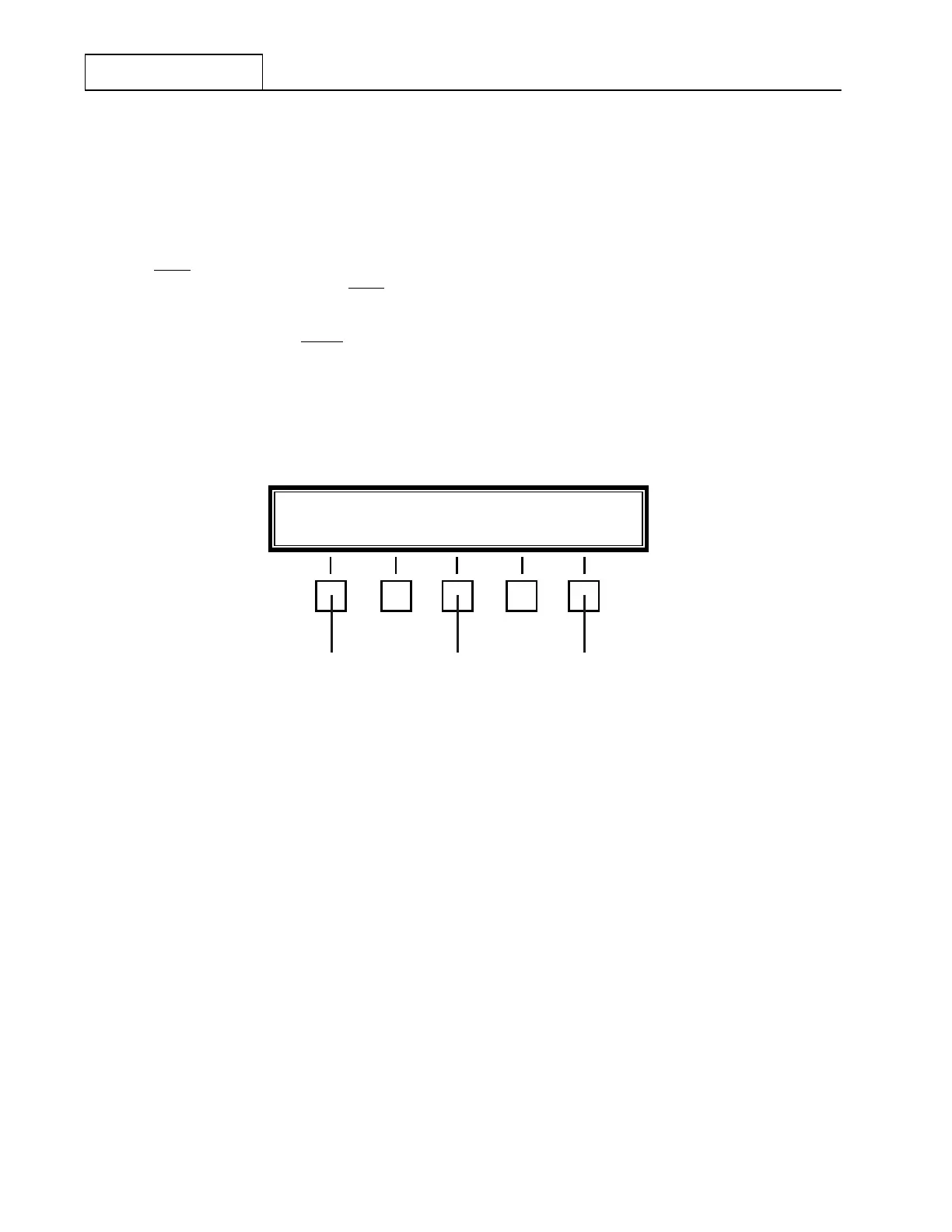
Depress the ‘MORE’ key successively at 1 until the Feature Menu display shown in Figure 7.3.4.37
appears.
Figure 7.3.4.37 Pre/Postselector Feature Menu
Depressing the 'PRE SEL', key at 2 causes the optional Pre/Postselector to alternately switch between ‘IN’
and ‘OUT’ of operation in the System. Depressing the 'GAIN' key at 3 causes the Pre/Postselector ‘GAIN’
setting to alternately switch between the ‘HI’ and ‘LO’ setting (‘HI’ = 0 dB or ‘LO’ = -10 dB).
NOTE: When the optional Pre/Postselector is present in the system, the ‘IN/OUT’
and ‘GAIN’ Feature Menu selections will default to the following settings:
1) ‘PRE SEL’ = IN and 2) ‘GAIN’ = HI. Both selections will assume these
default settings at Power-up, regardless of their settings when the RT-
9000 B was last powered-down.
If the software selection switch, S1– 6, on CPU PC Assembly 1A2A1 is improperly set, an erroneous
indication may result about the presence or absence of a Pre/Postselector. Consult Section V for the correct
switch settings.
- End of Specifications and Operation Supplement -
PRE SEL IN GAIN HI MORE
12 3


 To Next Page
 Loading...
