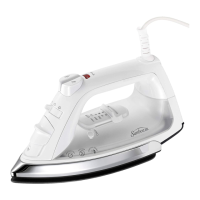
Patented MOTION SMART’” Auto-Off
When the iron is plugged in, the Power Indicator
will light steadily, indicating that there is power
to the iron.
If you leave the iron:
.
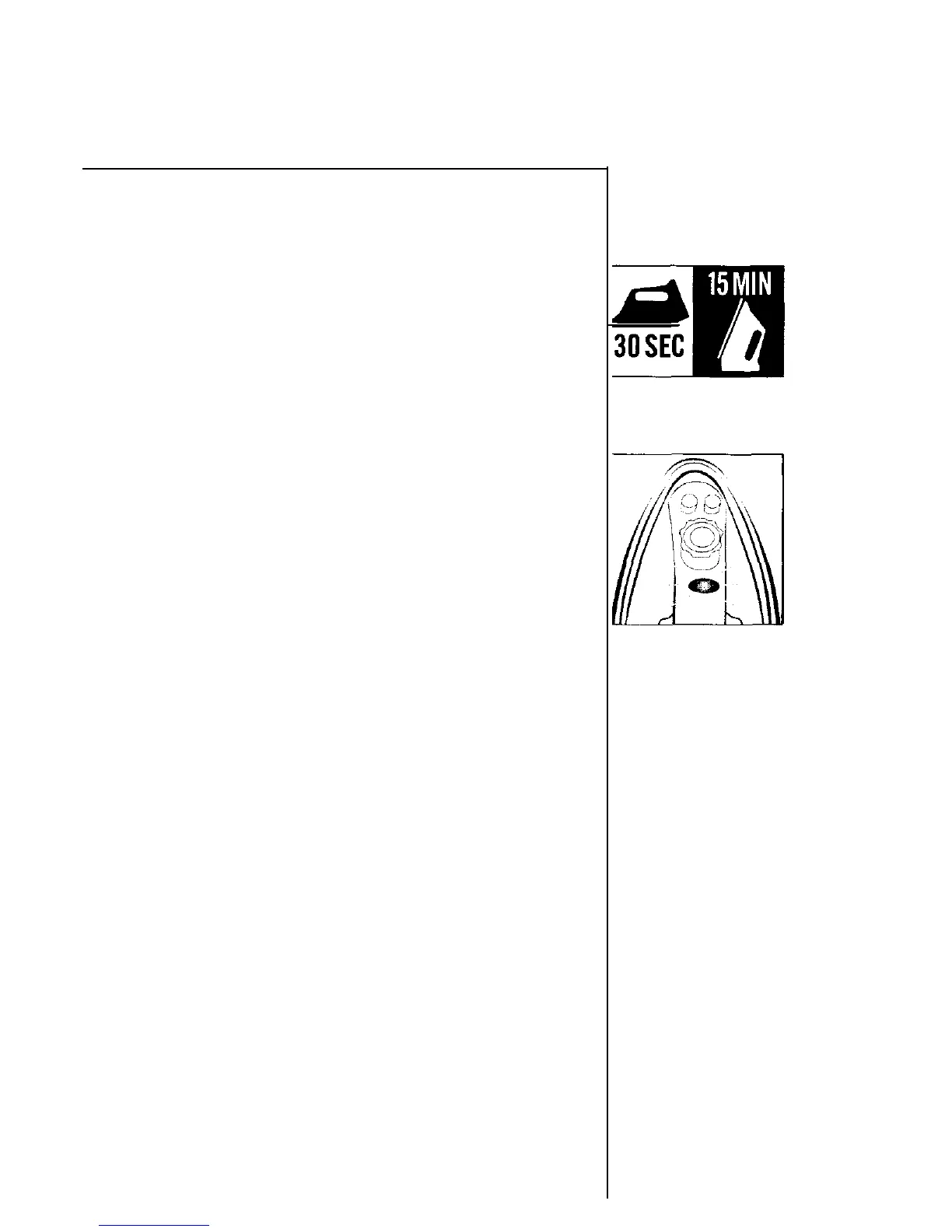
in a vertical position (on its heel rest) without
moving it, the iron will automatically turn off
after
15
minutes. The Power Indicator will
blink to let you know that the iron has stopped
heating.
.
in a
horizontal
position without moving it (or it
accidentally tips
over), the iron will automatically
stop heating after 30 seconds. The Power Indicator
will blink to let you know that the iron has
stopped heating.
Important: The Power indicator will continue
to blink until the iron is unplugged.
To restart the iron:
Move the iron back and forth and allow it to
reheat for 2 minutes. The indicator will stop
blinking and the iron will start heating again.
WARNING: The patented MOTION SMART” Auto-Off
is a safety feature, not a recommended means for
turning Your iron off. See “Caring for Your Iron After Use”
on Page 11, for information on turning off your iron and
storing it safely between use.
10


 To Next Page