1
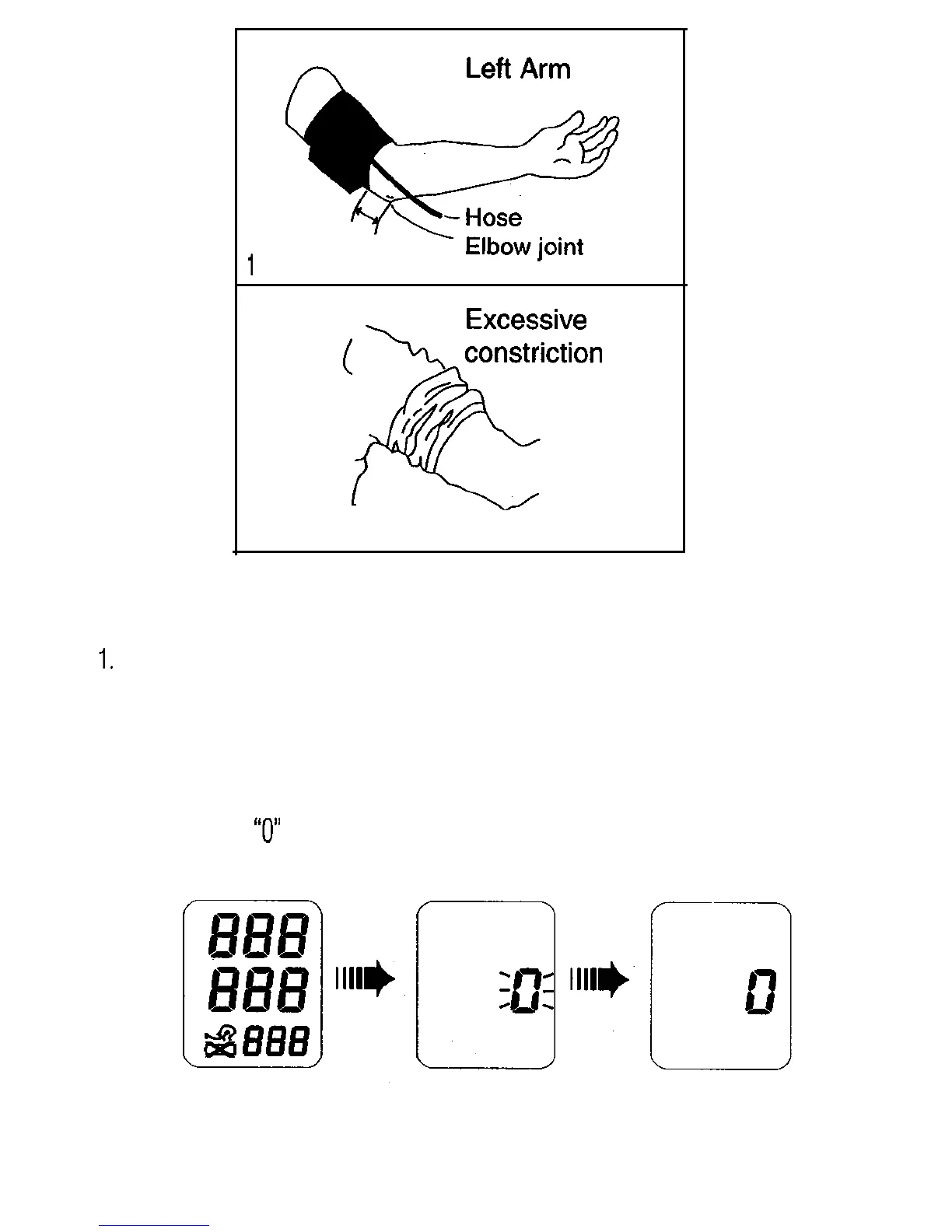
inch (2-3 cm)
Measuring Your Blood Pressure
1.
Place the cuff on the arm that will be used for the measurement (preferably the
left arm). See previous section on proper cuff placement.
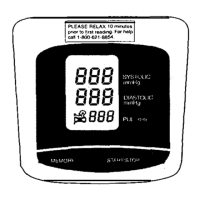
2. Press the START/STOP switch.
l When the START/STOP switch is pressed, all of the display symbols will
appear for about one second.
l When the
“0”
is displayed, the meter is calibrating it’s zero point.
If there was still some air in the arm cuff, it will be exhausted at this time.
l The micropump will pressurize the cuff. Note: The cuff will become
very tight. Don’t be alarmed, as this is normal.
Page 3


 To Next Page