43-60
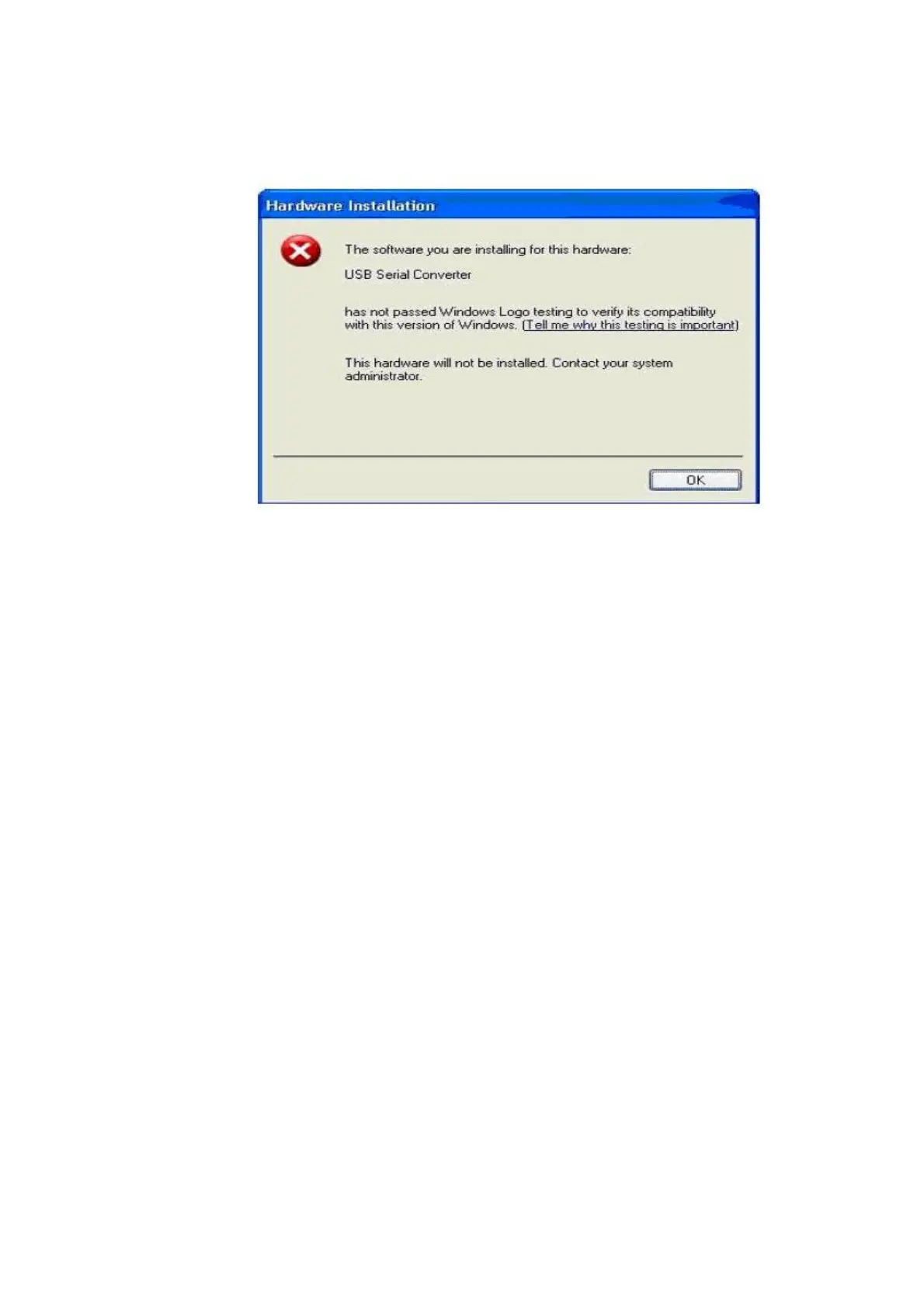
Figure 4.1
Two options are available to successfully install the device. Either a certified version of
the driver can be installed (if available) or the driver signing options can be changed to
either warn or ignore to allow the installation to complete.
To change the current driver signing setting, go to "Control Panel\System", click on the
"Hardware" tab and then click "Driver Signing". The desired signing option may then be
selected.



 To Next Page