44-60
Windows VISTA(Win 7, Win 8) Installation Guide
Connect the device to a spare USB port on your PC.
If there is an available Internet connection, Windows VISTA (Win 7, Win 8)will silently
connect to the Windows Update website and install any suitable driver it finds for the
device in preference to the driver manually selected. If no suitable driver is automatically
found then the following procedure should be followed.
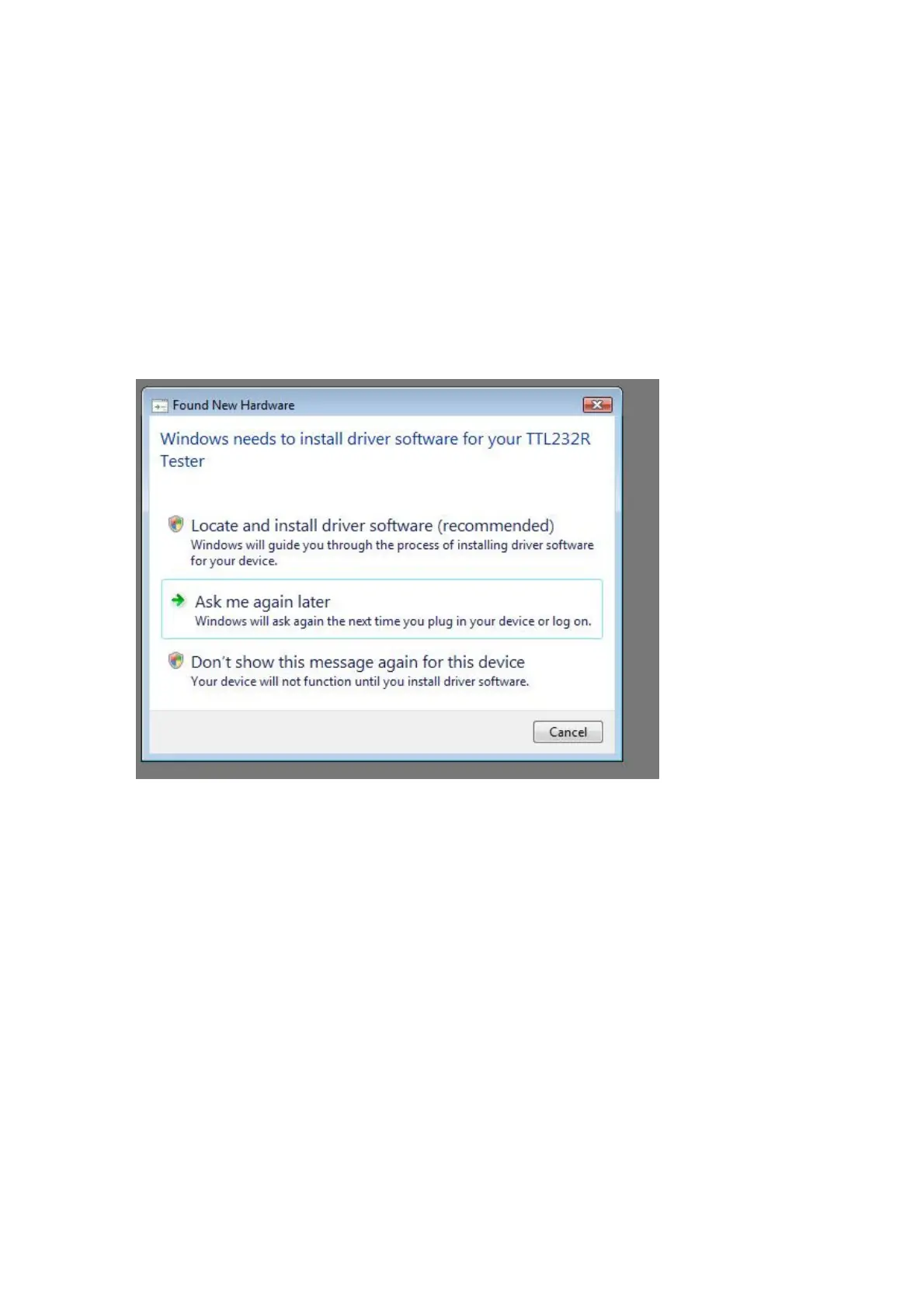
When locate and install driver software (recommended)" is selected the following screen
will appear. Note: the text “TTL Tester” is replaced with the description of the customer
hardware.



 To Next Page