9
Hot Keys
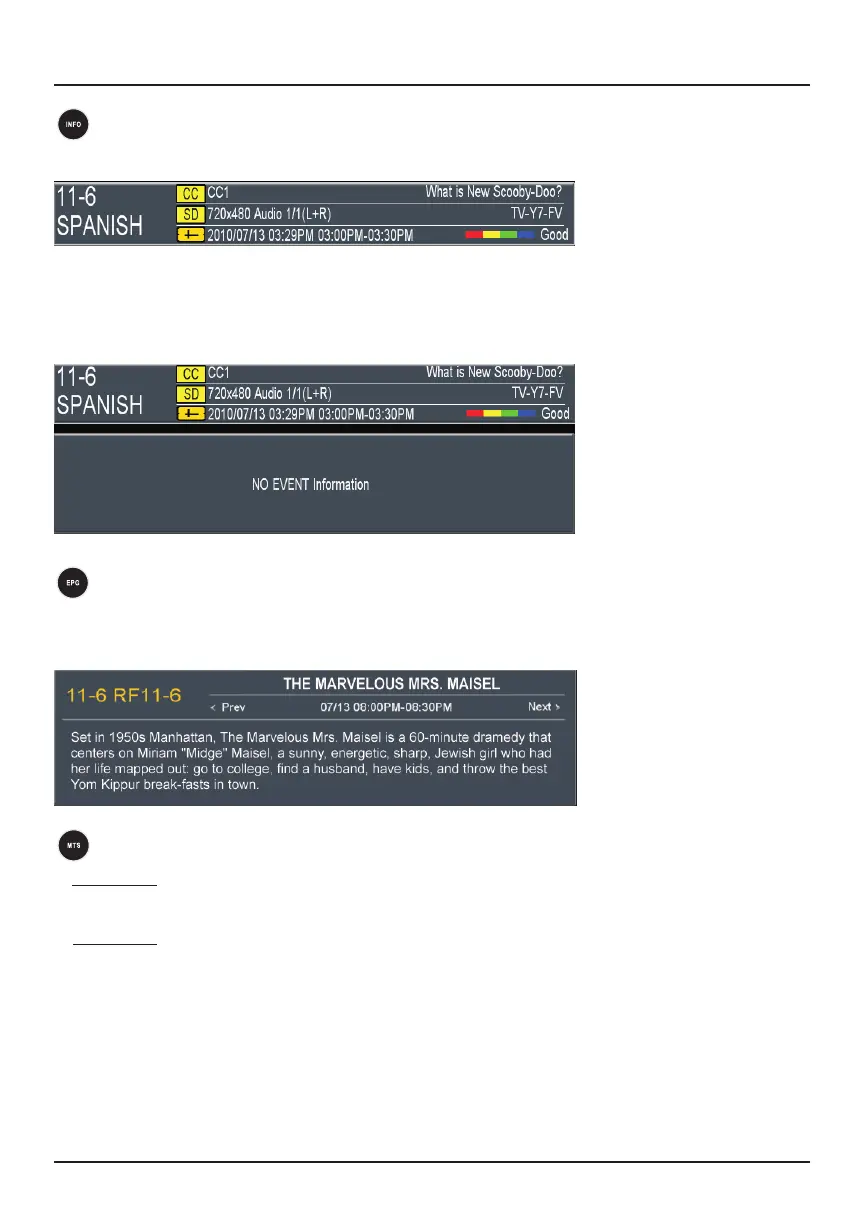
EPG
Press the EPG (electronic program guide) button to check what’s showing on your TV
and view program details.
MTS
a. DTV MTS: MTS key works only when there is a digital TV (DTV) signal. In the MTS
menu, you can change the audio language options.
b. ATV MTS: MTS key works only when there is an amateur TV (ATV) signal. Enter the
MTS menu to change MTS options: Stereo/Mono/SAP.
INFO
Press INFO once to display the default menu.
Press INFO continuously, and a brief introduction to the program will appear. If the
program does not have a short introduction, “No event information” will display. The
window will close automatically after three seconds.



 To Next Page