11
Submenus
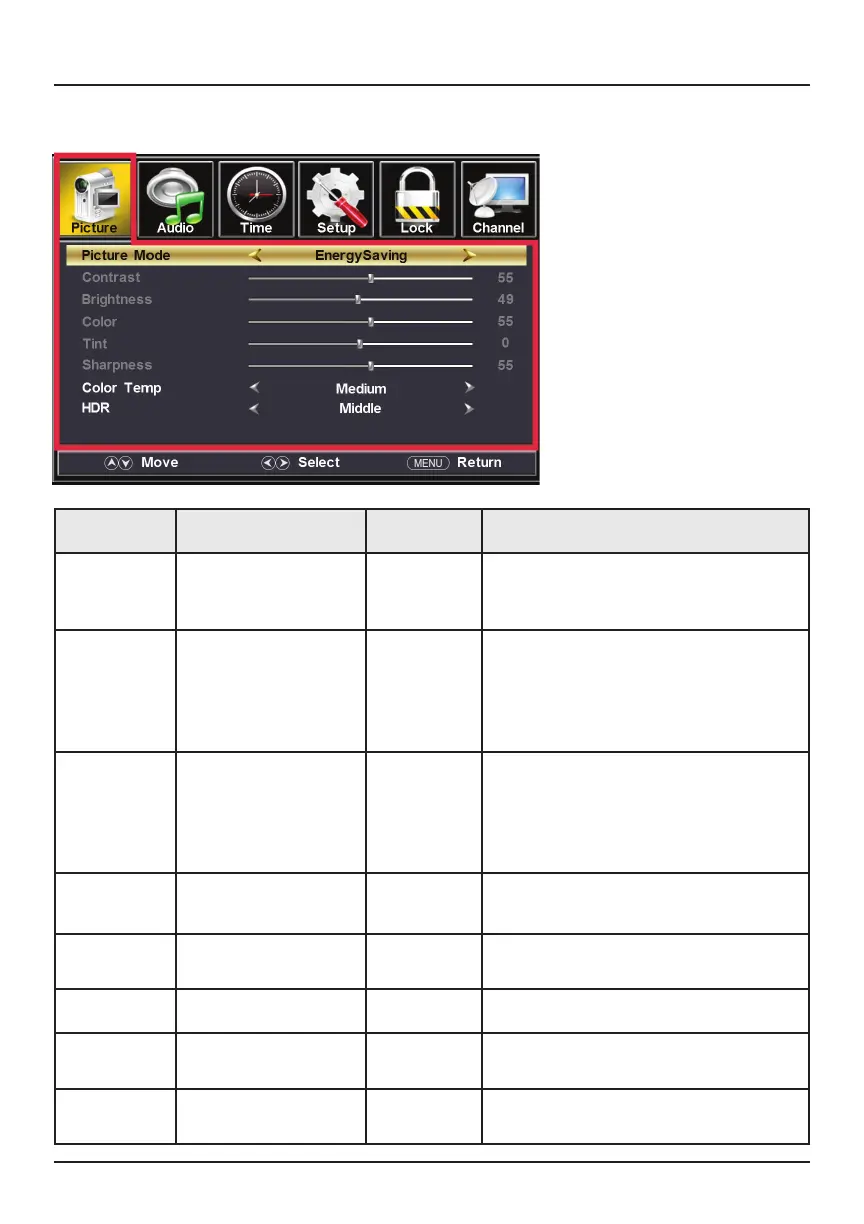
I. Picture Submenu
Item Options Default Function
Picture
Mode
Standard / Dynamic /
Soft / User /
Energy Saving
Standard
Contrast 0 - 100 50 You can customize the image while
viewing adjustments. When you close
the Main Menu, a pop-up window
will display, allowing you to adjust the
image contrast.
Brightness
0 - 100 50 You can customize the image while
viewing adjustments. When you close
the Main Menu, a pop-up window
will display, allowing you to adjust the
image brightness.
Color
0 - 100 50 Adjust image saturation
Tint
-50 - 50 0 Only adjustable under NTSC signals.
Remains at 0 on non-NSTC signals.
Sharpness
0 - 100 50 Adjust image sharpness
Color Temp Medium / Warm /
Cool
Medium Adjust color temperature
HDR Middle / Strong /
Weak
Middle Adjust high dynamic range settings



 To Next Page