22
Media Playback via USB
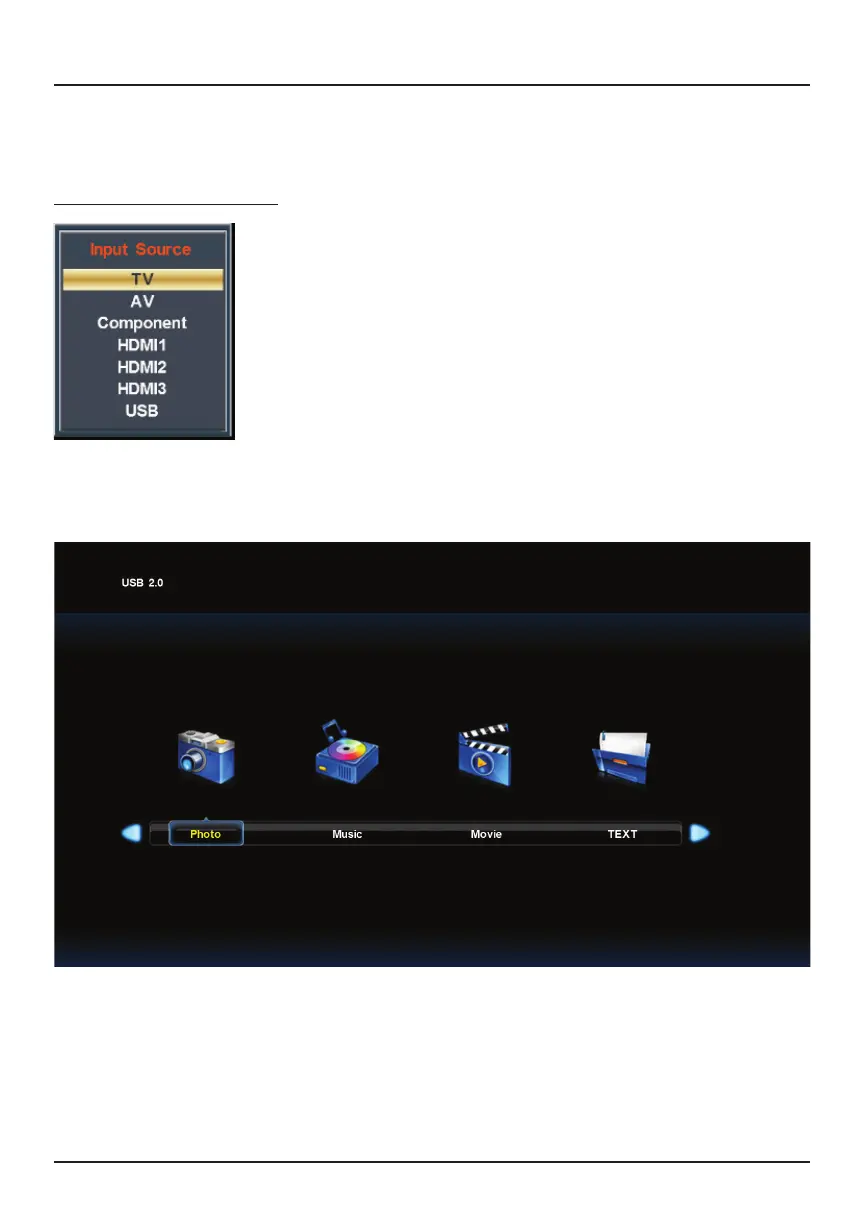
You may now view photos, play music, watch movies or read text documents from your
flash drive.
You may connect external devices (such as USB drives, laptops, speakers, gaming
consoles, etc.) to your TV.
To play media from an external hard drive (sold separately),
insert your USB drive into the USB port on the TV. Press the
SOURCE button on your remote. Navigate to USB and press
OK.
Note: The maximum storage capacity is 400 GB.
Connecting External Devices



 To Next Page