23
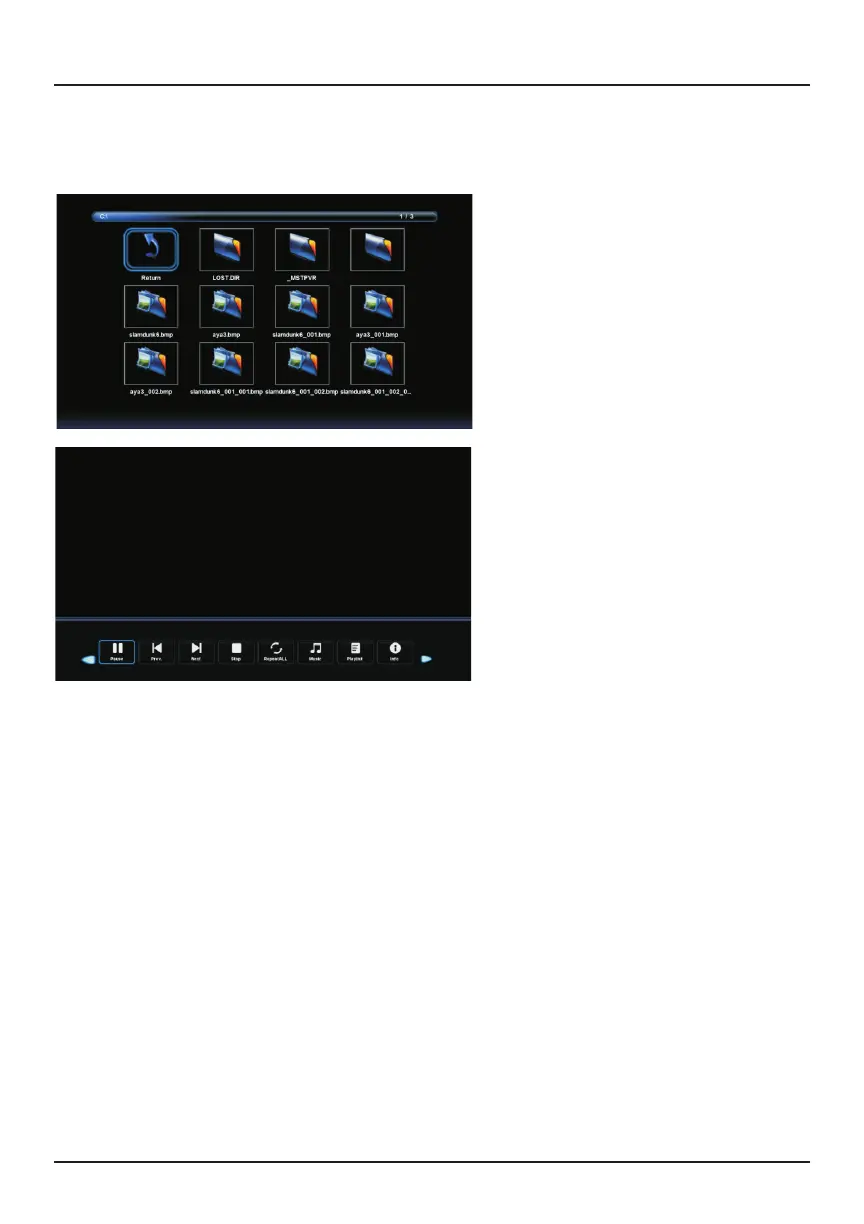
Key Functions:
1. Play / Pause - Play or pause the image slideshow
2. Prev. - Go to previous image
3. Next - Go to next image
4. Stop - Stop playing the image slideshow
5. Repeat (all/one/none) - set the repeat mode
6. Music - Background music
7. Playlist - Enter playlist
8. Info - Display information about the current photo
9. Go To Time - Select a position and play from there
10. Rotate (1) - Rotate clockwise 90˚
11. Rotate (2) - Rotate counterclockwise 90˚
12. Zoom In - Zoom into the photo
13. Zoom Out - Zoom out of the photo
14. Move View - Pan across a zoomed-in image
15. Slideshow - Customize the slideshow
Connecting External Devices
1. Viewing Photos
A photo viewer will display while viewing image files.



 To Next Page