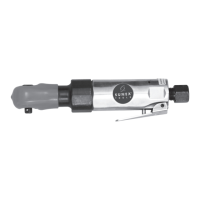
11050/30250/31080/20250/40600 3
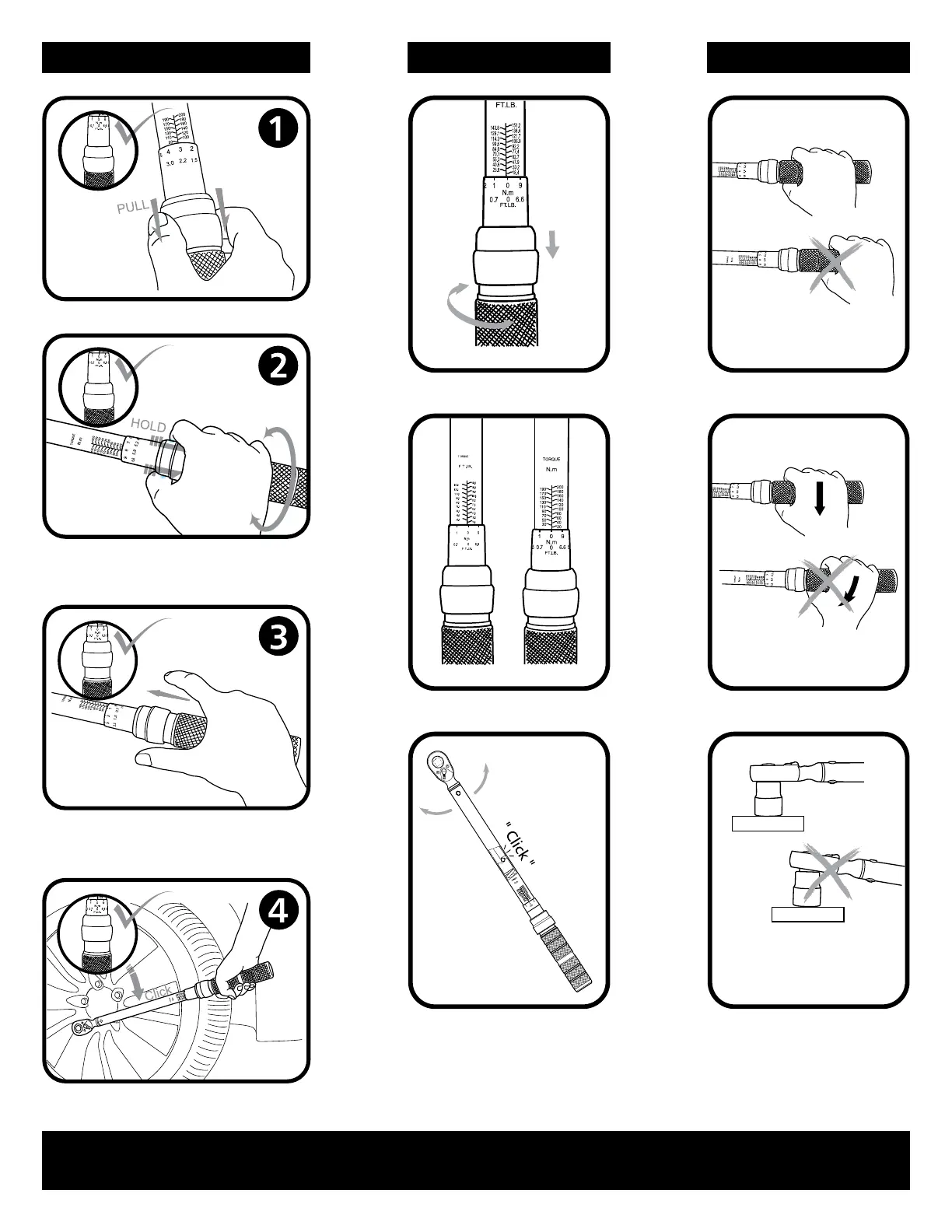
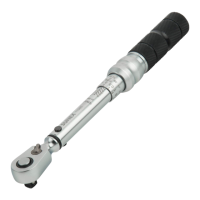
Make sure the ring table indicates
the expected torque number, release
the adjusting ring
OPERATIONS FEATURES NOTE
Pull down the adjusting ring
Adjusting Ring Grip the middle of the handle
Two Units Operate vertically
Keep the ring down and rotate the
ring to the expected torque number
according to the scale
Then operate the Torque Wrench properly
Dual-direction click-type Insert the driver firmly on
the socket before operating
IMPORTANT: ALWAYS reset the major scale torque measurement back to "ZERO" when you are finished using the wrench. This will ensure
the internal body spring maintains accurate tension which prolongs the life and accuracy of the product.


 To Next Page