SunFounder PiDog Kit, Release 1.0
You are now ready to connect from your Mac. It’s okay to disconnect the monitor.
From here, it will be the operation on the Mac side.
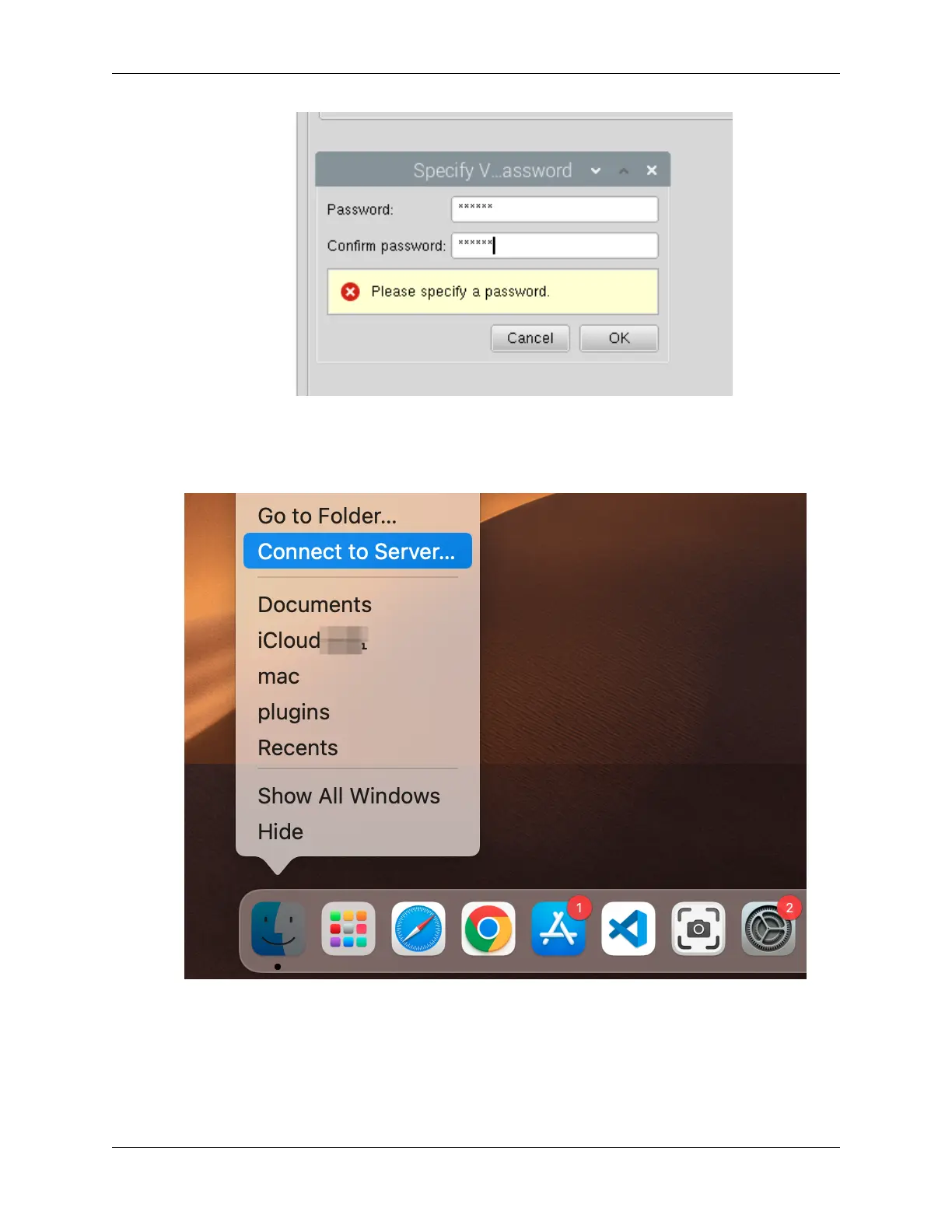
1. Now, select Connect to Server from the Finder’s menu, which you can open by right-clicking.
2. Type in vnc://<username>@<hostname>.local (or vnc://<username>@<IP address>). Af-
ter entering, click Connect.
2.1. Quick Guide on Python 19



 To Next Page