SunFounder PiDog Kit, Release 1.0
9. Now that the VNC server has started, let’s change the settings for connecting from a Mac.
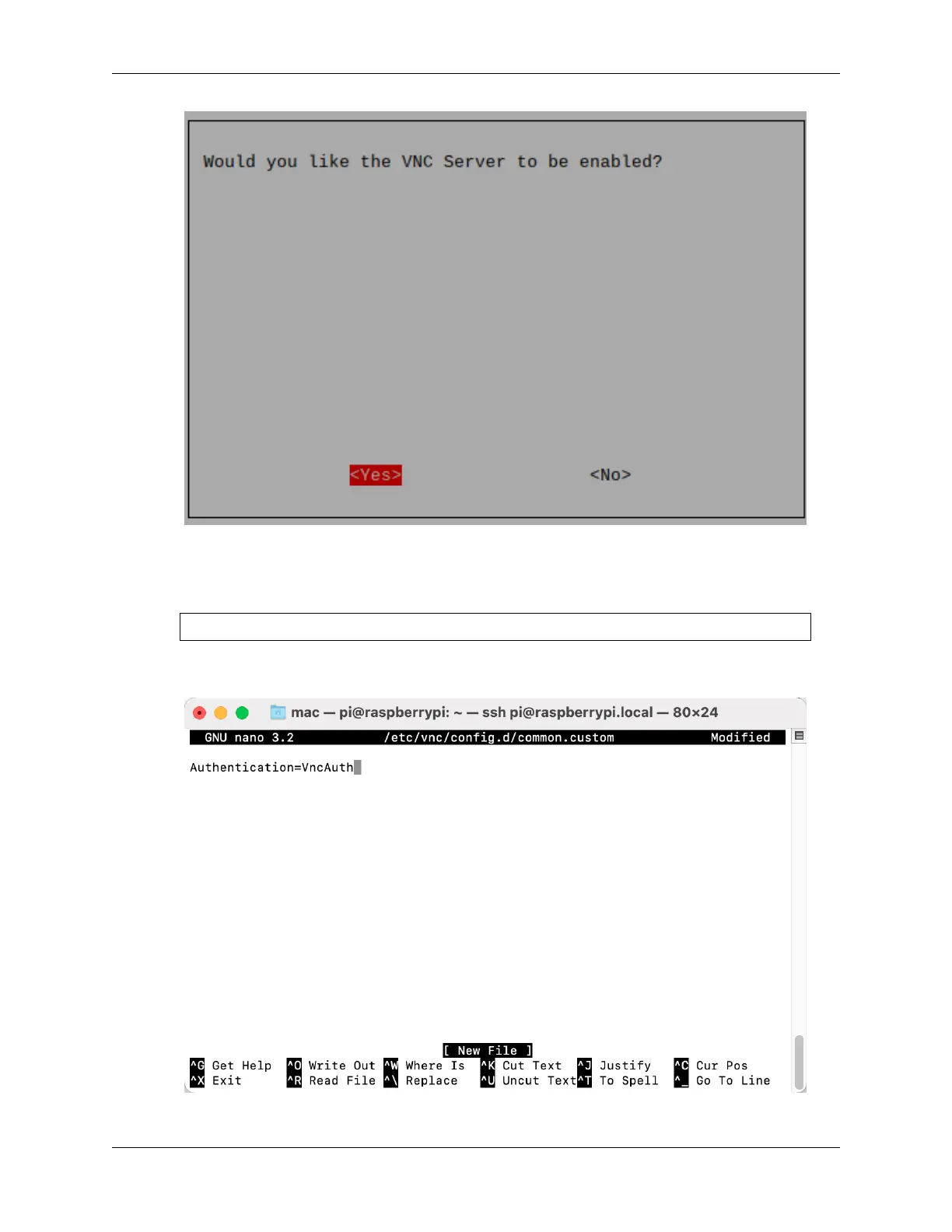
To specify parameters for all programs for all user accounts on the computer, create /etc/vnc/
config.d/common.custom.
sudo nano /etc/vnc/config.d/common.custom
After entering Authentication=VncAuthenter, press Ctrl+X -> Y -> Enter to save and
exit.
10. In addition, set a password for logging in via VNC from a Mac. You can use the same password as the Raspberry
24 Chapter 2. Play with Python



 To Next Page