SunFounder PiDog Kit, Release 1.0
The authenticity of host 'raspberrypi.local (192.168.6.116)' can't be
˓→established.
ECDSA key fingerprint is SHA256:7ggckKZ2EEgS76a557cddfxFNDOBBuzcJsgaqA/
˓→igz4.
Are you sure you want to continue connecting (yes/no/[fingerprint])?
Input “yes”.
5. Input the password you set before. (Mine is raspberry.)
Note: When you input the password, the characters do not display on window accordingly, which is
normal. What you need is to input the correct password.
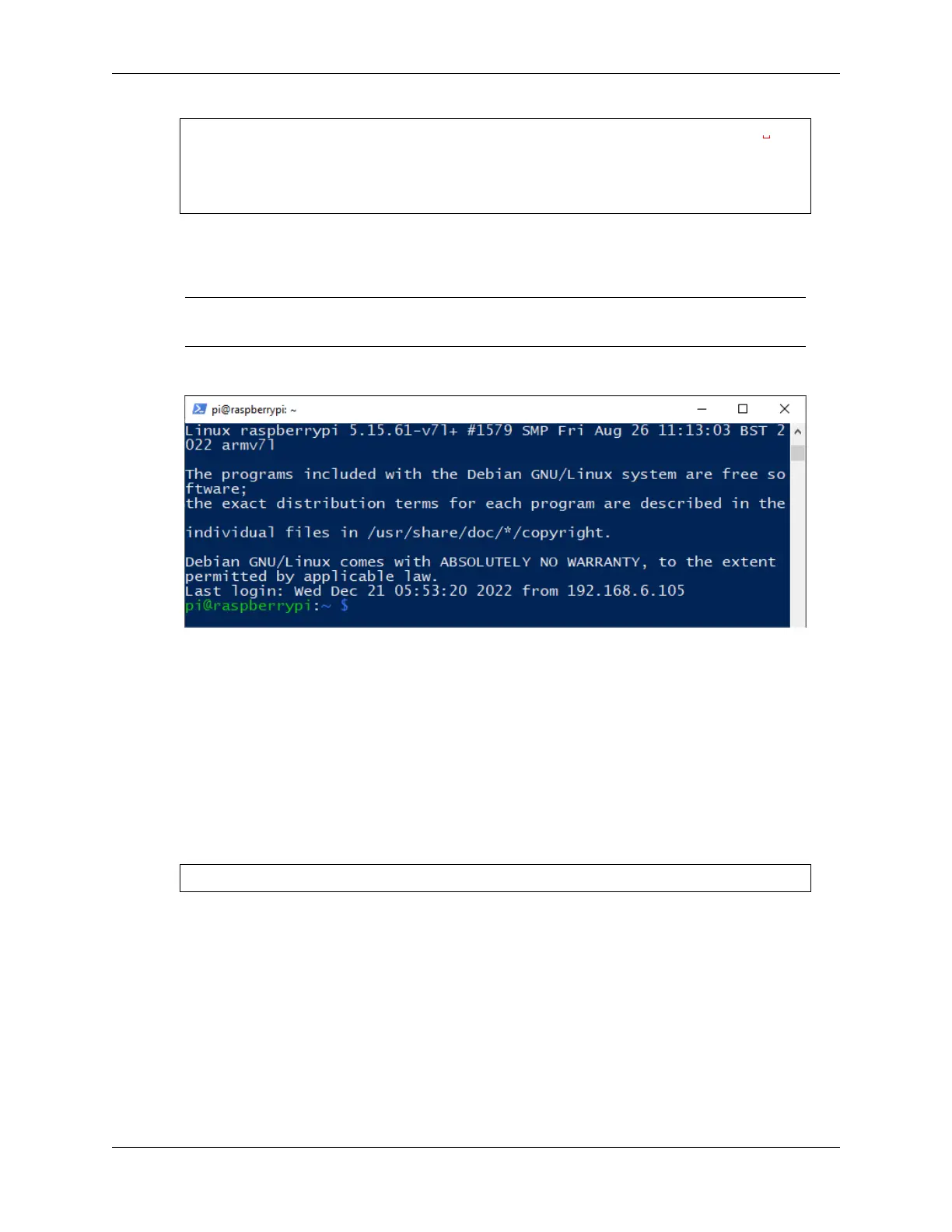
6. We now get the Raspberry Pi connected and are ready to go to the next step.
Remote Desktop
If you’re not satisfied with using the command window to access your Raspberry Pi, you can also use the remote
desktop feature to easily manage files on your Raspberry Pi using a GUI.
Here we use VNC® Viewer.
Enable VNC service
The VNC service has been installed in the system. By default, VNC is disabled. You need to enable it in config.
1. Input the following command:
sudo raspi-config
28 Chapter 2. Play with Python



 To Next Page