SunFounder PiDog Kit, Release 1.0
Login to VNC
1. You need to download and install the VNC Viewer on personal computer.
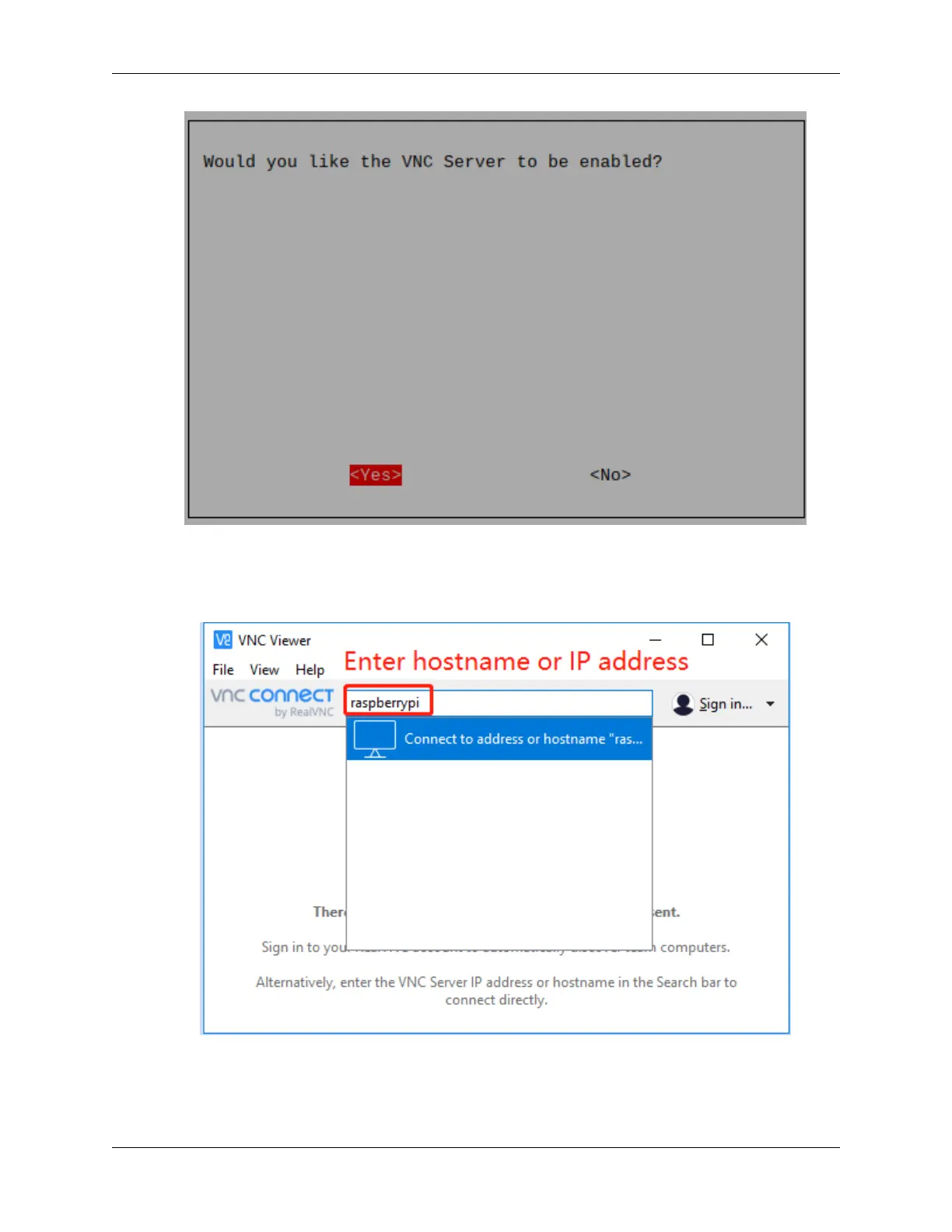
2. Open it once the installation is complete. Then, enter the host name or IP address and press Enter.
3. After entering your Raspberry Pi name and password, click OK.
30 Chapter 2. Play with Python



 To Next Page