4
Register Your Cloud Frame
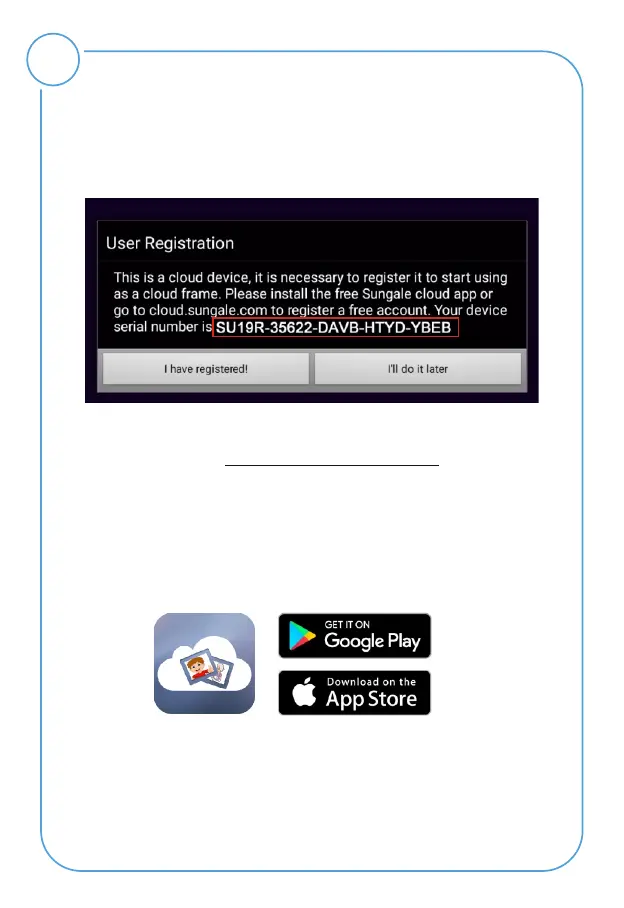
After Wi-Fi is connected, click "My Cloud Album" on home
screen, below message will appear to remind you to
register your cloud frame.
1) Register with your Mobile phone
Step 1: Go to Apple's App Store or the Google's Play Store,
download and install "Sungale Cloud" onto your mobile
phone.
Step 2: Open the "Sungale Cloud" App from your phone,
tap "New to Sungale Cloud? Create an Account".
Step 3: Enter your personal information and tap
"Create Account".
You can register your cloud frame on the Sungale Cloud
App or web portal https://cloud.sungale.com.



 To Next Page