EasyManua.ls Logo

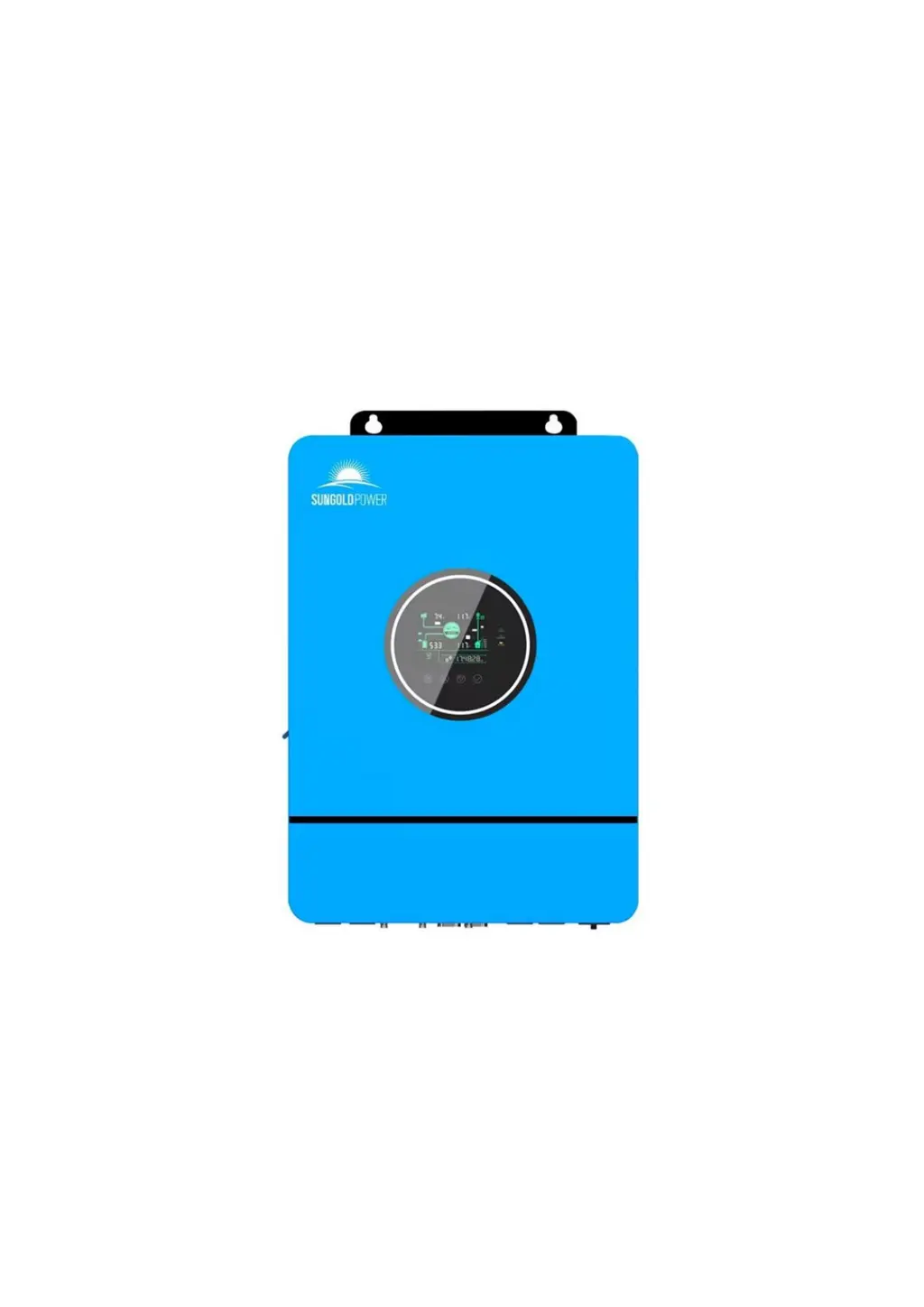
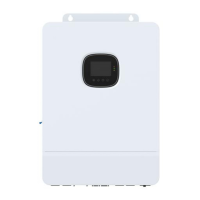
SUNGOLD POWER SPH8K48SP - User Manual

SUNGOLD POWER SPH8K48SP
43 pages
Print Icon
To Next Page IconTo Next Page
Loading...
USER MANUAL
All-in-one solar charge inverter
SPH8K48SP
SPH10K48SP
www.sungoldpower.com
sales@sungoldpower.com

Questions and Answers

  • V
    Vanessa HoganAug 14, 2025
    What to do if my SUNGOLD POWER SPH8K48SP Inverter shows no display?
    • C
      Carol WilliamsAug 14, 2025
      If the screen on your SUNGOLD POWER Inverter isn't displaying anything, it could be due to no power input or the device being in sleep mode. First, ensure the circuit breaker is closed and the rocker switch is turned ON. If it's in sleep mode, push any button on the panel to wake it up.
  • A
    Andre SmithAug 17, 2025
    What to do if SUNGOLD POWER Inverter shows battery not connected?
    • J
      James MartinAug 18, 2025
      If your SUNGOLD POWER Inverter indicates that the battery is not connected, the battery might not be connected, or the BMS is in discharge protection. Check whether the battery is reliably connected and whether the circuit breaker of the battery is not closed. If you are using a Li-ion battery, ensure that its BMS can communicate properly.
  • A
    Anita MendozaAug 20, 2025
    What to do if SUNGOLD POWER Inverter shows battery over-voltage when charging?
    • D
      Derek GalvanAug 21, 2025
      If your SUNGOLD POWER Inverter shows a battery over-voltage error during charging, it means the battery is in an over-voltage condition. You should manually power off and restart the inverter. Check if the battery voltage exceeds the limit. If it does, the battery needs to be discharged until the voltage is below the battery's over-voltage recovery point.
  • C
    Christine HornAug 25, 2025
    What to do if my SUNGOLD POWER SPH8K48SP indicates a bypass overload?
    • K
      Kristine BennettAug 25, 2025
      If your SUNGOLD POWER Inverter reports a bypass overload (software detection), it signifies that the bypass output power or output current has been overloaded for a certain period. Reduce the load power and restart the device.
  • A
    Adam HumphreyAug 27, 2025
    What to do if SUNGOLD POWER SPH8K48SP Inverter indicates a battery over-discharge?
    • A
      Angela JonesAug 27, 2025
      If your SUNGOLD POWER Inverter indicates a battery over-discharge, it means the battery voltage is lower than the value set in the parameter [12]. To resolve this, you can perform a manual reset by powering off and restarting the device. Alternatively, an automatic reset will occur once you charge the battery so that the battery voltage is higher than the value set in the parameter item [35].
  • R
    Robert HartAug 30, 2025
    Why is my SUNGOLD POWER Inverter showing battery under-voltage?
    • J
      jaclynbranchAug 30, 2025
      If your SUNGOLD POWER Inverter displays a battery under-voltage error, it means the battery voltage is lower than the value set in parameter [14]. To fix this, charge the battery and wait until the battery voltage is higher than the value set in the parameter item [14].
  • W
    whitneyrobinsonSep 3, 2025
    What to do if my SUNGOLD POWER Inverter fan fails?
    • A
      andrew35Sep 3, 2025
      If your SUNGOLD POWER Inverter detects a fan failure, which is detected by hardware for 3 seconds, manually toggle the fan after switching off the device to check for any blockage by foreign objects.
  • F
    Fernando NewmanSep 6, 2025
    What should I do if my SUNGOLD POWER Inverter indicates an AC Input relay short circuit?
    • K
      kelly01Sep 6, 2025
      If your SUNGOLD POWER Inverter indicates an AC Input relay short circuit, which means the relay for AC input is sticking, manually power off and restart the device. If the fault reappears after restarting, you need to contact the after-sales service to repair the machine.
  • W
    waresuzanneSep 10, 2025
    What does it mean if my SUNGOLD POWER SPH8K48SP Inverter shows a utility input phase fault?
    • M
      Maurice RodriguezSep 10, 2025
      If your SUNGOLD POWER Inverter displays a utility input phase fault, it means the AC input phase does not coincide with the AC output phase. Ensure that the phase of the AC input is the same as the phase of the AC output. For example, if the output is in split-phase mode, the input must also be in split-phase.

Summary

Safety

How to Use This Manual

Provides guidance on using the manual for SPH series inverters.

Symbols in This Manual

Explains the meaning of danger, warning, caution, and notice symbols.

Safety Instructions

Important safety instructions for installation and operation of the inverter.

Product Overview

Product Instructions

Describes the SPH series inverter as a solar energy storage solution.

Key Features

Lists key features like battery support, output modes, MPPT, and protection.

System Connection Diagram

Illustrates the system components and their connections for the inverter.

Production Overview

Details the physical layout and labeled parts of the inverter.

Installation Guide

Selecting the Mounting Location

Guidelines for choosing a suitable location for mounting the inverter.

Mounting the Inverter

Instructions on how to physically mount the inverter on the wall.

Terminal Cover and Insect Net Removal

Steps for removing the terminal cover and anti-insect net.

System Connection

Connection Overview

Explains split-phase and single-phase AC output modes and voltage ranges.

Cable and Circuit Breaker Requirements

Specifies cable diameter and circuit breaker ratings for PV, AC, and battery.

AC Input and Output Connection

Details how to connect the AC input and output wires.

Battery Connection

Instructions for connecting the positive and negative battery cables.

PV Connection

Instructions for connecting the PV input wires.

Dry Contact Connection

How to connect the communication cable to the dry junction port.

Grounding Connection

Instructions for making the grounding connection to the grounding bar.

Final Assembly

Steps for completing the physical assembly after wiring.

Inverter Startup Procedure

Step-by-step guide to safely start up the inverter.

Inverter Operation

Display Panel and Controls

Overview of the LCD screen, indicators, and touchable keys on the panel.

System Setting Configuration

Guide on how to navigate and change inverter settings via the menu.

AC Output Mode Selection

Explains different AC output modes like Utility Priority, Solar Hybrid, and Solar Priority.

Battery Charging Mode Settings

Details various battery charging modes: Hybrid, Utility Priority, Solar Priority, and Solar Only.

Time-Slot Charging;Discharging Function

How to use time-slot settings for charging and discharging based on tariffs.

Battery Parameter Configuration

Parameters for lead-acid and Li-ion battery types, including voltage and timing.

Communication Interfaces

USB-B Port for Parameter Management

Details the USB-B port for parameter modification using host software.

Wi-Fi Port for Remote Monitoring

How to connect the Wi-Fi/GPRS module for mobile APP access.

RS485;CAN Port for BMS Connection

Connects to BMS for Li-ion batteries, with pin assignments.

Dry Contact Port Functions

Explains the functions of the dry contact port: remote switch, signal output, etc.

Faults and Remedies

Fault Codes and Instructions

Lists fault codes, their meanings, and instructions for resolution.

Troubleshooting Common Issues

Provides causality and remedies for common faults like screen display and battery issues.

Protection and Maintenance

Inverter Protection Features

Details various protection mechanisms like PV input, AC input, and battery protections.

Recommended Maintenance Practices

Recommendations for regular checks to ensure optimal performance and longevity.

SUNGOLD POWER SPH8K48SP Specifications

General IconGeneral
ModelSPH8K48SP
Rated Power8000W
DC Input Voltage48V
Surge Power16000W
Peak Power16000W
Efficiency>90%
WaveformPure Sine Wave
Frequency50Hz/60Hz
Protection FeaturesOverload, Short Circuit, Over Temperature
CoolingFan Cooled
Operating Temperature50°C

Related product manuals