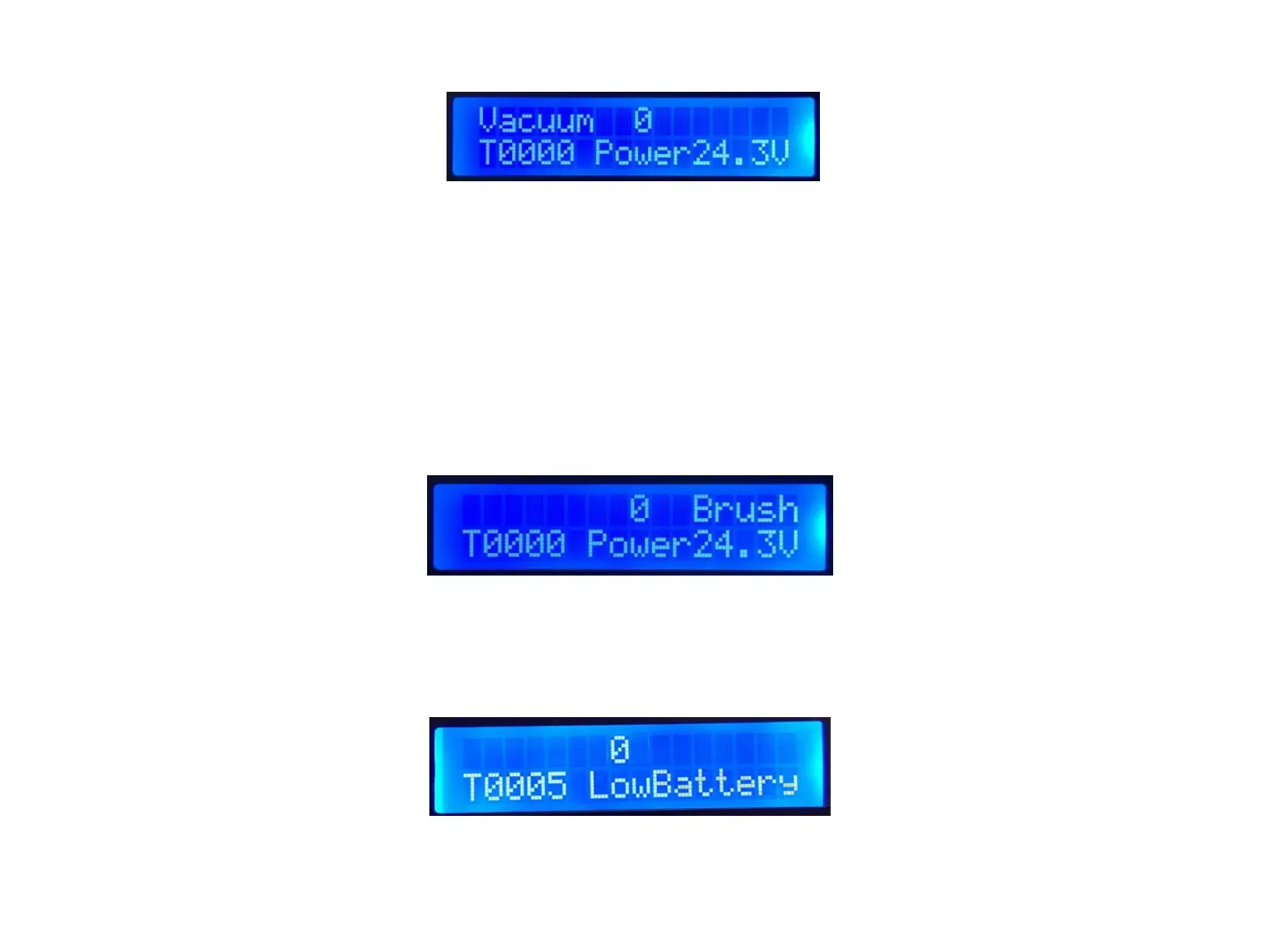
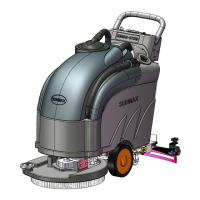
★ Brush: Brush function indicator
Press the brush button to activate the brush function on the floor scrubber, and the display
screen will show the "Brush" indicator. Press the brush button again to deactivate the brush
function, the "Brush" indicator will disappear from the screen.
Error Codes
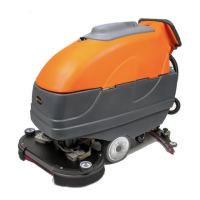
1. Low Battery: The battery voltage is low; please recharge as soon as possible.
2. Brush error: Brush motor overcurrent; please check the brush motor mechanism and the
floor surface.


 To Next Page