EXERCISE COMPUTER
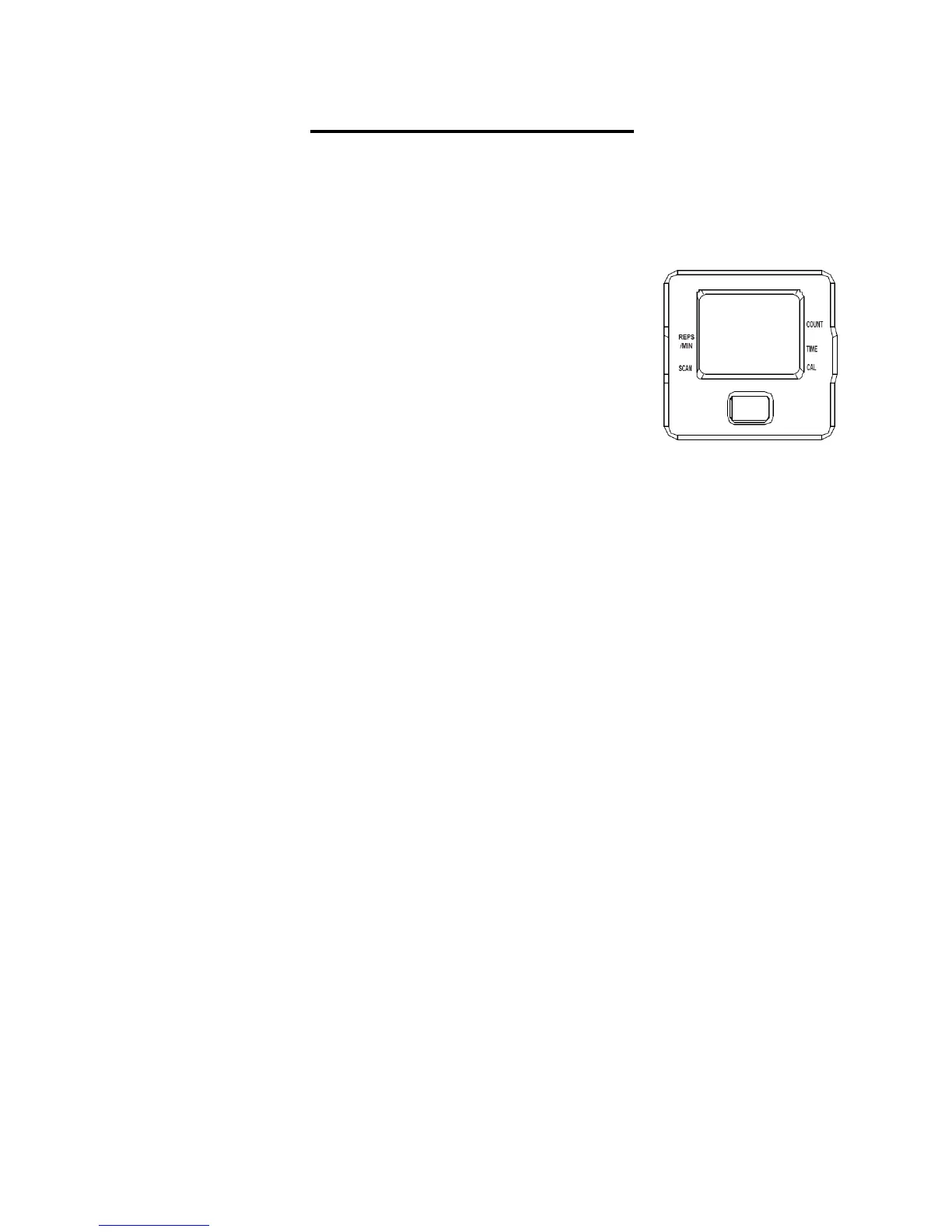
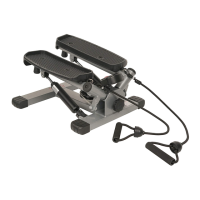
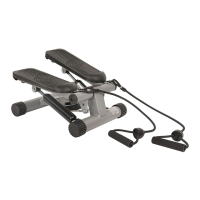
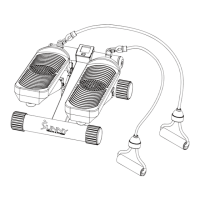
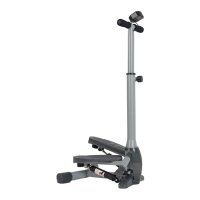
Our computerized display console on the Sunny Twisting Stair Stepper with Bands allows the
user to tailor a personalized workout by monitoring their progress. During a workout, the display
console will alternately and repeatedly display your Time, Calories, Count, Reps per minute and
Scan (all of the above). With our easy-to-use console, the user can efficiently track their fitness
improvements from one workout to the next.
FUNCTION KEY:
1. MODE: To select your specification mode and/or turn on display
console. Hold the MODE button for 3 seconds to reset functions
back to zero.
FUNCTIONS AND SPECIFICATIONS:
1. SCAN – Repeatedly displays all functions alternately (in the
following order)
2. TIME -- Counts the total time elapsed (counts up to 99:59 MIN.)
3. COUNT -- Accumulates the total count of steps from start of exercise
4. REPS/MIN -- Displays the count of steps per minute
5. CALORIES -- The rate of calories burned per hour (0.0-999.9 KCAL)
HOW TO USE:
1. AUTO ON/OFF:
Begin pedaling or press the MODE button to turn on the console. Once the display console is on,
it will remain active while in motion. The display console will automatically turn off when it has
reached approximately 4 minutes without any motion.
2. RESET:
To reset the display console, hold down the MODE button for 3 seconds. You can also reset the
console by removing the batteries.
3. BATTERY/TROUBLESHOOT: The display console uses (1) LR44, 1.5V battery. If the display
appears improper or becomes difficult to read, please try installing new batteries before
contacting our customer service.
NOTE:
The monitor is auto-powered. It turns on at start of exercise and turns off when no movement
is made between 4 to 5 minutes.
All functions will automatically stop calaulating when a “STOP” icon appears in the upper left
corner of the display monitor. This occurs when there is no signal for a period of 4 seconds.
Once the exercise begins again, the meter will automatically start recalculating and the
“STOP“ icon will disappear.


 To Next Page