11
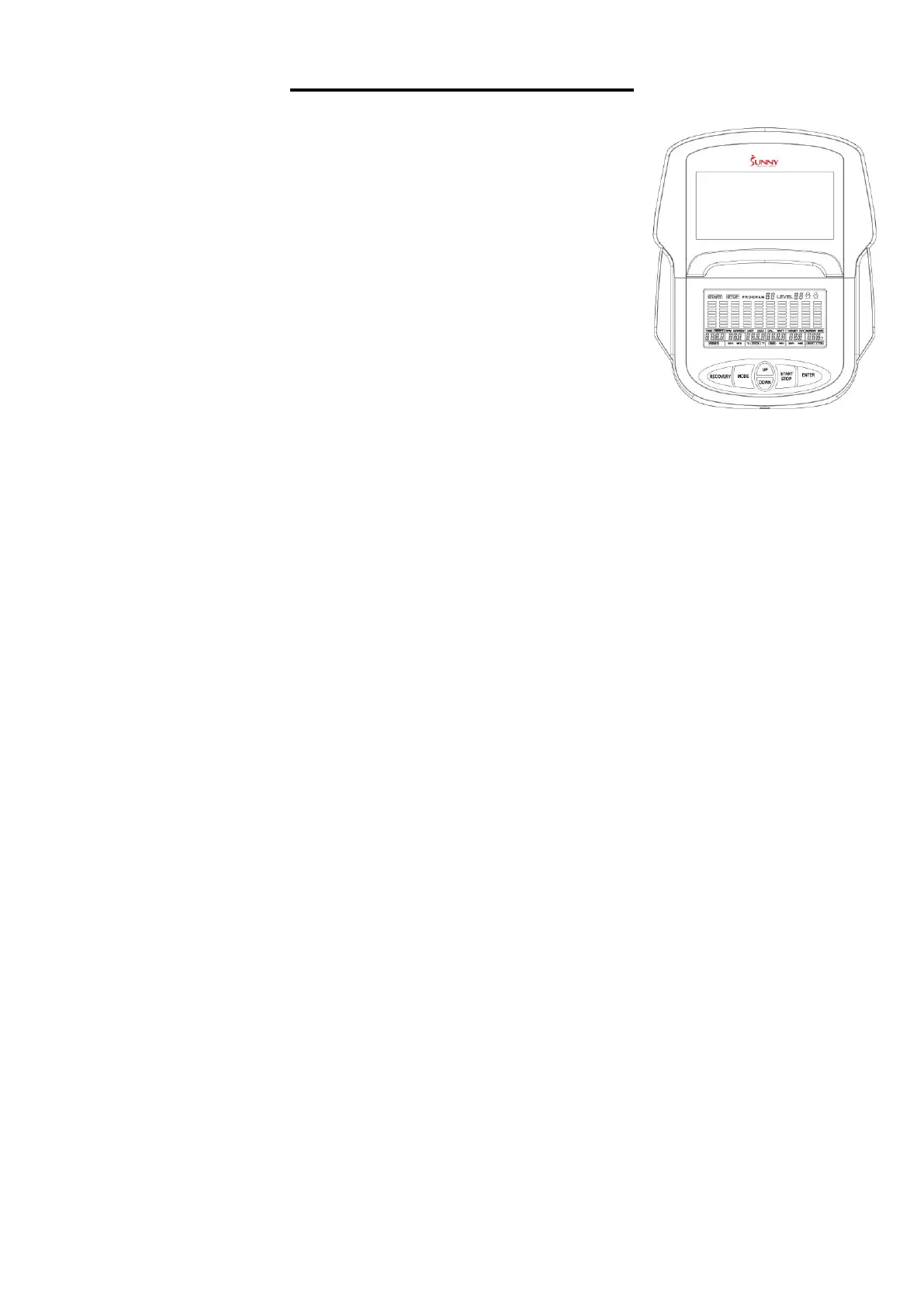
EXERCISE COMPUTER
KEY FUNCTION:
START/STOP:
1. Start & Pause workouts.
2. Start body fat measurement.
3. Holding the button for 3 seconds will reset all function values to zero.
DOWN:
Decrease value of selected workout parameter: TIME, DISTANCE, etc.
During the workout, the resistance load will decrease.
UP:
Increase value of selected workout parameter: TIME, DISTANCE, etc. During the workout, the
resistance load will increase.
ENTER:
To input a desired value or workout mode.
RECOVERY:
Press to enter into the Recovery function when the computer displays the heart rate value.
Recovery is Fitness Level 1-6 after 1 minute. F1 is the best, and F6 is the worst.
MODE:
Press to switch display from RPM to SPEED, ODO to DIST, and WATT to CALORIES during the
workout.
WORKOUT SELECTION:
After turning on the power, use the UP or DOWN button to make a selection. Then press the
ENTER button to enter the desired mode.
There are 7 basic workout modes:
Manual, Pre-programs, Watt Program, Body Fat Program, Target Heart Rate Program, Heart
Rate Control Program, and User Program.


 To Next Page