9
(2) Toggle the Next button to select the recording mode.
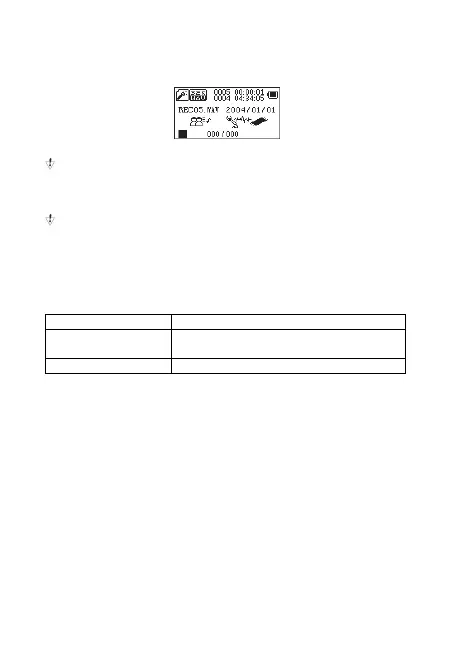
(3) Short press Menu key to enter the recording mode, the graphics
are as follows:
(4) Short press the Play button to start recording.
During recording, short press the Play button to pause
recording, long press the Play button to save the audio file. Long
press Menu button to exit the recording mode and save the
recording file.
The recording process only responds to the "Play" button and
the Menu button.
To select the recording type
(1) In the recording stop interface
(2) Short press Menu key to enter record submenu
(3) Toggle the Next button, select the "REC" sub-menu item, press
the Menu button to enter
Fine recording wav format, the sound quality is better.
Long-term recording wav format, the sound quality is
ordinary.
Super recording Wav format, high bit rate recording file
(4) Press Next to select the right type of recording, and a short
press Menu key to confirm the selected type.
(5) Press the Play button to start recording.
Play recording file
(1) Enter the main menu
(2) Toggle Next button, select "Voice"
(3) Press play
(4) Select the recording file.
Last button:Select the previous recording file.
Next button:Select the previous recording file.
(5) Short press upon M and it will appear: local folder, delete file,
delete all, exit.
(6) If you want to delete file, select with M and with the arrows
move upon Yes or No. If you choose Yes and press M, the file will be
delete.



 To Next Page