6
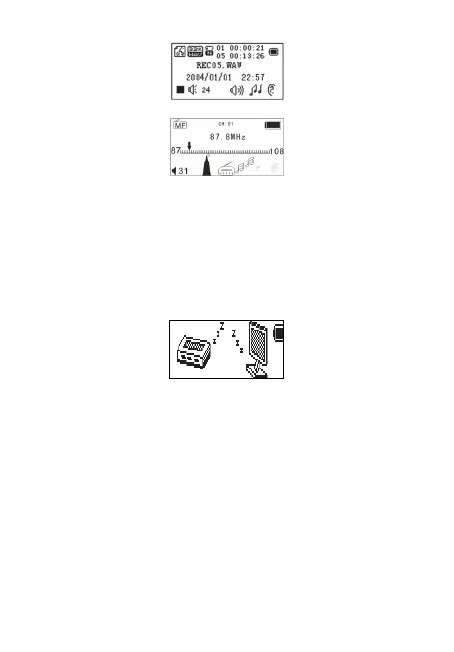
FM
mode:
S
ystem settings:
Lcd set
Language
Power off
Memory info
Firmware version
Exit
EBOOK:File select
Test3.T XT
Connection to USB mode and PC:
Vo
lume adjusting
Press the VOL key to enter the volume selection, short press Next /
Last button to increase or decrease the volume level.
3. Boot / Shutdown
Turned off, long press the Play button.
Turned on, long press the Play button, (Switch must be ON)
Play or stop (recording pause); exit from the submenu.
Music mode, press the Play button to play music.
Play music state, short press the Play button to pause playback.
Long press to stop playback.
To start recording (short press) / stop recording (long press to M to
exit and save the audio file)
Recording status, press the Play button to stop recording.



 To Next Page