10
(7) Control the volume: Press the VOL button to enter the volume
select, short press Next to increase the volume, short press the Last
button to decrease the volume.
7. Using the FM radio
(1) Enter the main menu
(2) Toggle Next button, select "FM "
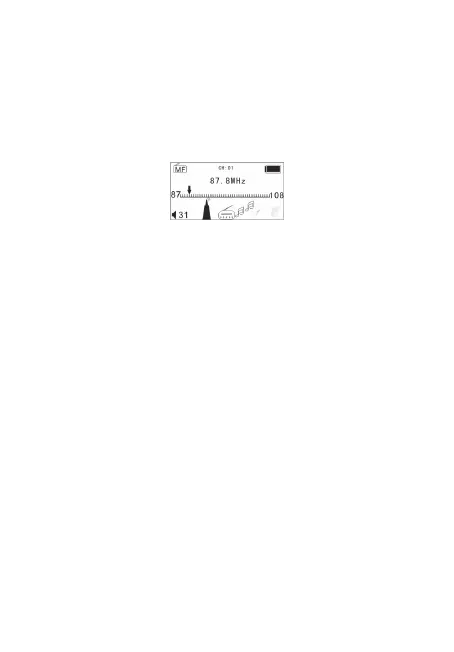
(3) Short press Menu key to enter "FM” mode
Au
tomatic search
Press and hold the Last / Next button for 3 seconds player to
100KHz search forward or backward. If you want to stop the search,
toggle Last / Next, stop the search. Into the radio sub-menu select
"automatic station search”
Tips: Earphones have to always keep connected, since they
work as an antenna.
Fine tuning
Toggle Last: backward single step 100KHz
Toggle the Next button: move forward a single step 100KHz
How to save manual frequency
Short press Menu key to enter FM submenu and you will find the
following menu:
FM Mode
Auto search
Save
Delete one
Delete all
REC
Exit
Press the Menu button and select “save” to store the station and
press M to confirm.
Choose to listen to the radio station has been saved
Press play key step by step until you find the desire radio station
(showed at the top of the screen as “CH—“)
Recording your favorite shows recorded into the sub-menu to



 To Next Page