EasyManua.ls Logo

Sunstech STBTK150 - User Manual

Sunstech STBTK150
64 pages
Print Icon
To Next Page IconTo Next Page
Loading...
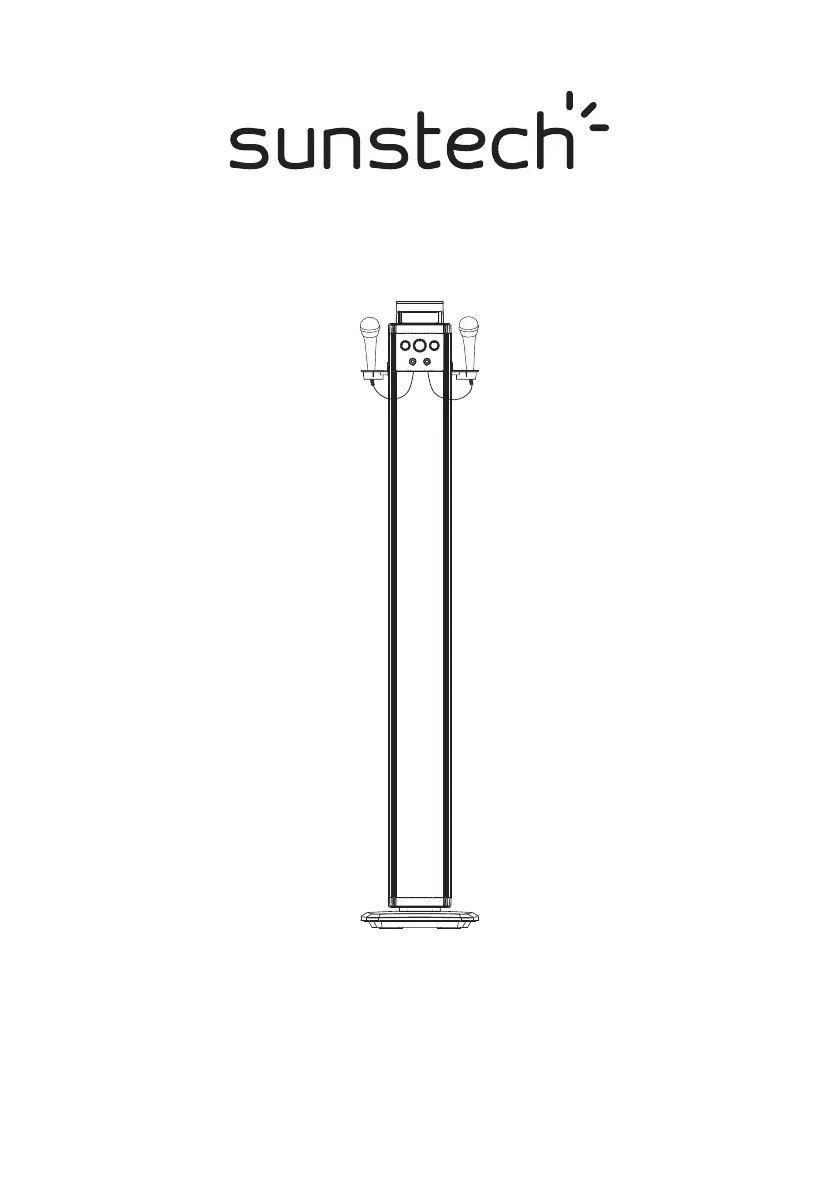
STBTK150
BLUETOOTH+KARAOKE
TOWER SPEAKER
INSTRUCTION MANUAL
PLEASE READ REFORE OPERATING THIS EQUIPMENT.

Questions and Answers

  • R
    richardsontammieAug 11, 2025
    What to do if there is no sound from my Sunstech STBTK150 Speakers in BT mode?
    • R
      Robert NelsonAug 11, 2025
      If you're not getting any sound in Bluetooth mode, the first thing to check is whether your device is properly paired. Ensure that the external Bluetooth player and the tower speaker are paired, using the password "0000" for the initial connection.
  • P
    patriciafisherAug 18, 2025
    What to do if the Sunstech Speakers remote control won't work?
    • T
      Thomas VaughnAug 18, 2025
      If the remote control isn't working, try these steps: * First, inspect or replace the battery in the remote. * Second, make sure that nothing is blocking the path between the remote and the front of the tower speaker.
  • J
    jason45Aug 26, 2025
    Why is there no sound coming from my Sunstech Speakers?
    • J
      Justin CopelandAug 26, 2025
      If you're not getting any sound from your speakers, ensure that the volume control is not set to the minimum level and that the mute function is not activated.
  • A
    Alexander WattsSep 2, 2025
    How to troubleshoot a Sunstech STBTK150 Speakers with no power?
    • B
      Brian CookSep 2, 2025
      If your speaker isn't powering on, verify the AC/DC adapter is securely connected between the tower speaker and the wall outlet.

Sunstech STBTK150 Specifications

General IconGeneral
TypePortable Bluetooth Speaker
Power Output5W
ColorBlack
ConnectivityBluetooth, USB, AUX
Power SourceBuilt-in rechargeable battery

Related product manuals