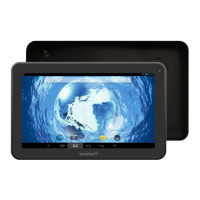
Tablet Part
Name function
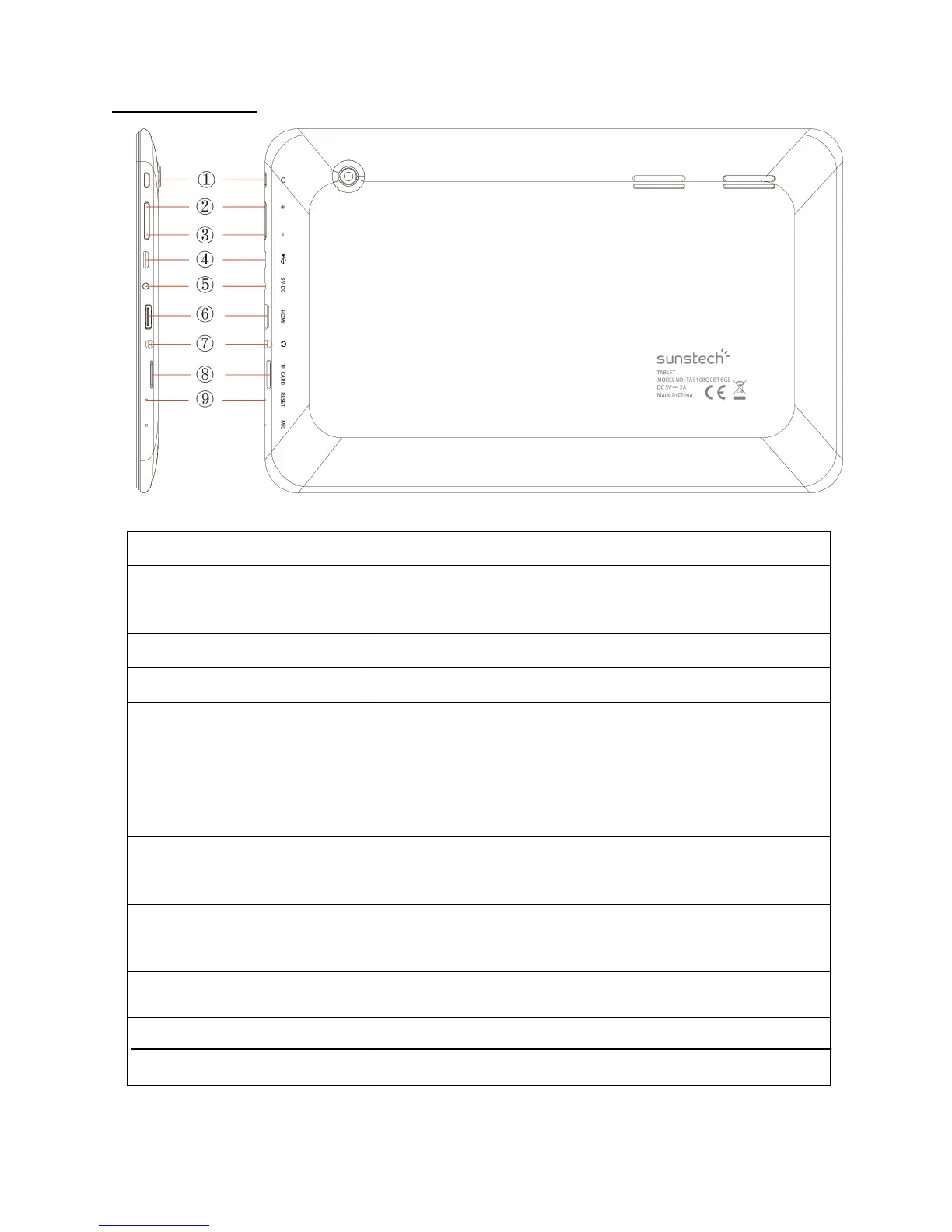
1--Power Keep pressed to turn on/o˜ the tablet; shortly
press to activate standby
2--VOL+ Press the button to increase the volume
3--VOL- press the button to decrease the volume.
4—Micro USB OTG
Port
PC connection/peripheral connection through
OTG cable (for example keyboard, USB
device)/battery charge through the supplied
adaptor
5--Power jack(DC in –
Put)
Connect to a 5V output adaptor. (not included)
6--TV HD output Mini HDMI TV output to connect an external
screen.
7--Earphone jack Connect earphone to this standard 3.5mm jack
8--Micro SD input
9 Reset button
Insert a micro SD card (up to 32GB)
Push Reset Button to restore the unit.
2


 To Next Page