How to Use TF card
1. Insert the TF card into the TF card slot. Gently push TF card into slot until it
clicks into place.
2. A prompt will be seen on the screen saying “ Preparing SD card “
Removing TF card
1. Close all applications and documents which have been opened from the TF
card.
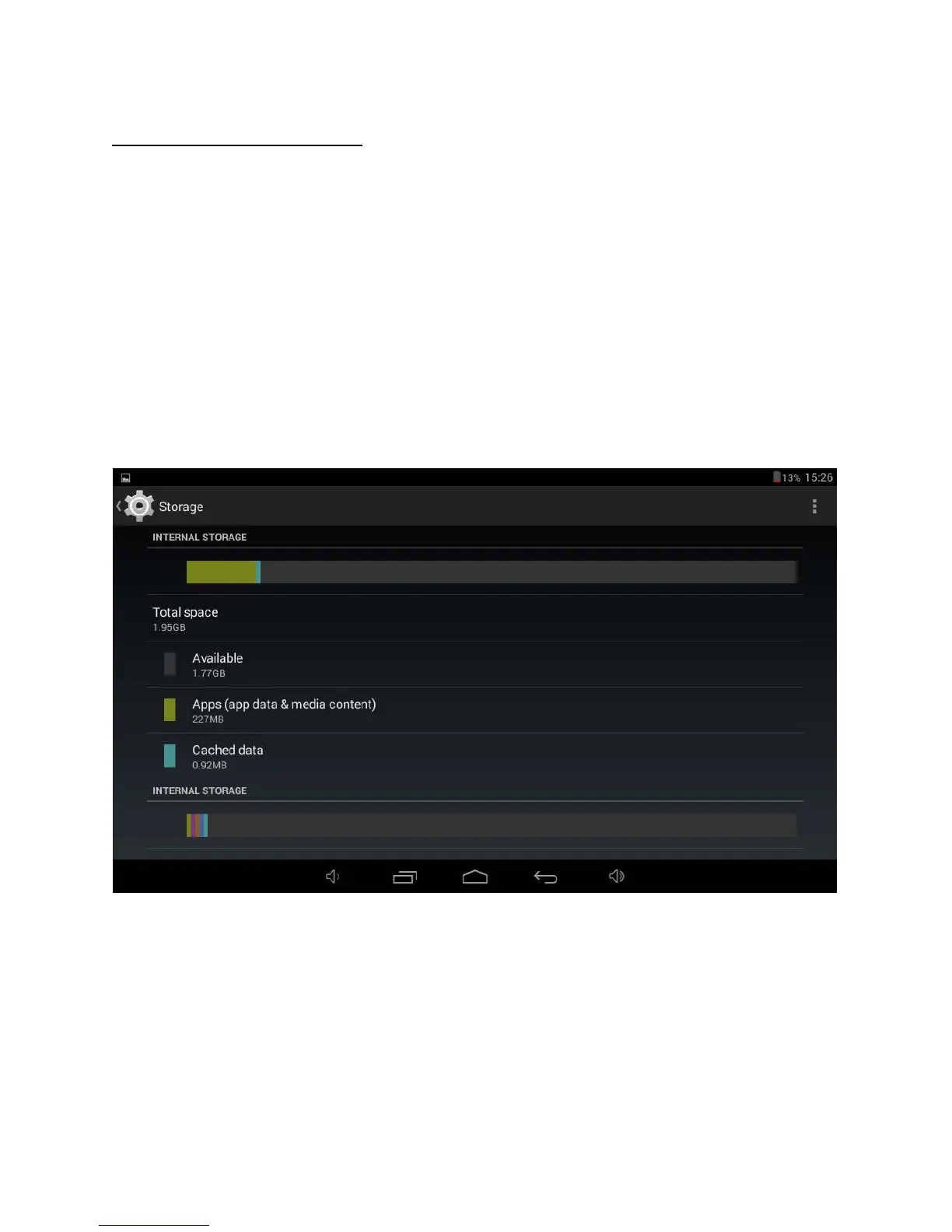
2. Select “Setting” and find “ Storage” then click “Unmount SD card”.
3. A prompt will be seen
on the screen saying “ SD card safe to remove”
4. Gently press the TF card to remove and pull out the TF card.
Note: Insert the TF card in correct position, otherwise it will damage the card
and the slot.
7


 To Next Page