T
h
e D
e
s
k
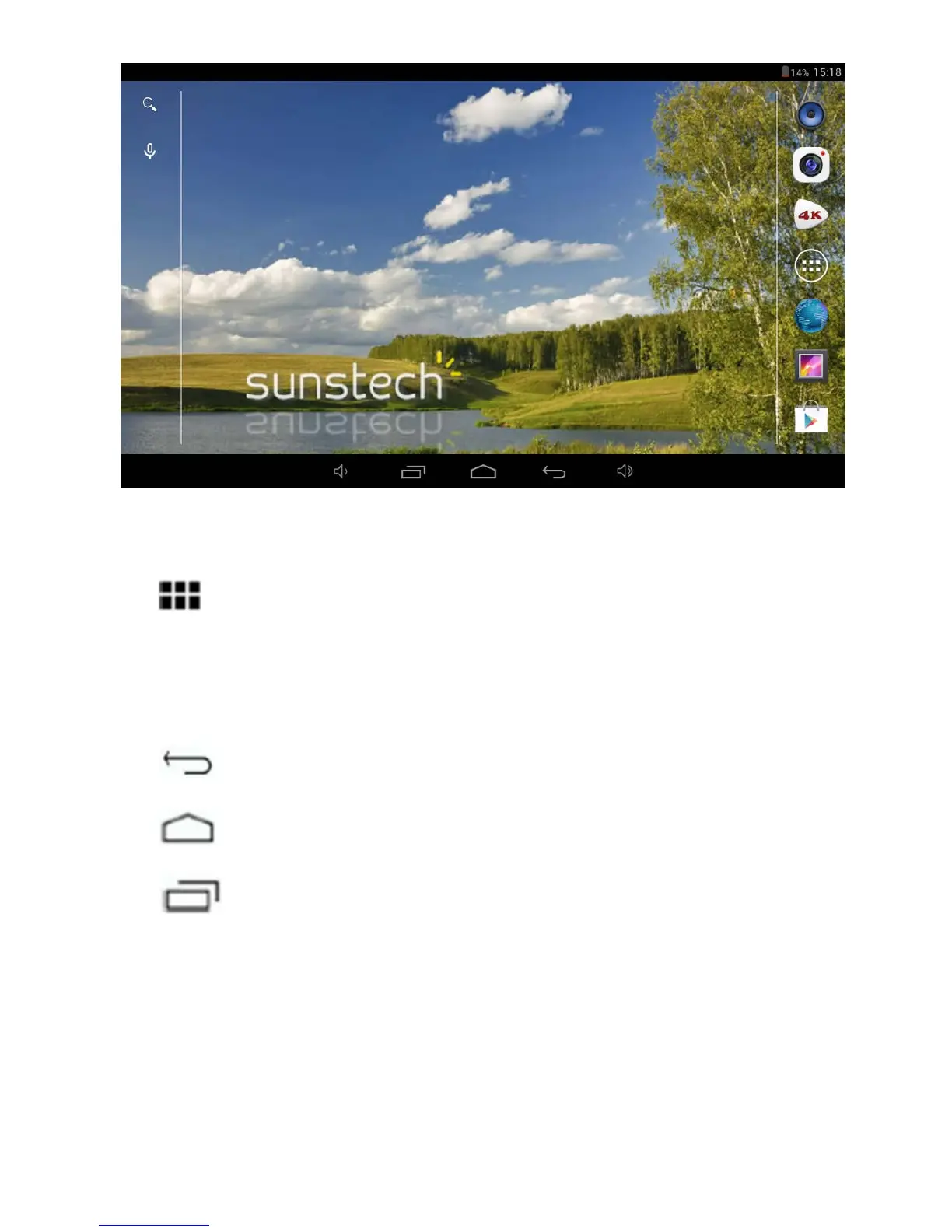
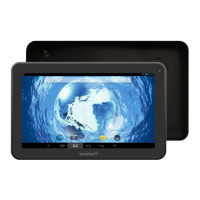
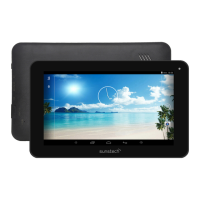
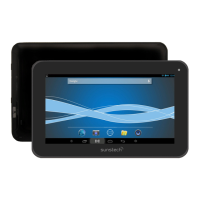
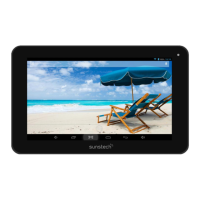
top contains shortcuts to your most-used applications and widgets
Touch the screen icon to quickly search the World Wide Web using Google.
The
icon will launch the Application menu.
The status bar displays system information, such as current time, wireless
connectivity and battery.
Touch to Expand the status bar for more detailed information.
The
button moves back one step to the previous menu/page.
The
buttons returns immediately to the Android desktop.
The
button display a menu of recently opened applications.
Settings Menu
The settings menu allows you to adjust Tablet system configuration.
5


 To Next Page