4 Enter WEP key or network key if necessary.
5 Once connected to a wireless network, settings will be saved
6 Wireless icon will appear on the taskbar when connected successfully.
Note: when the tablet detects the same wireless network in the future, the
device will connect automatically to the network.
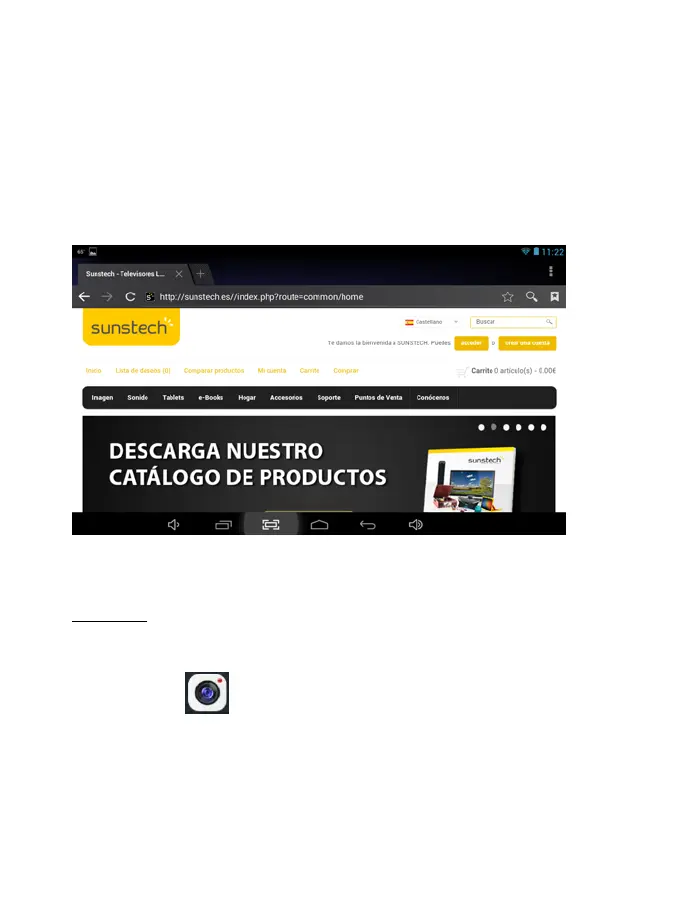
Web Browsing
Connect to the internet and launch the browser.
Camera
Touch the icon to enter camera mode and the interface is shown as
follows:
10


 To Next Page