Screen Lock
This feature locks the screen, at the same time turn OFF the screen’s backlight
after a few seconds.
Screen locks when:
1. System is idle.
2. Manually activate it by pressing the Power button once.
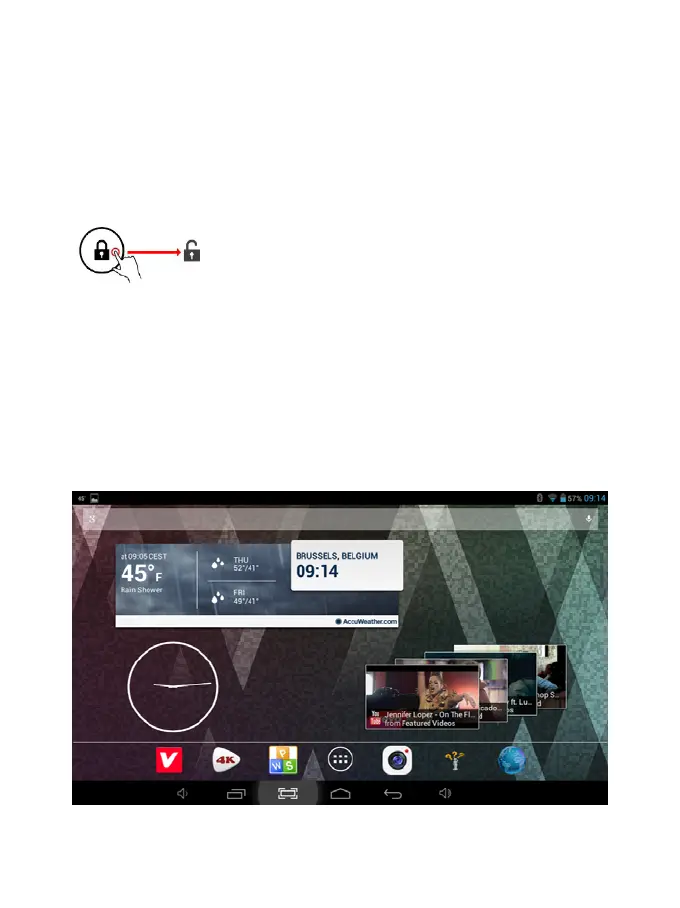
Screen unlock :
Home screen
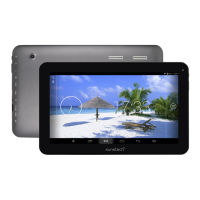
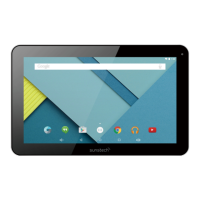
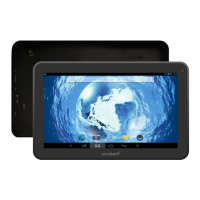
The Home screen will look similar to the picture below. It is actually five
screens, each of which can have a different layout of icons. To switch between
screens, simply slide your finger left or right across the display.
The status bar and navigation buttons are always visible, no matter which
Home screen you can currently viewing.
5


 To Next Page