The two built in programmes, one for Central Heating and one for Hot water, can easily be changed to better
suit your needs.
To change the Central heating programme
Press SET button repeatedly until the display
Indicator is flashing above the radiator symbol.
An indicator will appear above ON and the
Number1 will show above it. This indicates
the time shown on the display is the first ON time.
Change this to the required time by pressing the
+/- buttons.
Press NEXT button to move indicator to above
OFF. Time now shown is the 1
st
OFF time.
Change as before.
Use the NEXT and +/- buttons in this way to
Program the second time period.
If the unit is set for three ON /OFF periods, the
Number 3 will appear. This is set in exactly the
same way as the previous second time period.
If unit is installed as a 7 day programmer, the initial programme displayed will be for Monday. You can go to
any day of the week by pressing DAY button repeatedly. The ON/OFF times can be changed for each day
as above. If you press COPY button, the current programme will be copied into the next day.
If unit is installed as a 5day/2day programmer, the initial programme displayed will be for Monday to Friday.
Pressing DAY button will take you to the programme for Saturday and Sunday. The ON/OFF times can be
changed for each day group as above. If you press COPY button, the current programme will be copied into
the next day group.
If the unit is installed as a 24hr. Programmer, the built in programme will be the same for each day (as for
Monday to Friday). The COPY function is not required if installed as a 24 hr. programmer.
To return to RUN mode, press SET button until the display indicator returns to above the RUN position.
To change HOT WATER programme
Press SET button repeatedly until flashing indicator on display is above the tap symbol and proceed exactly
as Central heating above.
Note
It is not possible to copy Sunday to Monday.
For convenience to allow for programmes to go past midnight, the programme day is from 03:00am to
02:50am the next day.
If your programme gets scrambled, or you want to start again, press the reset button using a non-metallic
tool to re-load the default programmes, then press any button to clear the DIP switch configuration code. The
unit should revert to time setting mode ready for programming.
USING ADVANCE
This function is only available when programme is in AUTO or ALLDAY operating modes.
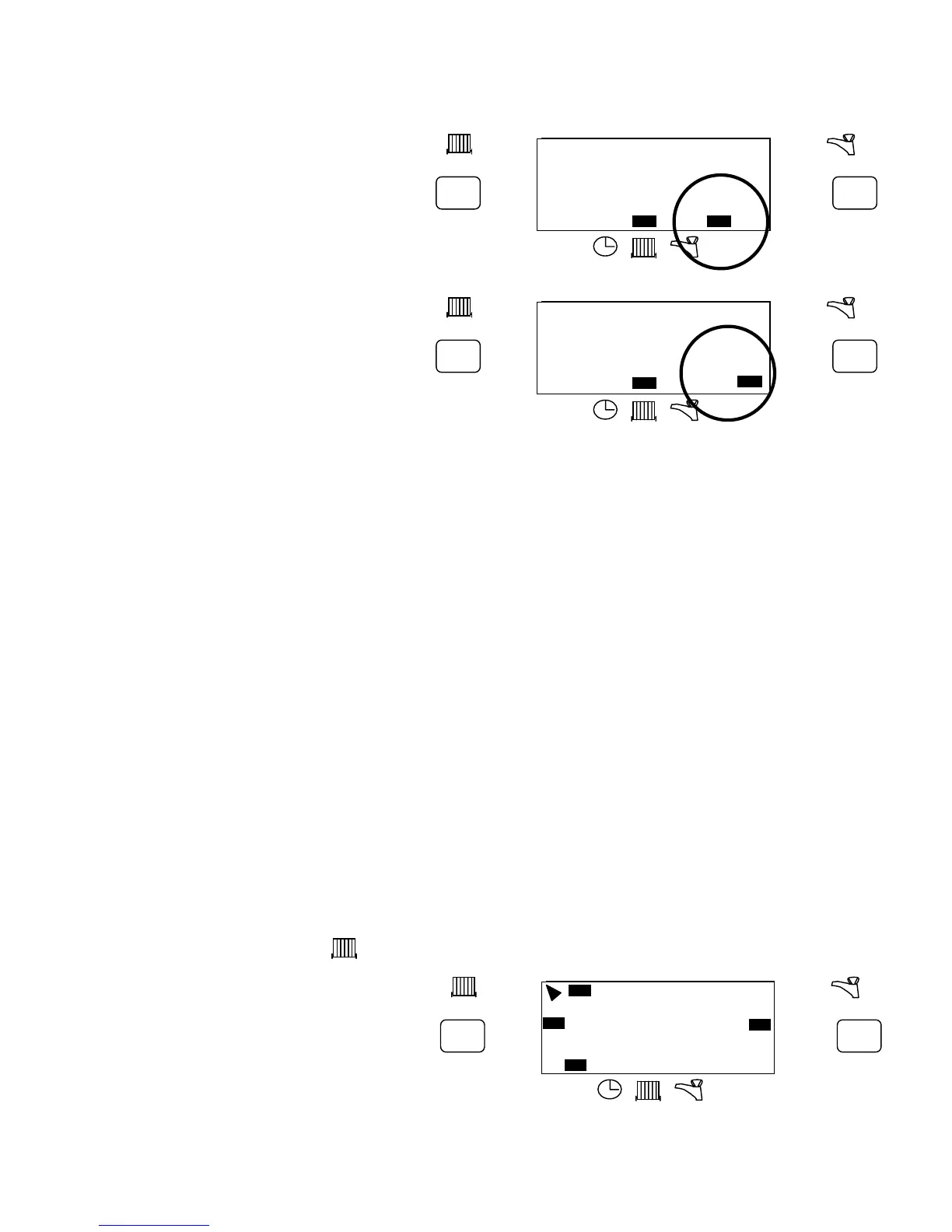
To Advance Central Heating
Press the left hand ADV button. This will turn
Central heating ON if it was in an OFF period
And vice versa. It will stay in this state until
either ADV is pressed again, or until a
programmed ON/OFF commences.
An indicator will appear on display top left hand
Corner, pointing at ADV. This is normally covered
By the flip down front fascia panel.
12 : 00
+1hr
RUN
ON OFF
ON
AUTO
ALLDAY
OFF
ON
AUTO
ALLDAY
OFF
MO TU WE TH FR SA SU
ADV ADV
+1hr
12 : 00
+1hr
RUN
ON OFF
ON
AUTO
ALLDAY
OFF
ON
AUTO
ALLDAY
OFF
MO TU WE TH FR SA SU
ADV ADV
+1hr
1
1
12 : 00
+1hr
RUN
ON OFF
ON
AUTO
ALLDAY
OFF
ON
AUTO
ALLDAY
OFF
MO TU WE TH FR SA SU
ADV ADV
+1hr


 To Next Page
 Loading...