During installation, the installer selects 24 hour, or 5 day/2 day, or 7 day programming and
2 or 3 on/off periods per day, via a 4 position DIP switch on the back of the unit (see
installation instructions).
IMPORTANT: These settings should only be changed by a qualified person. Contact your
installer.
The 24 hour programmer option runs the same programme every day.
The 5 day/2 day programmer options allows different ON/OFF times at weekends.
The 7 day programmer option allows different ON/OFF times for each day of the week.
The unit is designed to eliminate the possibility of accidental changes to your programme.
Buttons normally visible, only affect your set programme temporarily. All buttons which can
permanently change your programme are located behind the flip-down fascia.
SELECTING OPERATING MODE
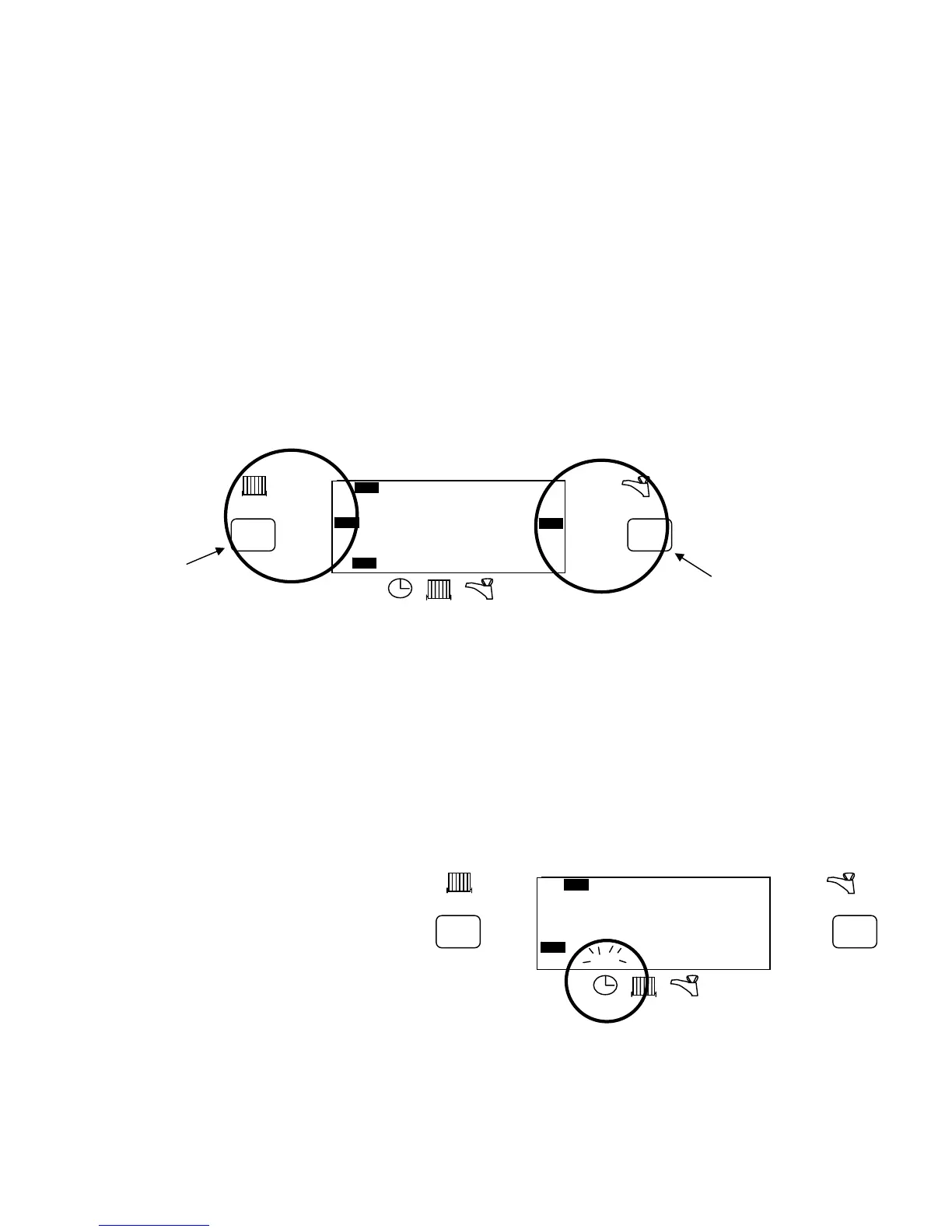
The Heating and Hot water mode select buttons are used to set the operating mode for CENTRAL HEATING
and HOT WATER respectively. Each has 4 modes as described:-
ON Central heating and/or Hot water on continuously (I.E. All the time).
AUTO Central heating and/or Hot water will be switched On or Off as programmed
ALLDAY Central heating and/or Hot water will be switched On only once each day.
It will switch ON at the first ON time and OFF at the last OFF time.
OFF Central heating and/or Hot water continuously OFF.
Press the SET button once.
The display will flash above the clock.
Press the +/- buttons to adjust the time.
Hold down button to change time quicker.
Press DAY button to move indicator to
Current day.
Press SET button repeatedly to move
Indicator to RUN position.
NOTE: The unit will automatically return
To run mode if a period of 5 minutes passes
Without any buttons being pressed.
BST/GMT TIME CHANGES
To move the time forward or back 1 hour, press and hold for 3 secs, the TIME +/- button (as appropriate),
while the unit is in run mode.
CHANGING PROGRAMME TIMES
+1hr
RUN
ON OFF
ON
AUTO
ALLDAY
OFF
ON
AUTO
ALLDAY
OFF
MO TU WE TH FR SA SU
ADV ADV
+1hr
12 : 00
Heating mode
Selection button
And indicato
Hot Water mode
Selection button
And indicator
12 : 00
+1hr
RUN
ON OFF
ON
AUTO
ALLDAY
OFF
ON
AUTO
ALLDAY
OFF
MO TU WE TH FR SA SU
ADV ADV
+1hr



 To Next Page
 Loading...