LINKING CENTRAL HEATING AND HOT WATER
If required, it is possible to set both central heating and hot water to follow the same program.
This is done by holding the COPY button down, while pressing reset.
This simplifies programming as changes need only be made once, and will affect both central heating and
hot water.
Configuration Display
2 on/2off/pumped 2 PU
3 on/3off/pumped 3 PU
2 on/2off/gravity 2 GA
3 on/3off/gravity 3 GA
Mon to Sun day indicators
7 day Mon to Sun successively on
5/2 day Mon to Fri on alternating with Sat, Sun on
24Hr Mon to Sun all on together
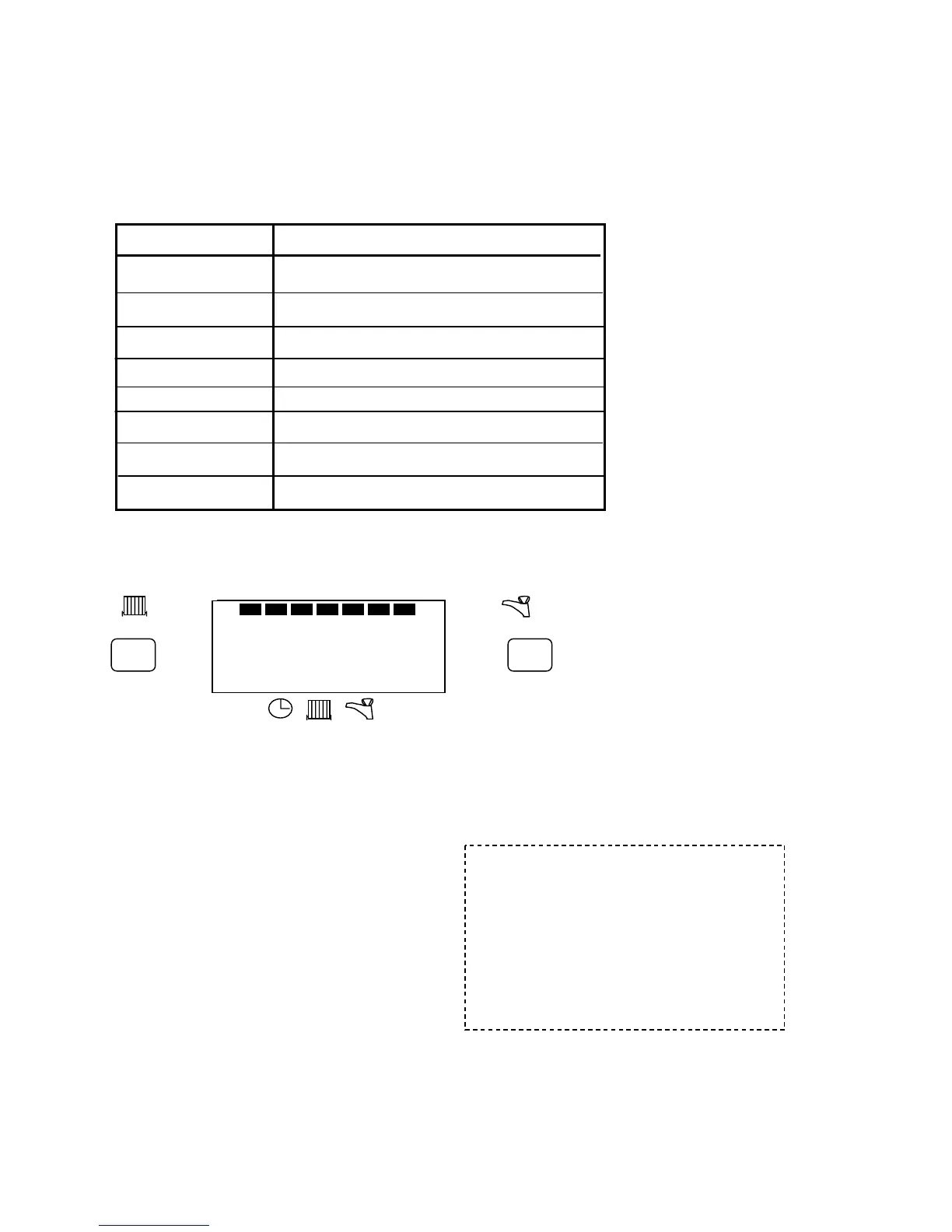
E.G. 24hr. 2 on/2off pumped, would look like this:-
NOTE
The last letter of the display (i.e. the U or the A) will be L, if central heating and hot water have been linked.
E.G. 2 PL = 2on/2off pumped, linked CH/HW
Press any button to revert to time setting mode. The unit is then ready for programming. See SETTING TIME
OF DAY section.
BUILT IN PROGRAMME
For convenience, the programmer has a built in
programme which for many people is perfectly
satisfactory, but it can be changed quite easily
(see section CHANGING PROGRAMMING
TIMES)
If the unit is installed as a 24 hour programmer,
the built in programme will be the same for each
day (as Mon. to Fri. above).
2 PU
+1hr
RUN
ON OFF
ON
AUTO
ALLDAY
OFF
ON
AUTO
ALLDAY
OFF
MO TU WE TH FR SA SU
ADV ADV
+1hr
Factory programme settings
Mon-Fri Sat&Sun
1
st
ON 6:00am 7:00am
1
st
OFF 8:30am 9:00am
2
nd
ON 12:00 noon 12:00 noon
2
nd
OFF 12:00 noon 12:00 noon
3
rd
ON 4:30pm 11:00pm
3
rd
OFF 10:30pm 11:00pm


 To Next Page
 Loading...